-
Android | 通过URL获取网络图片Bitmap格式
一、获取网络图片URL
1.随便找一张网络图片

2.右键打开图像

3.复制图片URL (.jpg或者其他图像格式结尾的url才是图片的url(统一资源定位器)啊 =>=)

二、代码
1.初始化绑定视图
- private Bitmap imgBitmap = null;
- private ImageView ivPhoto;
- @Override
- public void onCreate(Bundle savedInstanceState) {
- super.onCreate(savedInstanceState);
- setContentView(R.layout.activity_main);
- ivPhoto = (ImageView) findViewById(R.id.photo);
- String imgUrl = "https://w.wallhaven.cc/full/l3/wallhaven-l3xk6q.jpg";
- requestWebPhotoBitmap(imgUrl);
- }
2.网络请求(核心代码)
(方法一 :通过 HttpURLConnection 请求)
- /**
- * 通过 网络图片 url 获取图片 Bitmap
- * @param photoUrl 网络图片 url
- */
- private void requestWebPhotoBitmap(String photoUrl) {
- new Thread(() -> {
- HttpURLConnection connection = null;
- try {
- URL bitmapUrl = new URL(photoUrl);
- connection = (HttpURLConnection) bitmapUrl.openConnection();
- connection.setRequestMethod("GET");
- connection.setConnectTimeout(5000);
- connection.setReadTimeout(5000);
- // 判断是否请求成功
- if (connection.getResponseCode() == 200) {
- Message hintMessage = new Message();
- hintMessage.what = HANDLER_START_DOWNLOAD;
- hintHandler.sendMessage(hintMessage);
- InputStream inputStream = connection.getInputStream();
- imgBitmap = BitmapFactory.decodeStream(inputStream);
- Message message = showHandler.obtainMessage();
- showHandler.sendMessage(message);
- } else {
- Message hintMessage = new Message();
- hintMessage.what = HANDLER_NET_ERROR;
- hintHandler.sendMessage(hintMessage);
- }
- } catch (IOException e) {
- e.printStackTrace();
- } finally {
- if (connection != null) connection.disconnect();
- }
- }).start();
- }
- /**
- * 设置提示
- */
- private final Handler hintHandler = new Handler(Looper.getMainLooper()){
- @Override
- public void handleMessage(Message msg) {
- if(msg.what == HANDLER_START_DOWNLOAD)
- Toast.makeText(MainActivity.this, "获取图片中,请稍等", Toast.LENGTH_SHORT).show();
- else if(msg.what == HANDLER_NET_ERROR)
- Toast.makeText(MainActivity.this, "网络错误,请重试", Toast.LENGTH_SHORT).show();
- }
- };
- /**
- * 展示图片
- */
- @SuppressLint("HandlerLeak")
- private final Handler showHandler = new Handler(Looper.getMainLooper()) {
- @Override
- public void handleMessage(Message msg) {
- super.handleMessage(msg);
- ivPhoto.setImageBitmap(imgBitmap); //填充控件
- }
- };
(方法二 : 通过 Glide)
- /**
- * 获取 网络图片 Bitmap
- * @param imgUrl 网络图片url
- */
- private void requestWebPhotoBitmap(String imgUrl) {
- Toast.makeText(MainActivity.this, "获取图片中,请稍等", Toast.LENGTH_SHORT).show();
- Glide.with(MainActivity.this).asBitmap().load(imgUrl).into(new CustomTarget
() { - @SuppressLint("ClickableViewAccessibility")
- @Override
- public void onResourceReady(@NonNull Bitmap resource, @Nullable Transitionsuper Bitmap> transition) {
- imgBitmap = resource;
- ivPhoto.setImageBitmap(imgBitmap)
- }
- @Override
- public void onLoadCleared(@Nullable Drawable placeholder) {
- }
- });
- }
注意:使用 glide 要在 build.gradle(app)导包
implementation 'com.github.bumptech.glide:glide:4.11.0'3.布局文件
- "1.0" encoding="utf-8"?>
- <FrameLayout
- xmlns:android="http://schemas.android.com/apk/res/android"
- android:layout_width="fill_parent"
- android:layout_height="fill_parent"
- android:layout_gravity="center" >
- <ImageView
- android:id="@+id/photo"
- android:layout_width="match_parent"
- android:layout_height="500dp"
- android:layout_gravity="center"
- android:scaleType="centerInside" >
- ImageView>
- FrameLayout>
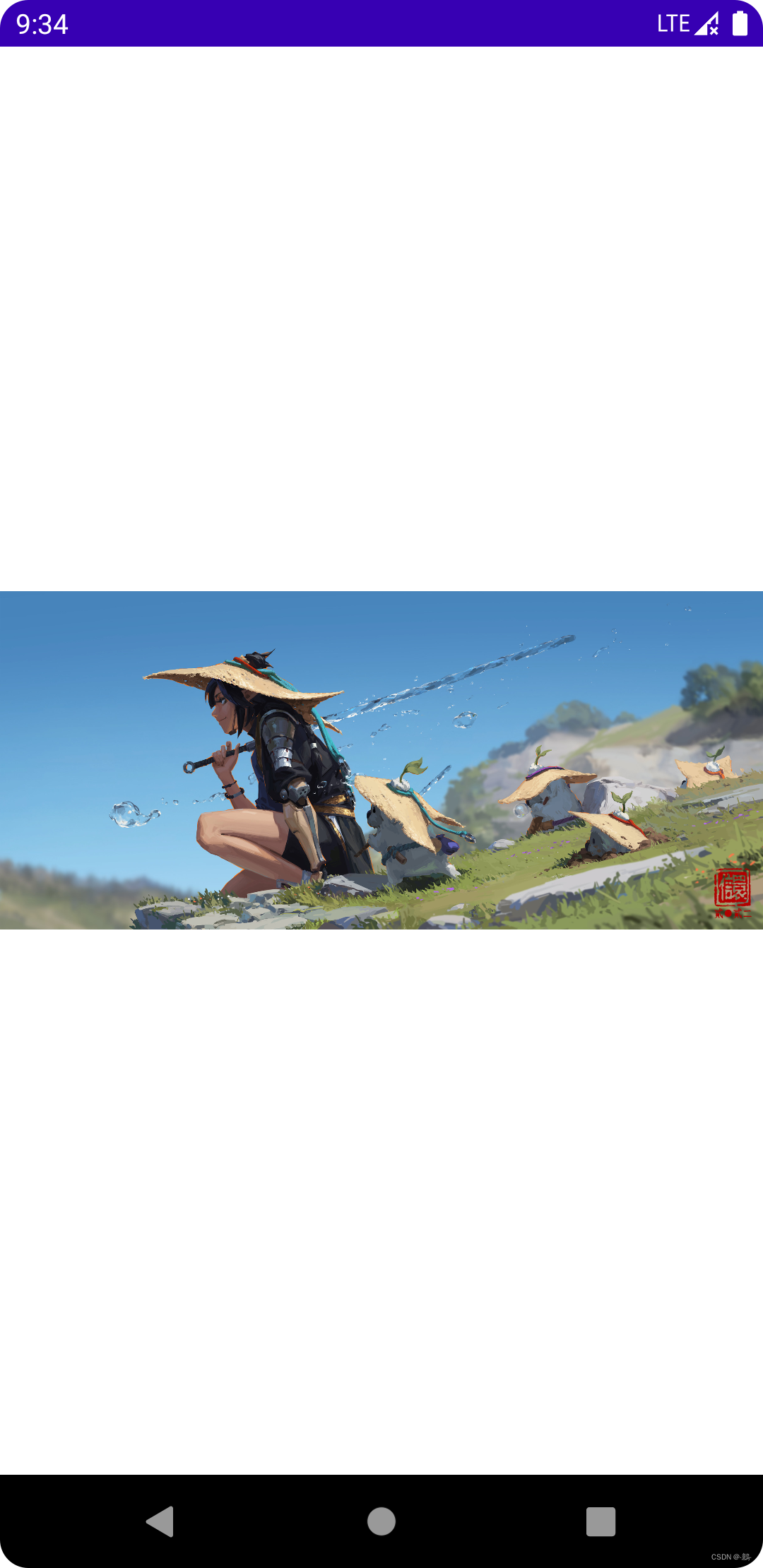
三、效果
-
相关阅读:
[附源码]java毕业设计社团管理系统
基于Material Design风格开源、易用、强大的WPF UI控件库
【概念】数据仓库和数仓建模
数据结构与算法复习:第六弹
时代潮流-云原生数据库的崛起
react&antd问题(4)
Python初体验
8.26 Day44---项目部署
CRF&HMM模型——理论
电子学会 2023年3月 青少年软件编程Python编程等级考试三级真题解析(选择题+判断题+编程题)
- 原文地址:https://blog.csdn.net/sun80760/article/details/126680156
