-
Flutter 自定义 TextInputFormatter 文本输入过滤器 Flutter 实现输入4位自动添加空格
志在巅峰的攀登者,不会陶醉在沿途的某个脚印之中,在码农的世界里,优美的应用体验,来源于程序员对细节的处理以及自我要求的境界,年轻人也是忙忙碌碌的码农中一员,每天、每周,都会留下一些脚印,就是这些创作的内容,有一种执着,就是不知为什么,如果你迷茫,不妨来瞅瞅码农的轨迹。
如果你有兴趣 你可以关注一下公众号 biglead 来获取最新的学习资料。
1 效果预览
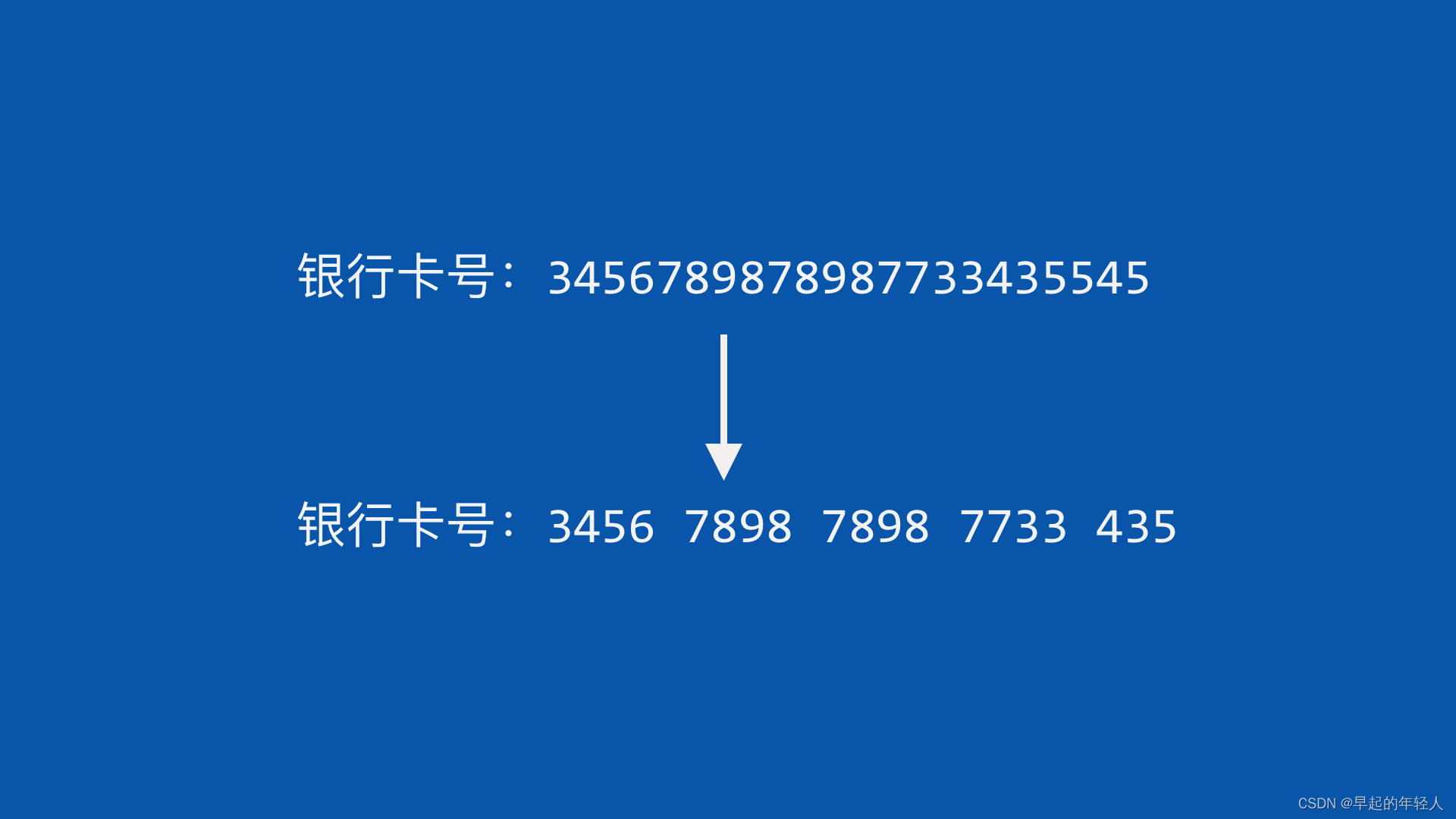
如上图所示,我们在实际开发中输入一长串内容,不利于阅读,所以我们需要来处理一下。TextField( //弹出的输入键盘为数字键盘 keyboardType: TextInputType.number, //输入文本过滤器 inputFormatters: [ //只允许输入数字 FilteringTextInputFormatter.digitsOnly, //只允许输入 19位以内 LengthLimitingTextInputFormatter(19), //自定义的输入过滤器 CardNumberInputFormatter(), ], )- 1
- 2
- 3
- 4
- 5
- 6
- 7
- 8
- 9
- 10
- 11
- 12
- 13
inputFormatters 是对输入文件的校验
2 自定义 TextInputFormatter 文本输入过滤器
TextEditingValue 设置输入框光标位置 ,selection 属性用来设置光标的位置 ,属性操作如下
- int baseOffset:开始的位置
- int extentOffset:结束的位置
- TextAffinity affinity:光标的位置
class CardNumberInputFormatter extends TextInputFormatter { TextEditingValue formatEditUpdate( TextEditingValue oldValue, TextEditingValue newValue) { print(" baseoffse is ${newValue.selection.baseOffset}"); //光标的位置 从0开始 if (newValue.selection.baseOffset == 0) { return newValue; } //获取输入的文本 String inuptData = newValue.text; //创建字符缓存体 StringBuffer stringBuffer = new StringBuffer(); for (int i = 0; i < inuptData.length; i++) { //获取每一个字条 inuptData[i] stringBuffer.write(inuptData[i]); //index 当前字条的位置 int index = i + 1; //每四个字条中间添加一个空格 最后一位不在考虑范围里 if (index % 4 == 0 && inuptData.length != index) { stringBuffer.write(" "); } } return TextEditingValue( //当前的文本 text: stringBuffer.toString(), //光标的位置 selection: TextSelection.collapsed( //设置光标的位置在 文本最后 offset: stringBuffer.toString().length, ), ); } }- 1
- 2
- 3
- 4
- 5
- 6
- 7
- 8
- 9
- 10
- 11
- 12
- 13
- 14
- 15
- 16
- 17
- 18
- 19
- 20
- 21
- 22
- 23
- 24
- 25
- 26
- 27
- 28
- 29
- 30
- 31
- 32
- 33
- 34
- 35
- 36
完毕
-
相关阅读:
Android Bitmap 裁剪局部
统信uos 1030 企业版 安装.net core环境
在 Ubuntu 中卸载 Microsoft Edge 浏览器
FEELM利用能源管理系统建设绿色工厂,减少500吨碳排放
PostgreSQL修炼之道笔记之基础篇(十)
Spring Data Elasticsearch介绍(七)
Android Material Design控件使用(二)
HCIA-R&S自用笔记(25)NAT技术背景、NAT类型及配置
旋转数组的最小数字、二维数组中的查找、调整数组顺序使奇数位于偶数前面
威海站题目和战术失误
- 原文地址:https://blog.csdn.net/zl18603543572/article/details/126576258
