-
产品-Axure9英文版,A页面内a1状态跳转B页面的b2状态,(条件跳转状态)
1.演示
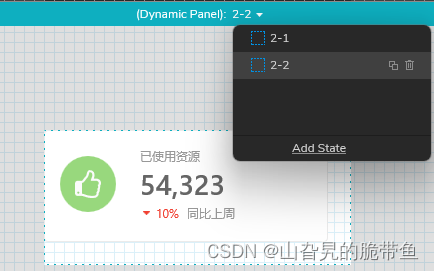
首先这是第二个页面,其中有一个dynamic panel 动态面板

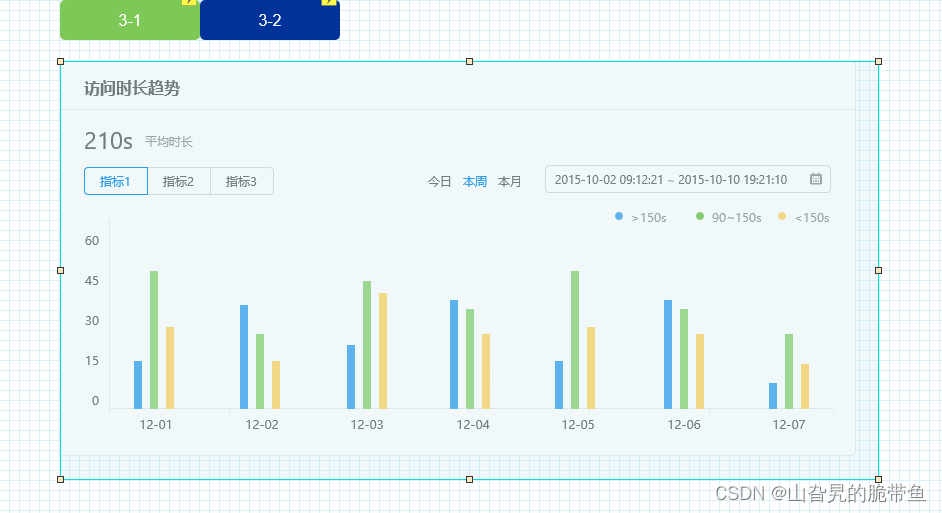
首先这是第三个页面,其中有一个dynamic panel 动态面板
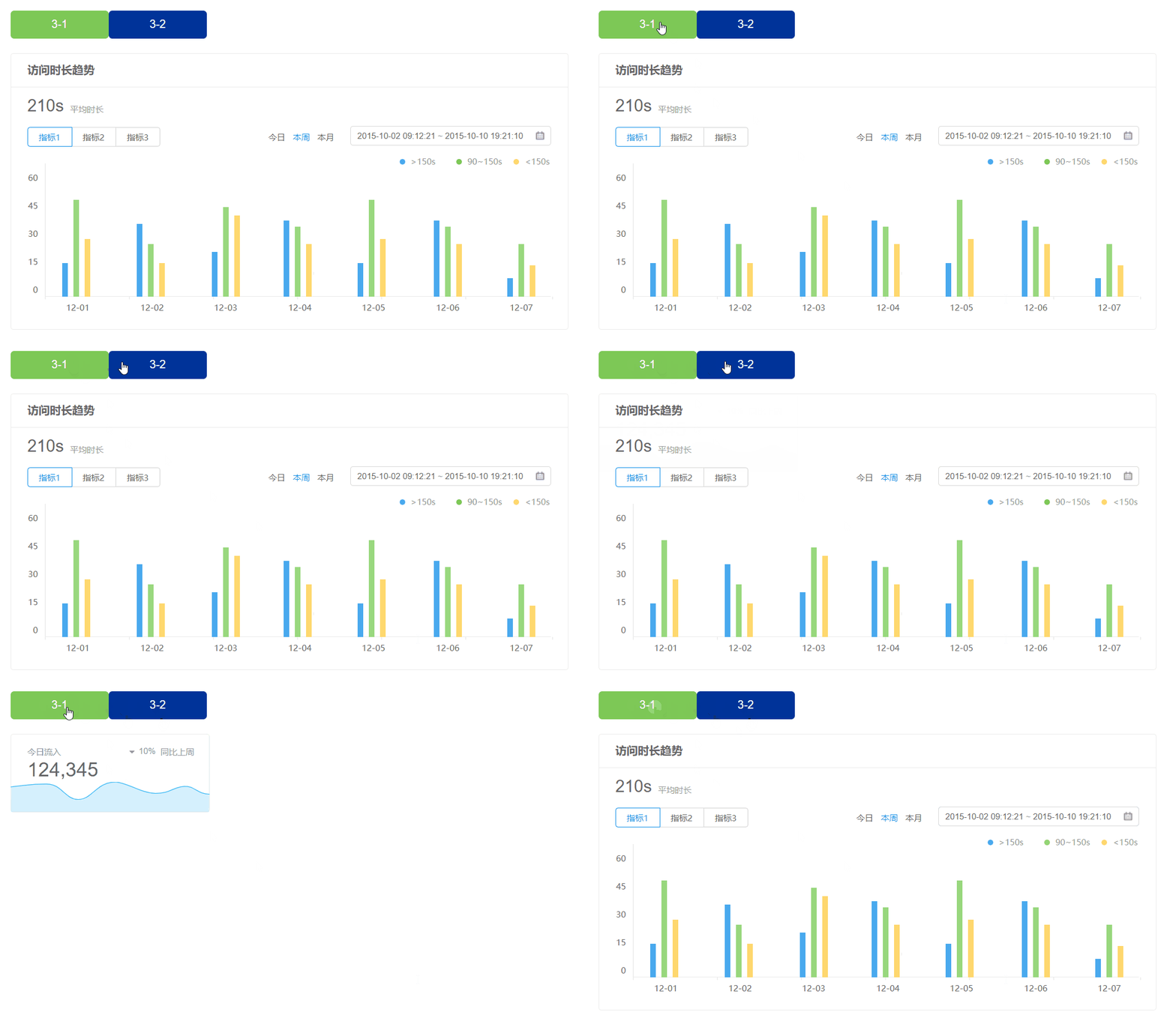
实现效果为,点击2-2中的内容,跳转到3-2中的页面,效果如下

2.操作
一个页面内制作一个dynamic panel

添加交互interaction
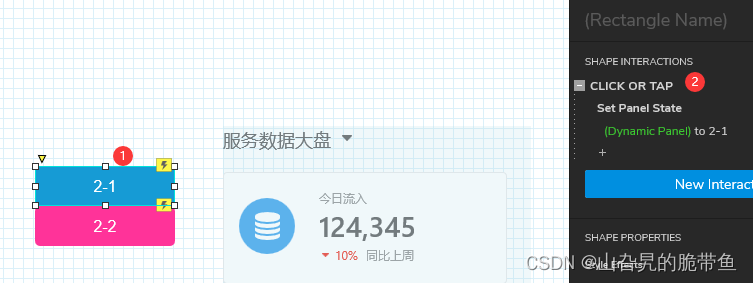
同理制作另外的页面
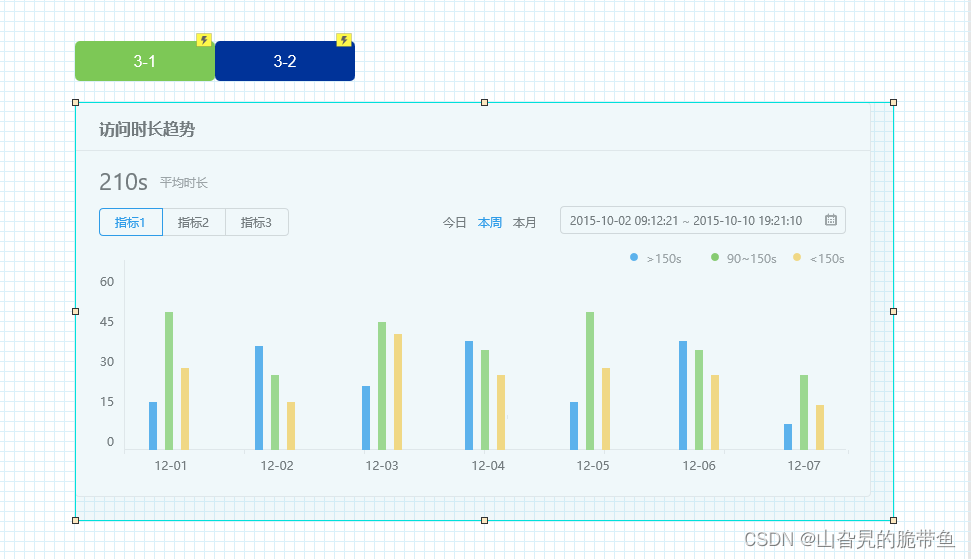
两个页面是并列关系

点击2-2的内容,添加交互
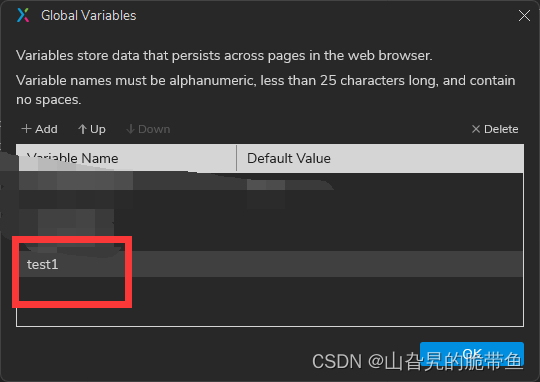
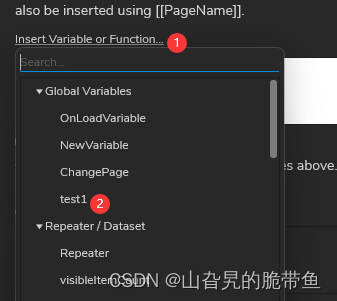
添加全局变量
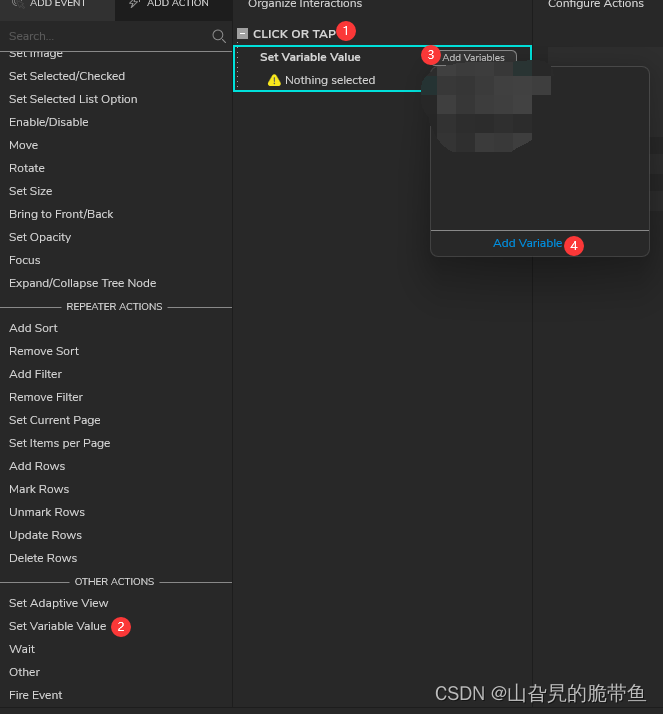
全局变量命名为test1
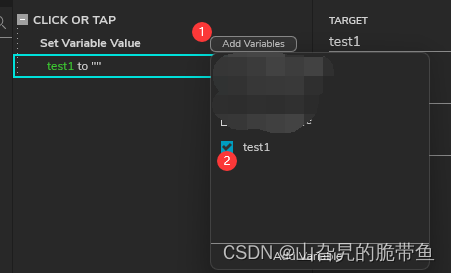
进行变量勾选
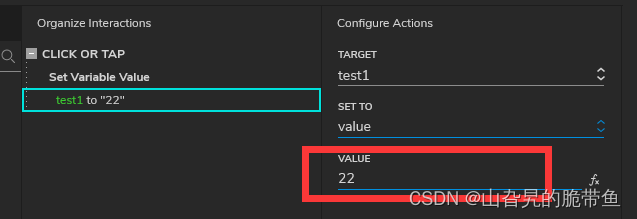
自定义值为22,你随便设定
再添加交互打开page 3
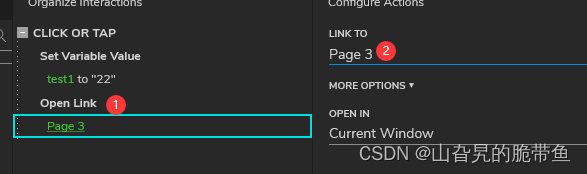
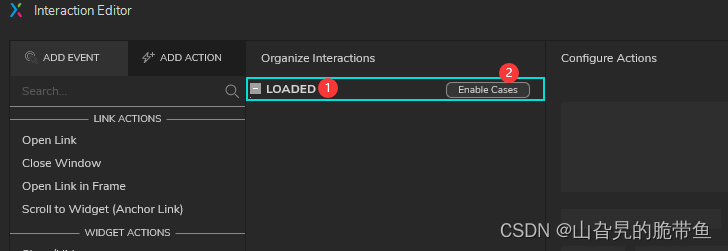
来到page 3 ,选中dynamic panel 直接添加interaction
添加情况
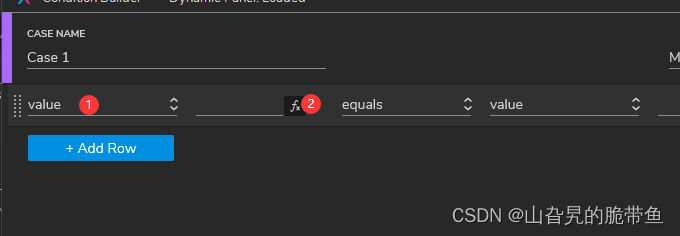
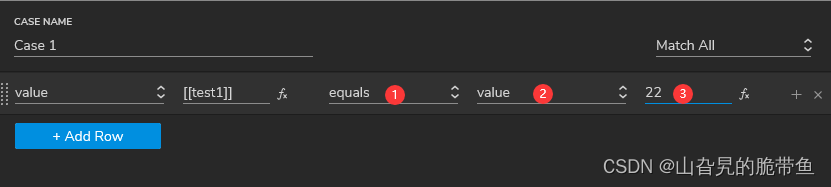
读取到全局变量test1 的值为22时,进行自动跳转到3-2的状态
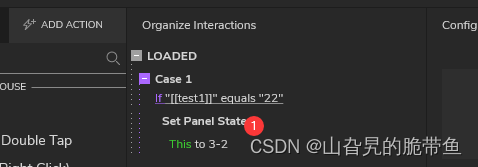
到此完成。
(In this introductory guide, you’ll learn the basics of creating and sharing prototypes. You’ll learn about pages, widgets, and interactions. You’ll also learn how to view your prototypes in a web browser and share them with Axure Cloud.) -
相关阅读:
python的闭包和装饰器
router传参接参(详细)
Spring Boot配置Tomcat容器、Jetty容器、Undertow容器
数据结构 - 跳表
计算机毕业设计ssm高校选课系统uu27m系统+程序+源码+lw+远程部署
工业生产中废酸回收技术的原理分析
记一次生产问题的排查,让我领略了算法的重要性
解决IDEA控制台中文乱码问题(Tomcat、动态网页项目)
Vulnhub实战-prime1
基于JAVA游泳馆管理平台计算机毕业设计源码+系统+数据库+lw文档+部署
- 原文地址:https://blog.csdn.net/fonrye/article/details/126266602