-
SpringBoot整合websocket实现及时通信聊天
??领域:Java后端开发

??收录专栏: 系统设计与实战
??个人主页:
??Gitee:https://gitee.com/
个人标签:【后端】【大数据】【前端】【运维】文章目录
??一、技术介绍
线上演示地址:http://chat.breez.work
实时通信(Instant Messaging,简称IM)是一个实时通信系统,允许两人或多人使用网络实时的传递文字消息、文件、语音与视频交流。[4]场景再现:
- ??微信聊天
- ??QQ聊天
- ??网站在线客服
??1.1 客户端WebSocket
WebSocket对象提供了用于创建和管理 WebSocket 连接,以及可以通过该连接发送和接收数据的 API。使用 WebSocket() 构造函数来构造一个 WebSocket。[1]构造函数如下所示:
const webSocket = WebSocket(url[, protocols])- 1
例子如下:
const webSocket = new WebSocket("ws://42.193.120.86:3688/ws/小明/翠花")- 1
??1.1.1 函数
1、 webSocket.send()
该函数用于向服务端发送一条消息,例子如下:webSocket.send("Hello server!");- 1
2、 webSocket.close()
该函数用于关闭客户端与服务端的连接,例子如下:webSocket.close();- 1
??1.1.2 事件
1、webSocket.onopen
该事件用于监听客户端与服务端的连接状态,如果客户端与服务端连接成功则该事件触发,例子如下:webSocket.onopen = function(event) { console.log("连接已经建立,可以进行通信"); };- 1
- 2
- 3
2、webSocket.onclose
如果服务端与客户端连接断开,那么此事件出发,例子如下:webSocket.onclose = function(event) { console.log("连接已经关闭"); };- 1
- 2
- 3
3、webSocket: message event
该事件用于监听服务端向客户端发送的消息,例子如下:webSocket.addEventListener('message', function (event) { console.log('来自服务端的消息:', event.data); });- 1
- 2
- 3
4、webSocket:error event
如果客户端与服务端发生错误时,那么此事件将会触发,例子如下:webSocket.addEventListener('error', function (event) { console.log('连接出现错误', event); });- 1
- 2
- 3
??1.2 服务端WebSocket
@ServerEndpoint用于声明一个socket服务,例子如下:@ServerEndpoint(value = "/ws/{userId}/{targetId}")- 1
几个重要的
方法注解:@OnOpen打开连接@OnClose监听关闭@OnMessage发送消息@OnError监听错误
??二、实战
??2.1、服务端
??2.1.1引入maven依赖
<dependency> <groupId>org.springframework.boot</groupId> <artifactId>spring-boot-starter-websocket</artifactId> </dependency>- 1
- 2
- 3
- 4
??2.1.2 编写配置类
@Configuration public class WebSocketConfig { @Bean public ServerEndpointExporter serverEndpointExporter() { return new ServerEndpointExporter(); } }- 1
- 2
- 3
- 4
- 5
- 6
- 7
??2.1.3 编写WebSocketService服务类
下面的
userId代表发送者的ID号,target代表发送目标ID号。@Component @ServerEndpoint(value = "/ws/{userId}/{target}") public class WebSocketService { //用于保存连接的用户信息 private static ConcurrentHashMap<String, Session> SESSION = new ConcurrentHashMap<>(); //原子递增递减,用于统计在线用户数 private static AtomicInteger count = new AtomicInteger(); //消息队列,用于保存待发送的信息 private Queue<String> queue = new LinkedBlockingDeque<>(); //onOpen() //onClose() //onMessage() //onError() }- 1
- 2
- 3
- 4
- 5
- 6
- 7
- 8
- 9
- 10
- 11
- 12
- 13
- 14
- 15
??2.1.4 建立连接
建立连接之前,判断用户是否已经连接,如果没有连接,那么将用户session信息保存到集合,然后计数器递增。
@OnOpen public void onOpen(Session session, @PathParam("userId") String userId) { if (!SESSION.containsKey(userId)) { SESSION.put(userId, session); count.incrementAndGet(); } }- 1
- 2
- 3
- 4
- 5
- 6
- 7
??2.1.5 关闭连接
关闭连接的时候,将用户session删除和计数器递减。
@OnClose public void onClose(@PathParam("userId") String userId) { SESSION.remove(userId); count.decrementAndGet(); }- 1
- 2
- 3
- 4
- 5
??2.1.6 发送消息
发送采用的方法是:
session.getBasicRemote().sendText("你好");@OnMessage public void onMessage(String message, @PathParam("userId") String userId, @PathParam("target") String target) throws IOException { queue.add(message); Session s = SESSION.get(target); if (s == null) { Session b = SESSION.get(userId); b.getBasicRemote().sendText("对方不在线"); } else { for (int i = 0; i < queue.size(); i++) { String msg = queue.poll(); Message m = new Message(); m.setUserId(userId); s.getBasicRemote().sendText(msg); } } }- 1
- 2
- 3
- 4
- 5
- 6
- 7
- 8
- 9
- 10
- 11
- 12
- 13
- 14
- 15
- 16
??2.1.7 监听错误
出现错误,删除用户session信息和计数器递减
@OnError public void onError(Throwable error, @PathParam("userId") String userId) { SESSION.remove(userId); count.decrementAndGet(); error.printStackTrace(); }- 1
- 2
- 3
- 4
- 5
- 6
??2.2 客户端
本案例中客户端采用Nuxt编写,相关代码如下
??2.2.1 主页面
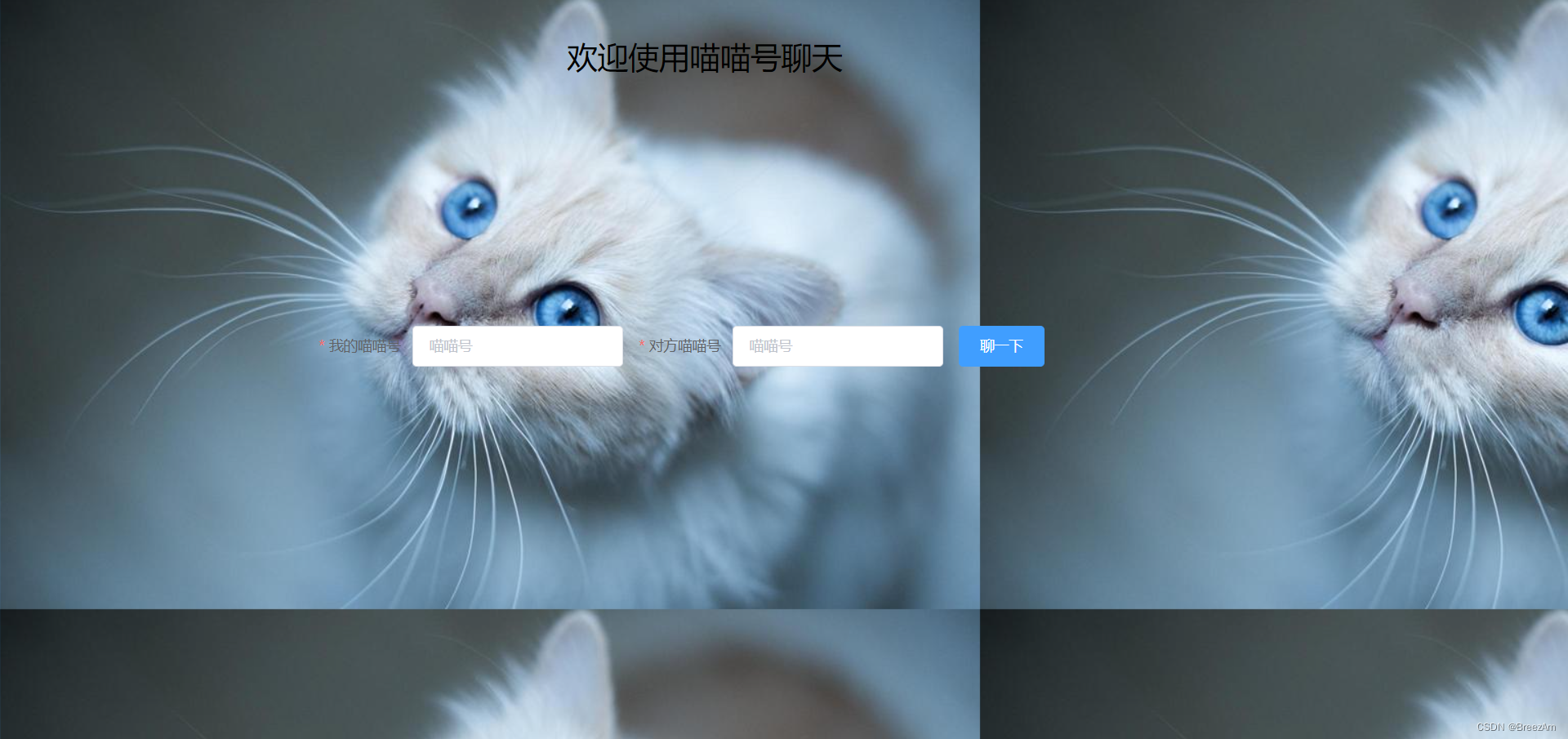
运行截图如图所示:
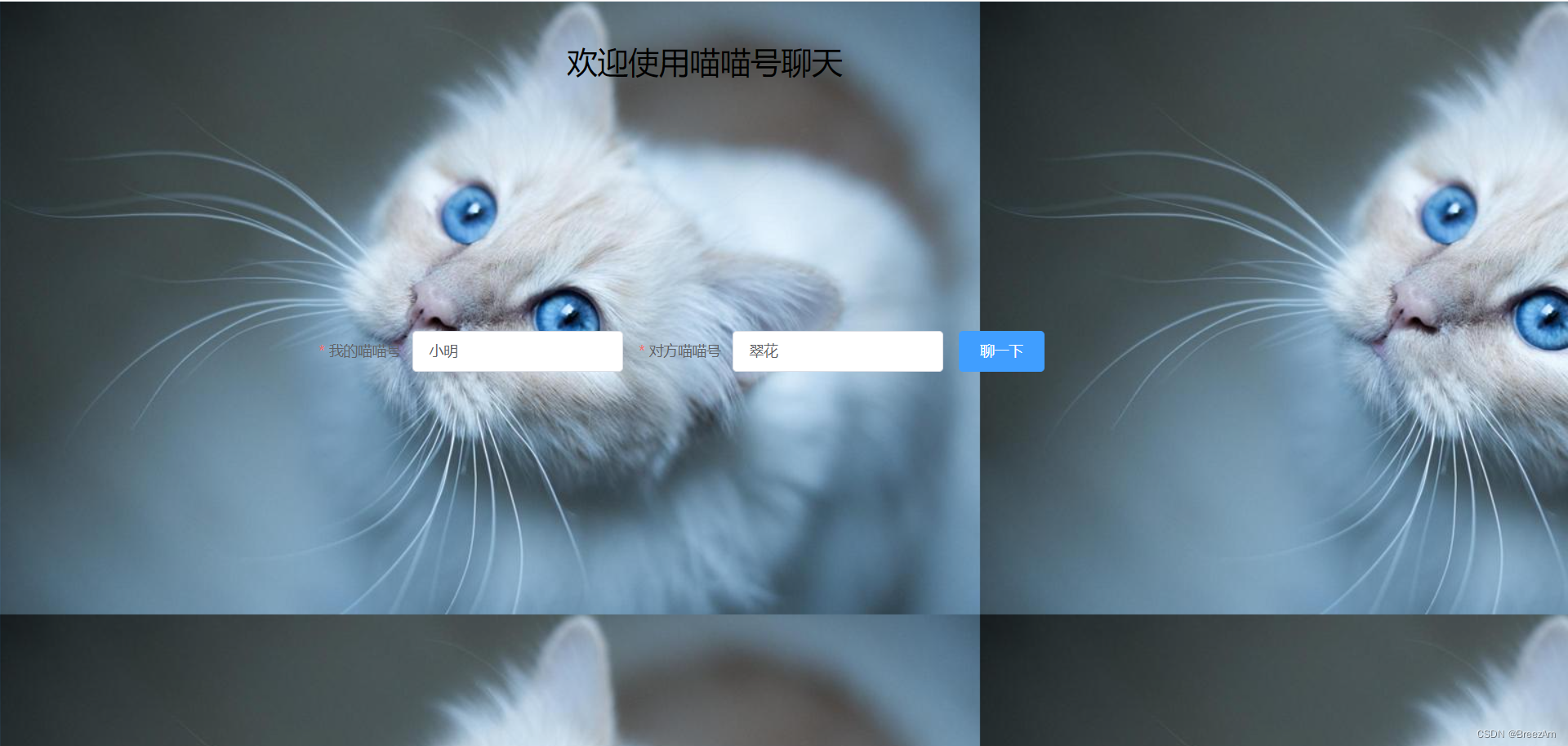
<template> <div style="padding-left: 20%;"> <div style="padding-left: 20%;padding-top: 30px;"> <div style="font-size: 30px;">欢迎使用喵喵号聊天</div> </div> <div style="padding-top: 20%;"> <el-form :rules="rules" ref="formInline" :inline="true" :model="formInline" class="demo-form-inline"> <el-form-item label="我的喵喵号" prop="userId"> <el-input v-model="formInline.userId" placeholder="喵喵号"></el-input> </el-form-item> <el-form-item label="对方喵喵号" prop="targetId"> <el-input v-model="formInline.targetId" placeholder="喵喵号"></el-input> </el-form-item> <el-form-item> <el-button type="primary" @click="onSubmit('formInline')">聊一下</el-button> </el-form-item> </el-form> </div> </div> </template> <script> export default { name: 'IndexPage', data() { return { formInline: { userId: '', targetId: '' }, rules: { userId: [{ required: true, message: '请输入你的喵喵号', trigger: 'blur' }], targetId: [{ required: true, message: '请输入对方喵喵号', trigger: 'blur' }] } } }, methods: { onSubmit(formName) { this.$refs[formName].validate((valid) => { if (valid) { this.$router.push({ name: 'chat', params: this.formInline }) } else { console.log('error submit!!'); return false; } }); } }, created() { } } </script> <style> body { background: url('../static/img/cat.jpg'); } </style>- 1
- 2
- 3
- 4
- 5
- 6
- 7
- 8
- 9
- 10
- 11
- 12
- 13
- 14
- 15
- 16
- 17
- 18
- 19
- 20
- 21
- 22
- 23
- 24
- 25
- 26
- 27
- 28
- 29
- 30
- 31
- 32
- 33
- 34
- 35
- 36
- 37
- 38
- 39
- 40
- 41
- 42
- 43
- 44
- 45
- 46
- 47
- 48
- 49
- 50
- 51
- 52
- 53
- 54
- 55
- 56
- 57
- 58
- 59
- 60
- 61
- 62
- 63
- 64
- 65
- 66
- 67
- 68
- 69
- 70
- 71
- 72
??2.2.1 聊天页面
运行截图如下:
小明

翠花

<template> <div> <el-row :gutter="20" style="padding-top: 20px;"> <div style="padding-left: 35%;"> <div style="padding-bottom: 15px"> <div style="float: left;padding-right: 30px;"> 我的喵喵号:<el-tag type="warning">{{user.userId}}</el-tag> </div> <div> 对方喵喵号:<el-tag type="success">{{user.targetId}}</el-tag> <el-link @click="clearMsg()" :underline="false" style="padding-left: 30px;" type="danger">清空消息</el-link> </div> </div> <div style="border: 1px green solid;width: 400px;height: 400px;border-radius: 10px;"> <div v-for="(m,index) in msgList" :key="index++"> <el-row :gutter="20"> <div v-if="m.type===1" style="padding-left: 10px;"> <el-avatar src="https://cube.elemecdn.com/0/88/03b0d39583f48206768a7534e55bcpng.png"></el-avatar> {{m.msg}} </div> <div v-if="m.type===2" style="padding-right: 15px;float: right;"> {{m.msg}} <el-avatar src="https://fuss10.elemecdn.com/e/5d/4a731a90594a4af544c0c25941171jpeg.jpeg"></el-avatar> </div> <div v-if="m.type===3" style="padding-left: 15px;padding-top: 15px;">系统消息:{{m.msg}}</div> </el-row> </div> </div> </div> </el-row> <el-row :gutter="5" style="padding-top: 20px;padding-left: 35%;"> <el-col :span="9" :xs="9" :sm="9" :md="9" :lg="9" :xl="9"> <el-input :disabled="msg_status" v-model="msg" placeholder="消息"></el-input> </el-col> <el-col :span="2"> <el-button @click="sendMessage()" type="primary">发送</el-button> </el-col> </el-row> </div> </template> <script> export default { name: 'ChatPage', data() { return { url: 'localhost:3688/ws/1001/1002', msg: '', socket: {}, msg_status: true, msgList: [], initList: [], count: 0, user: { userId: '', targetId: '' } } }, created() { const userId = this.$route.params.userId const targetId = this.$route.params.targetId if (userId !== undefined && targetId !== undefined) { this.user.userId = userId this.user.targetId = targetId this.connect() } else { this.$router.push("/") } }, methods: { //创建socket客户端 connect() { var that = this this.socket = new WebSocket("ws://42.193.120.86:3688/ws/" + this.user.userId + "/" + this.user.targetId); this.socket.onclose = function(event) { that.$message('连接关闭'); }; this.socket.addEventListener('error', function(event) { that.$message.error('出现错误'); }); // 监听消息 this.socket.addEventListener('message', function(event) { that.msgList.push({ type: 2, msg: event.data }) console.log(event.data); console.log({ type: 2, msg: event.data }); }); this.socket.onopen = function(event) { that.msg_status = false that.msgList.push({ type: 3, msg: '连接成功' }) }; }, clearMsg() { this.$confirm('确认清空?', '提示', { confirmButtonText: '确定', cancelButtonText: '取消', type: 'warning' }).then(() => { this.msgList = [] }) }, //发送消息 sendMessage() { this.socket.send(this.msg) this.msgList.push({ type: 1, msg: this.msg }) this.msg = '' } } } </script> <style> </style>- 1
- 2
- 3
- 4
- 5
- 6
- 7
- 8
- 9
- 10
- 11
- 12
- 13
- 14
- 15
- 16
- 17
- 18
- 19
- 20
- 21
- 22
- 23
- 24
- 25
- 26
- 27
- 28
- 29
- 30
- 31
- 32
- 33
- 34
- 35
- 36
- 37
- 38
- 39
- 40
- 41
- 42
- 43
- 44
- 45
- 46
- 47
- 48
- 49
- 50
- 51
- 52
- 53
- 54
- 55
- 56
- 57
- 58
- 59
- 60
- 61
- 62
- 63
- 64
- 65
- 66
- 67
- 68
- 69
- 70
- 71
- 72
- 73
- 74
- 75
- 76
- 77
- 78
- 79
- 80
- 81
- 82
- 83
- 84
- 85
- 86
- 87
- 88
- 89
- 90
- 91
- 92
- 93
- 94
- 95
- 96
- 97
- 98
- 99
- 100
- 101
- 102
- 103
- 104
- 105
- 106
- 107
- 108
- 109
- 110
- 111
- 112
- 113
- 114
- 115
- 116
- 117
- 118
- 119
- 120
- 121
- 122
- 123
- 124
- 125
- 126
- 127
- 128
- 129
- 130
- 131
??三、开源地址
- ??Gitee:https://gitee.com//websocket
- 演示地址:http://chat.breez.work
??四、参考文献
- [1]MDN:WebSocket
- [2]Nuxt:https://nuxtjs.org
- [3]Vue:https://cn.vuejs.org
- [4]百度百科:及时通信
??收录专栏:系统设计与实战

-
相关阅读:
Oracle-分组统计查询
蓝牙核心规范(V5.4)11.1-LE Audio 笔记之诞生的前世今生
关于Arction的问题(语言-c#)
专业128分总分390+上岸中山大学884信号与系统电通院考研经验分享
LeetCode in Python 10. Regular Expression Matching (正则表达式匹配)
【沁恒蓝牙mesh】CH58x USB功能开发记录(0)
嵌入式笔试面试刷题(day15)
android HAL层崩溃排查记录
你不能错过的【Python爬虫】测试3(爬取所有内容 + 完整源代码 + 架构 + 结果)
matplotlib详细教学
- 原文地址:https://blog.csdn.net/m0_54853420/article/details/125244263