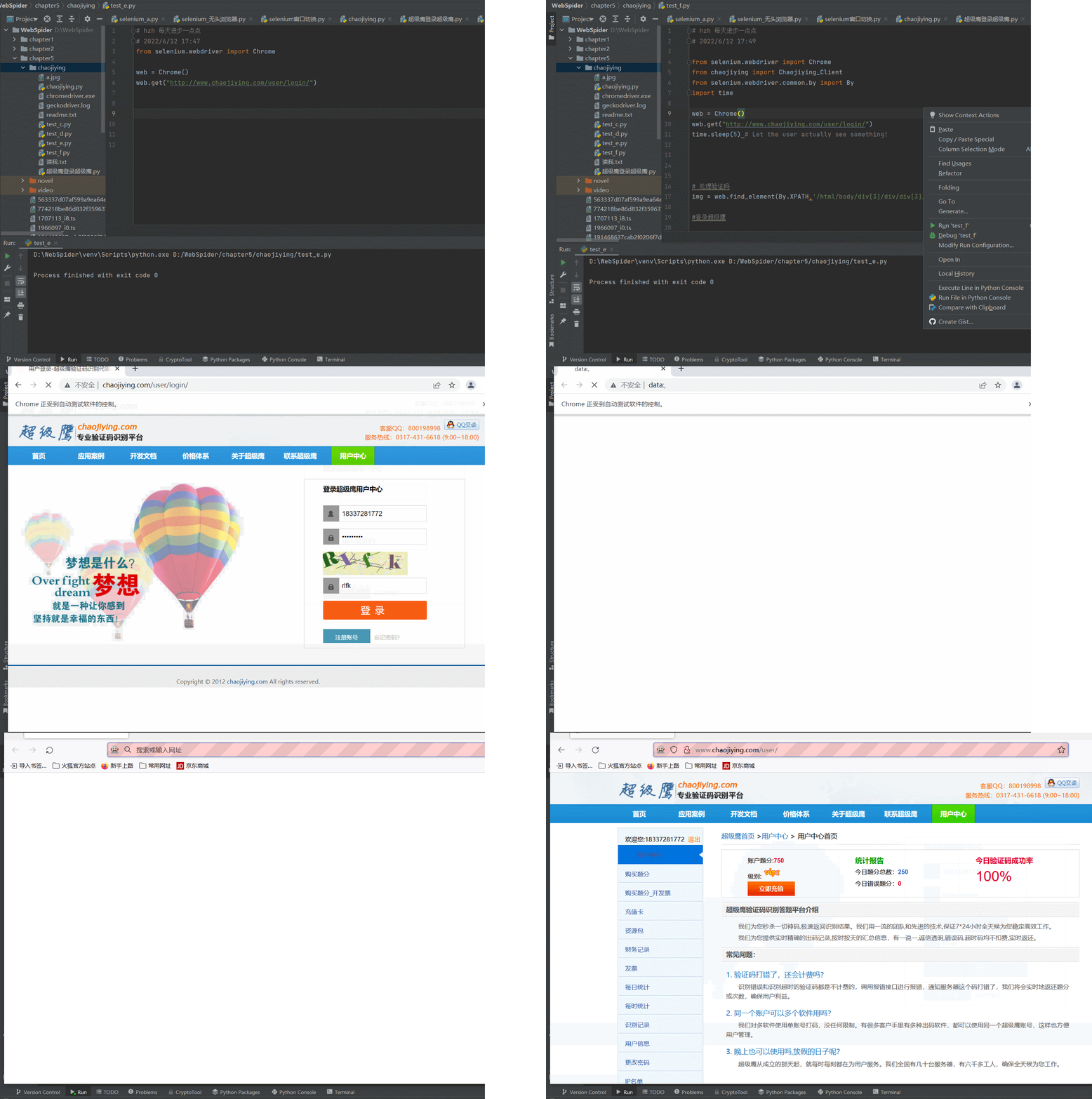
问题描述:使用selenium.webdriver时测试网页,进行自动登录测试总是在登录成功时闪退。使用指定驱动器位置的方式chrome也会闪退
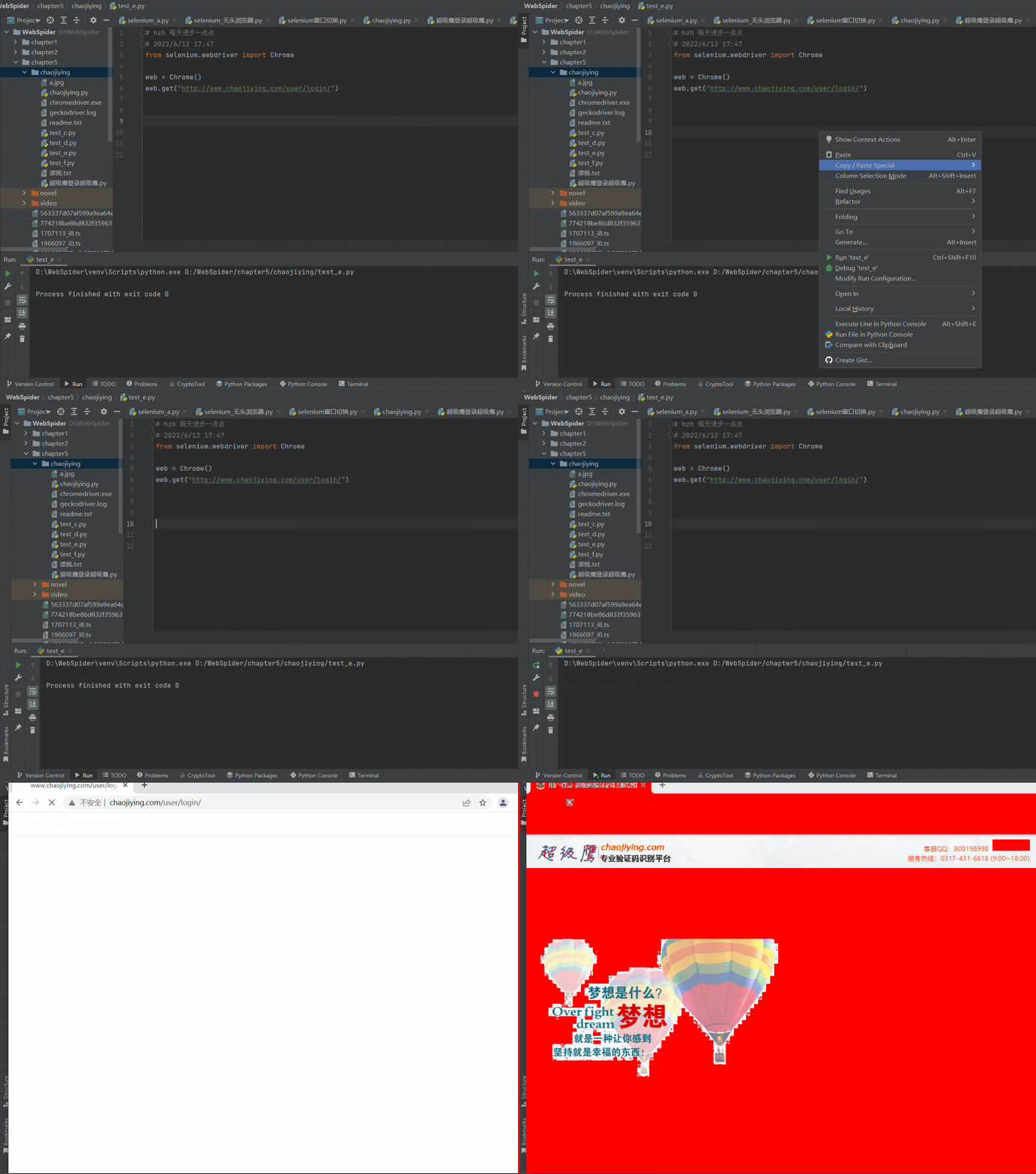
1.正常使用chrome驱动打开一个网页,正常访问
from selenium.webdriver import Chrome

web = Chrome()
web.get("http://www.chaojiying.com/user/login/")
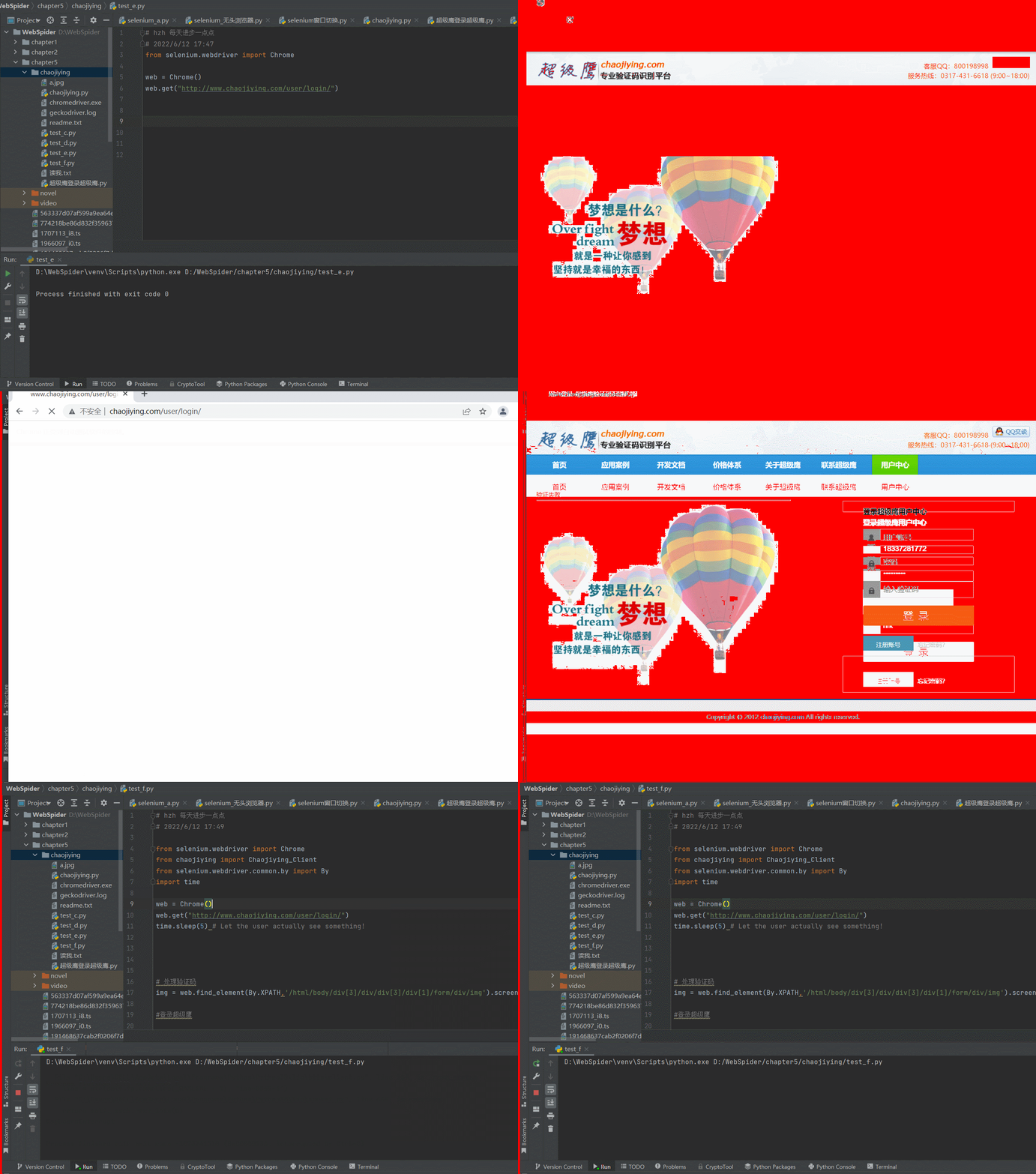
2.在使用selenium测试一个自动登录的程序,测试了很长时间,一直是闪退
chrome版本:版本 99.0.4844.51(正式版本) (64 位)
chromedriver版本:99.0.4844.51
seleniium版本:4.0+

from selenium.webdriver import Chrome
from chaojiying import Chaojiying_Client
from selenium.webdriver.common.by import By
import time

web = Chrome()
web.get("http://www.chaojiying.com/user/login/")
time.sleep(5) # Let the user actually see something!

# 处理验证码
img = web.find_element(By.XPATH,'/html/body/div[3]/div/div[3]/div[1]/form/div/img').screenshot_as_png

#登录超级鹰

chaojiying = Chaojiying_Client('18312341234', '123456', '912345')
dic = chaojiying.PostPic(img,1902)
verify_code = dic['pic_str']

# 想页面中填入用户名,密码验证码
web.find_element(By.XPATH,'/html/body/div[3]/div/div[3]/div[1]/form/p[1]/input').send_keys("18312341234")
web.find_element(By.XPATH,'/html/body/div[3]/div/div[3]/div[1]/form/p[2]/input').send_keys("123456")
web.find_element(By.XPATH,'/html/body/div[3]/div/div[3]/div[1]/form/p[3]/input').send_keys(verify_code)

#点击登录
time.sleep(2)
web.find_element(By.XPATH,'/html/body/div[3]/div/div[3]/div[1]/form/p[4]/input').click()

# driver.quit()
3.测试指定浏览器驱动位置
看网上的教程是,没有指定chromedrive.exe的环境变量,或者chrome的内核版本跟chromedrive版本不一致,两种方式都进行了重试,然后在重装,仍然没用,这里是指定chromedrive.exe的代码部分
from selenium import webdriver
from selenium.webdriver.firefox.service import Service

service = Service(r"D:\WebSpider\venv\Scripts\geckodriver.exe")
service.start()
driver = webdriver.Remote(service.service_url)
driver.get('http://www.chaojiying.com/user/login/')
官方文档中给到的介绍,指定chromedrive的路径,但是实测通过这种方式打开网页还是闪退
import time
from selenium import webdriver
from selenium.webdriver.chrome.service import Service
service = Service('/path/to/chromedriver')
service.start()
driver = webdriver.Remote(service.service_url)
driver.get('http://www.google.com/');
time.sleep(5) # Let the user actually see something!
driver.quit()

4.尝试更换浏览器为火狐的,使用最新版的火狐浏览器,直接对应也是最新的火狐驱动
firefox驱动下载链接:https://gitHub.com/mozilla/geckodriver/releases
火狐浏览器版本:101.0.1 (64 位)
火狐驱动版本:0.31.0 (2022-04-11, b617178ef491)
尝试使用指定火狐驱动打开之前写的程序,测试成功,问题还是出在了chrome浏览器中
from selenium.webdriver import Firefox
from selenium.webdriver.common.by import By
from chaojiying import Chaojiying_Client
import time

web = Firefox()

web.get("http://www.chaojiying.com/user/login/")
# 处理验证码
img = web.find_element(By.XPATH,'/html/body/div[3]/div/div[3]/div[1]/form/div/img').screenshot_as_png

chaojiying = Chaojiying_Client('18312341234', '123456', '912345')
dic = chaojiying.PostPic(img,1902)
verify_code = dic['pic_str']

# 想页面中填入用户名,密码验证码
web.find_element(By.XPATH,'/html/body/div[3]/div/div[3]/div[1]/form/p[1]/input').send_keys("183312341234")
web.find_element(By.XPATH,'/html/body/div[3]/div/div[3]/div[1]/form/p[2]/input').send_keys("123456")
web.find_element(By.XPATH,'/html/body/div[3]/div/div[3]/div[1]/form/p[3]/input').send_keys(verify_code)

#点击登录
time.sleep(5)
web.find_element(By.XPATH,'/html/body/div[3]/div/div[3]/div[1]/form/p[4]/input').click()

# driver.quit()