-
vue3后台管理框架之集成sass
我们目前在组件内部已经可以使用scss样式,因为在配置styleLint工具的时候,项目当中已经安装过sass sass-loader,因此我们再组件内可以使用scss语法!!!需要加上lang="scss"
<style scoped lang="scss">
接下来我们为项目添加一些全局的样式
在src/styles目录下创建一个index.scss文件,当然项目中需要用到清除默认样式,因此在index.scss引入reset.scss
- /**
- * ENGINE
- * v0.2 | 20150615
- * License: none (public domain)
- */
- *,
- *:after,
- *:before {
- box-sizing: border-box;
- outline: none;
- }
- html,
- body,
- div,
- span,
- applet,
- object,
- iframe,
- h1,
- h2,
- h3,
- h4,
- h5,
- h6,
- p,
- blockquote,
- pre,
- a,
- abbr,
- acronym,
- address,
- big,
- cite,
- code,
- del,
- dfn,
- em,
- img,
- ins,
- kbd,
- q,
- s,
- samp,
- small,
- strike,
- strong,
- sub,
- sup,
- tt,
- var,
- b,
- u,
- i,
- center,
- dl,
- dt,
- dd,
- ol,
- ul,
- li,
- fieldset,
- form,
- label,
- legend,
- table,
- caption,
- tbody,
- tfoot,
- thead,
- tr,
- th,
- td,
- article,
- aside,
- canvas,
- details,
- embed,
- figure,
- figcaption,
- footer,
- header,
- hgroup,
- menu,
- nav,
- output,
- ruby,
- section,
- summary,
- time,
- mark,
- audio,
- video {
- font : inherit;
- font-size: 100%;
- margin : 0;
- padding: 0;
- vertical-align: baseline;
- border: 0;
- }
- article,
- aside,
- details,
- figcaption,
- figure,
- footer,
- header,
- hgroup,
- menu,
- nav,
- section {
- display: block;
- }
- body {
- line-height: 1;
- }
- ol,
- ul {
- list-style: none;
- }
- blockquote,
- q {
- quotes: none;
- &:before,
- &:after {
- content: '';
- content: none;
- }
- }
- sub,
- sup {
- font-size : 75%;
- line-height: 0;
- position: relative;
- vertical-align: baseline;
- }
- sup {
- top: -.5em;
- }
- sub {
- bottom: -.25em;
- }
- table {
- border-spacing : 0;
- border-collapse: collapse;
- }
- input,
- textarea,
- button {
- font-family: inhert;
- font-size : inherit;
- color: inherit;
- }
- select {
- text-indent : .01px;
- text-overflow: '';
- border : 0;
- border-radius: 0;
- -webkit-appearance: none;
- -moz-appearance : none;
- appearance : none;
- }
- select::-ms-expand {
- display: none;
- }
- code,
- pre {
- font-family: monospace, monospace;
- font-size : 1em;
- }
@import './reset.scss'

在入口文件引入
- // 引入全局样式
- import '@/styles/index.scss'
但是你会发现在src/styles/index.scss全局样式文件中没有办法使用$变量.因此需要给项目中引入全局变量$.
在style/variable.scss创建一个variable.scss文件!
 在vite.config.ts文件配置如下:
- export default defineConfig((config) => {
- css: {
- preprocessorOptions: {
- scss: {
- javascriptEnabled: true,
- additionalData: '@import "./src/styles/variable.scss";',
- },
- },
- },
- }
- }
@import "./src/styles/variable.less";后面的;不要忘记,不然会报错!
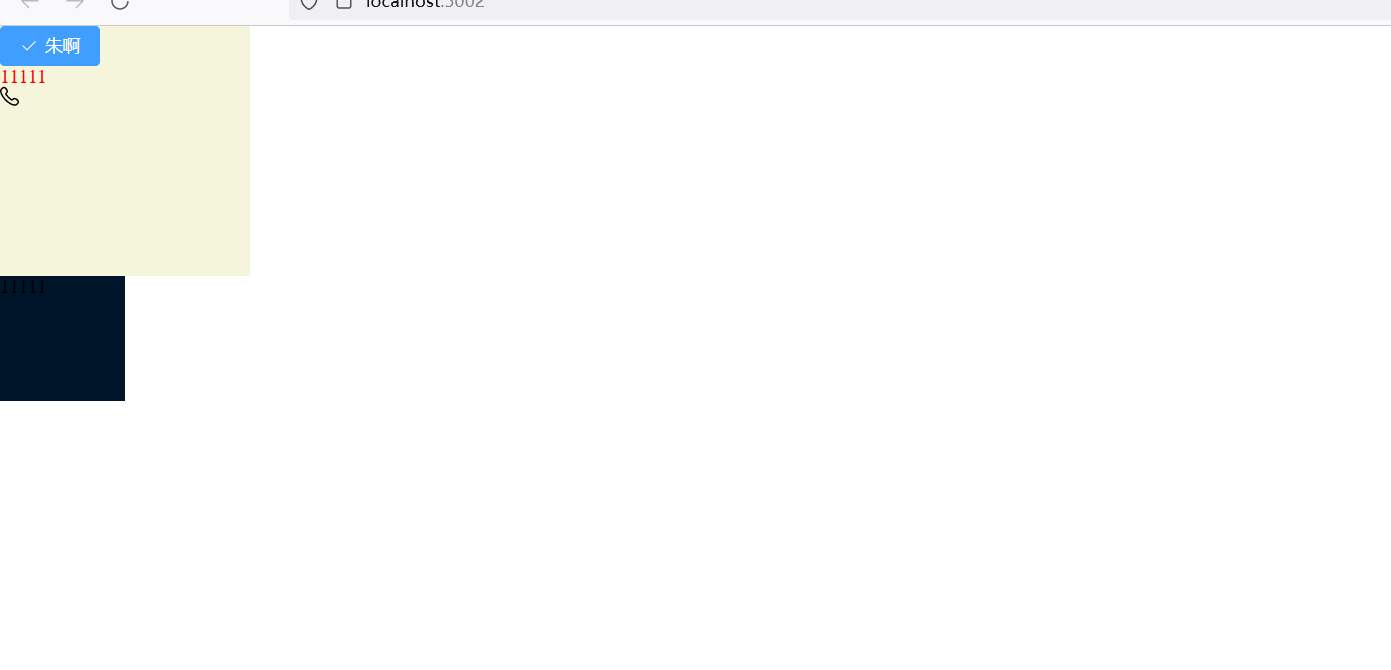
配置完毕你会发现scss提供这些全局变量可以在组件样式中使用了!!!

-
相关阅读:
Go内置函数make和new的区别?
Java——Spring事务属性、事务传播行为
stm32之IIC
资源:加快进入区块链的5种最佳编程语言
滚雪球学Java(44):掌握Java编程的关键:深入解析System类
1.7 给大家介绍一下小红书账号 成长体系的10个等级【玩赚小红书】
TK域名注册介绍
IDEA 关闭SpringBoot启动Logo/图标
C++:string类的常用接口说明及其模拟实现
PowerCLi 一键批量部署OVA 到esxi 7
- 原文地址:https://blog.csdn.net/m0_52704461/article/details/133849874
