-
Android自动化测试-UiAutomator环境搭建

一、环境准备
1. 安装android sdk,并配置环境变量
2. 安装android studio,国内访问官网受限,如果下载不到,可以到我的百度云盘下载:
https://pan.baidu.com/s/1bpq5wK3
此云盘中有uiautomator2所依赖的jar包,可以同时下载

二、新建Android Studio工程

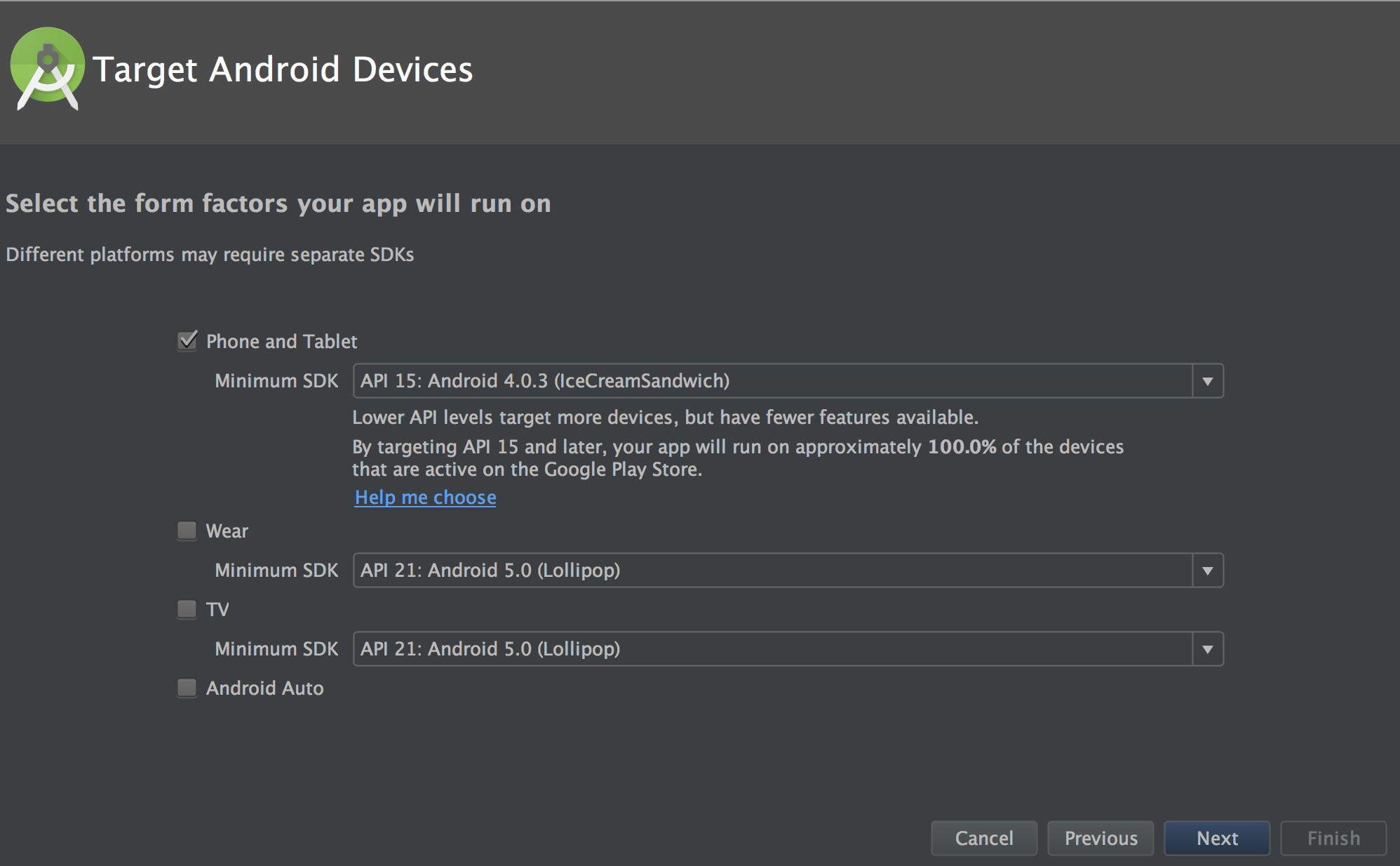
新建一个project,输入application name,下一步,

默认选择,下一步,
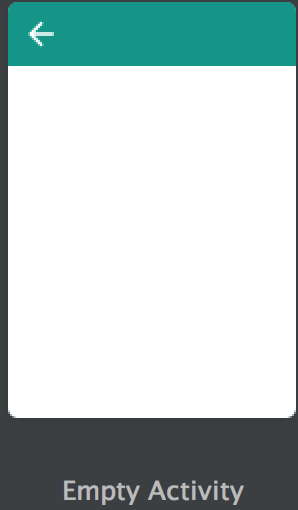
选择 empty activity:
最后finish之后,切换到project视图;

右击工程,新建一个libs,并把网盘中下载的uiautomator依赖的jar包,copy进来,并添加依赖,

Add As Library之后,会弹出一个小框,选择app,点击OK

这样我们的工程就建好了,左上角,把我们的project模式切换成android模式,

现在android视图模式下,界面就比较简洁直观了,如下图所示:标注android test的地方,就是我们要写测试用例的包,

新家一个java class,输入class name,现在我们就可以开开心心的写测试代码了
三、测试实例
下面我们写一个例子,启动模拟器,模拟器home上有个chrome浏览器,操作步骤:点击chrome-输入www.baidu.com-enter;
点击android studio上的 AVD manager,就可以启动模拟器,模拟器界面如下:


测试用例:
1. 点击chrome
2. 输入www.baidu.com
3. Enter
代码如下:


写好测试用例之后,我们就可以运行了,在运行之前,我们先看下运行配置:

在配置文件中,一定要有如下一行代码,如果没有,可以自己加上:
testInstrumentationRunner "android.support.test.runner.AndroidJUnitRunner"
现在就可以运行了,打开你的模拟器,看下界面有什么效果:
完整代码如下:
- 1 import android.app.Instrumentation;
- 2 import android.support.test.InstrumentationRegistry;
- 3 import android.support.test.runner.AndroidJUnit4;
- 4 import android.support.test.uiautomator.UiDevice;
- 5 import android.support.test.uiautomator.UiObject;
- 6 import android.support.test.uiautomator.UiObjectNotFoundException;
- 7 import android.support.test.uiautomator.UiSelector;
- 8 import android.view.KeyEvent;
- 9
- 10 import org.junit.Before;
- 11 import org.junit.Test;
- 12 import org.junit.runner.RunWith;
- 13
- 14 /**
- 15 * Created by tianxing on 2017/8/15.
- 16 */
- 17
- 18 @RunWith(AndroidJUnit4.class)
- 19 public class helloworld {
- 20
- 21 UiDevice uiDevice;
- 22 Instrumentation instrumentation;
- 23
- 24 @Before
- 25 public void setUp(){
- 26 instrumentation = InstrumentationRegistry.getInstrumentation();
- 27 uiDevice = UiDevice.getInstance(instrumentation);
- 28 }
- 29
- 30 @Test
- 31 public void launchChrome(){
- 32 UiObject chrome = uiDevice.findObject(new UiSelector().text("Chrome"));
- 33 UiObject searchContent = uiDevice.findObject(new UiSelector().text("Search or type URL"));
- 34
- 35 try {
- 36 chrome.click();
- 37 sleep(2000);
- 38 searchContent.setText("www.baidu.com");
- 39 uiDevice.pressKeyCode(KeyEvent.KEYCODE_ENTER);
- 40 } catch (UiObjectNotFoundException e) {
- 41 e.printStackTrace();
- 42 }
- 43
- 44 }
- 45
- 46 public void sleep(int mint){
- 47 try{
- 48 Thread.sleep(mint);
- 49 }catch (InterruptedException e){
- 50 e.printStackTrace();
- 51 }
- 52 }
- 53
- 54 }
最后感谢每一个认真阅读我文章的人,礼尚往来总是要有的,虽然不是什么很值钱的东西,如果你用得到的话可以直接拿走:
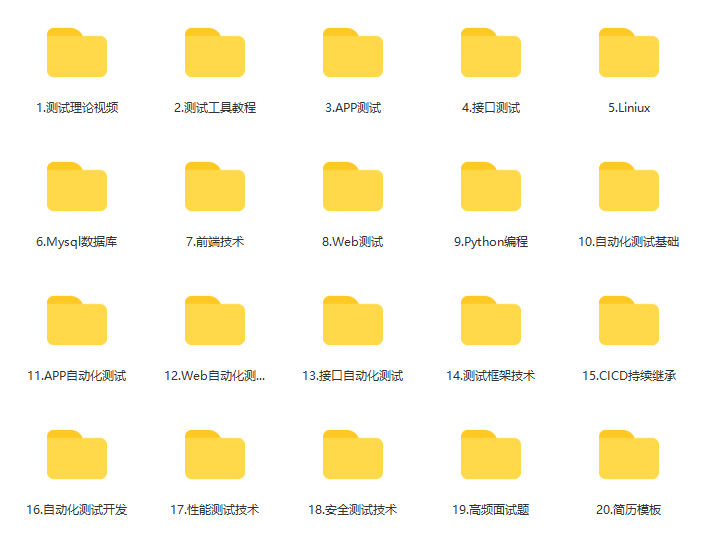
这些资料,对于【软件测试】的朋友来说应该是最全面最完整的备战仓库,这个仓库也陪伴上万个测试工程师们走过最艰难的路程,希望也能帮助到你!

-
相关阅读:
【无线电力传输】12 V 直流风扇无线电力传输系统的实现(Simulink)
DRM全解析 —— plane详解(4)
哈希切割+布隆过滤器
Zustand 和 React 上下文状态管理
B树、B+树和B*树
辅助驾驶功能开发-功能对标篇(15)-NOA领航辅助系统-吉利
HTTP 面试知识点提炼
Halcon WPF 开发学习笔记(3):WPF+Halcon初步开发
王道数据结构5.2(树的应用)
php——三篇夯实根基第一篇
- 原文地址:https://blog.csdn.net/qq_48811377/article/details/133810807
