• JAVA黑马程序员day12--集合进阶(下部--双列集合)


    在这里插入图片描述

    Map

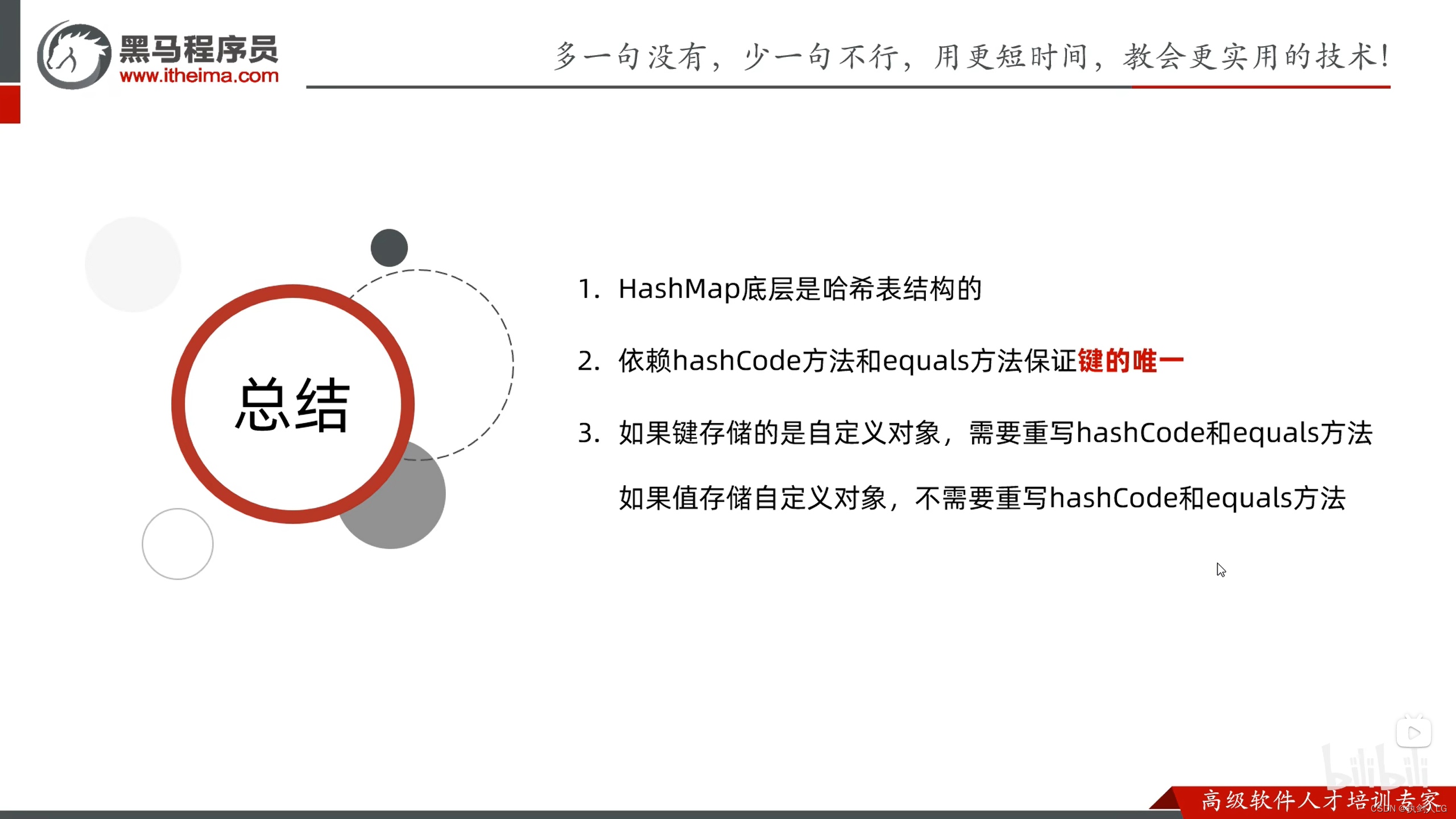
    HashMap

    在这里插入图片描述

    练习一

    在这里插入图片描述
    需提前定义学生类,并重写HashMap方法(不然无法覆盖)

    public class MapDemo4 {
        public static void main(String[] args) {
            //1.创建HashMap对象
            HashMap<Student,String> hm=new HashMap<>();
    
            //2、创建3个学生对象
            Student s1=new Student("zhangsan",23);
            Student s2=new Student("lisi",24);
            Student s3=new Student("wangwu",25);
            Student s4=new Student("wangwu",25);
    
            hm.put(s1,"天津");
            hm.put(s2,"北京");
            hm.put(s3,"福建");//被覆盖
            hm.put(s4,"山东");
    
            Set<Student> keys =hm.keySet();
            for (Student key : keys) {
                String value=hm.get(key);
                System.out.println(key+"="+value);
            }
        }
    }
    
    
    • 1
    • 2
    • 3
    • 4
    • 5
    • 6
    • 7
    • 8
    • 9
    • 10
    • 11
    • 12
    • 13
    • 14
    • 15
    • 16
    • 17
    • 18
    • 19
    • 20
    • 21
    • 22
    • 23
    • 24

    在这里插入图片描述

    练习2

    在这里插入图片描述

    package day12;
    
    import java.util.*;
    
    public class MapDemo5 {
        public static void main(String[] args) {
            //1.需要先让同学们投票
            //定义一个数组,存储四个景点
            String[] arr={"A","B","C","D"};
            //利用随机数模拟80个同学的投票,并把投票的结果存储起来
            ArrayList<String> list=new ArrayList<>();
            Random r=new Random();
            for(int i=0;i<80;i++){
                int index=r.nextInt(arr.length);
                list.add(arr[index]);
            }
    
            //2.如果要统计的东西比较多,不方便使用计数器思想
            //我们可以定义map集合,利用集合进行统计
            HashMap<String,Integer> hm=new HashMap<>();
            for (String name : list) {
                if(hm.containsKey(name)){
                    int count=hm.get(name);
                    count++;
                    //把新的次数再次添加到集合当中
                    hm.put(name,count);
                }else{
                    //不存在
                    hm.put(name,1);
                }
            }
            System.out.println(hm);
    
            //3.求最大值
            int max=0;
            Set<Map.Entry<String,Integer>> entries=hm.entrySet();
            for (Map.Entry<String, Integer> entry : entries) {
                int count=entry.getValue();
                if(count>max){
                    max=count;
                }
            }
            System.out.println(max);
    
            //4.判断哪个景点的次数和最大值一样,如果一样,打印出来
            for (Map.Entry<String, Integer> entry : entries) {
                int count=entry.getValue();
                if(count==max){
                    System.out.println(entry.getKey());
                }
            }
        }
    }
    
    
    • 1
    • 2
    • 3
    • 4
    • 5
    • 6
    • 7
    • 8
    • 9
    • 10
    • 11
    • 12
    • 13
    • 14
    • 15
    • 16
    • 17
    • 18
    • 19
    • 20
    • 21
    • 22
    • 23
    • 24
    • 25
    • 26
    • 27
    • 28
    • 29
    • 30
    • 31
    • 32
    • 33
    • 34
    • 35
    • 36
    • 37
    • 38
    • 39
    • 40
    • 41
    • 42
    • 43
    • 44
    • 45
    • 46
    • 47
    • 48
    • 49
    • 50
    • 51
    • 52
    • 53
    • 54

    LinkedHashMap

    在这里插入图片描述

    TreeMap

    在这里插入图片描述
    TreeMap练习:
    在这里插入图片描述

    package day12;
    
    import java.util.TreeMap;
    
    public class TreeMapDemo {
        public static void main(String[] args) {
            /*
            * 新的统计思想:利用Map集合进行统计
            * 如果题目中没有要求对结果进行排序,默认使用HashMap
            * 如果题目中要求对结果进行排序,请使用TreeMap
            *
            * 键:表示要统计的内容
            * 值:表示次数
            * */
    
            //1.定义字符串
            String s="aababcabcdabcde";
            //2.创建集合
            TreeMap<Character,Integer> tm=new TreeMap<>();
            //3.遍历字符串得到里面的每一个字符
            for (int i = 0; i < s.length(); i++) {
                //拿着c到集合中判断是否存在
                //存在,表示当前字符又出现了一次
                //不存在,表示当前字符是第一次出现
                char c=s.charAt(i);
    
                if(tm.containsKey(c)){
                    //存在
                    //先把已经出现的次数拿出来
                    int count=tm.get(c);
                    //当前字符又出现了一次
                    count++;
                    //把自增之后的结果添加到集合当中
                    tm.put(c,count);
                }
                else{
                    //不存在
                    tm.put(c,1);
                }
            }
            //4.遍历集合,并按照指定格式进行拼接
            //a(5)b(4)……
            //此处使用lambda表达式进行遍历
            //使用StringBuilder进行拼接
            StringBuilder sb=new StringBuilder();
            tm.forEach((key,value)-> sb.append(key).append("(").append(value).append(")"));
    
            System.out.print(sb);
        }
    }
    
    
    • 1
    • 2
    • 3
    • 4
    • 5
    • 6
    • 7
    • 8
    • 9
    • 10
    • 11
    • 12
    • 13
    • 14
    • 15
    • 16
    • 17
    • 18
    • 19
    • 20
    • 21
    • 22
    • 23
    • 24
    • 25
    • 26
    • 27
    • 28
    • 29
    • 30
    • 31
    • 32
    • 33
    • 34
    • 35
    • 36
    • 37
    • 38
    • 39
    • 40
    • 41
    • 42
    • 43
    • 44
    • 45
    • 46
    • 47
    • 48
    • 49
    • 50
    • 51

    在这里插入图片描述

  • 相关阅读:
    关于ONLYOFFICE8.1版本桌面编辑器测评——AI时代的领跑者
    阿里云轻量应用服务器如何快速搭建WordPress个人博客?
    vue3 vue.config.js分包配置
    Rust 16: 哈希表(HashMap)
    独家揭秘|小米14魔改存储芯片多出8GB空间背后的秘诀
    王杰C++day1
    探索AI视觉技术新应用,夸克扫描王首推“离线模式”端侧AI算法提升隐私安全
    Mybatis-Plus入门(新版3.5.2)
    @EventListener 监听事件 ,在同一个虚拟机中如何保证顺序执行
    SpringBoot:(六)YAML配置文件
  • 原文地址:https://blog.csdn.net/weixin_52924358/article/details/129801545