-
我的大学期末网页作业 仿学校网站制作实现 HTML+CSS西北大学新闻网带psd带js
🌩️ 精彩专栏推荐👇🏻👇🏻👇🏻
💂 作者主页: 【进入主页—🚀获取更多源码】
🎓 web前端期末大作业: 【📚HTML5网页期末作业 (1000套) 】
🧡 程序员有趣的告白方式:【💌HTML七夕情人节表白网页制作 (110套) 】
二、📚网站介绍
📔网站布局方面:计划采用目前主流的、能兼容各大主流浏览器、显示效果稳定的浮动网页布局结构。
📓网站程序方面:计划采用最新的网页编程语言HTML5+CSS3+JS程序语言完成网站的功能设计。并确保网站代码兼容目前市面上所有的主流浏览器,已达到打开后就能即时看到网站的效果。
📘网站素材方面:计划收集各大平台好看的图片素材,并精挑细选适合网页风格的图片,然后使用PS做出适合网页尺寸的图片。
📒网站文件方面:网站系统文件种类包含:html网页结构文件、css网页样式文件、js网页特效文件、images网页图片文件;
📙网页编辑方面:网页作品代码简单,可使用任意HTML编辑软件(如:
Dreamweaver、HBuilder、Vscode 、Sublime 、Webstorm、Text 、Notepad++等任意html编辑软件进行运行及修改编辑等操作)。
其中:
(1)📜html文件包含:其中index.html是首页、其他html为二级页面;
(2)📑 css文件包含:css全部页面样式,文字滚动, 图片放大等;
(3)📄 js文件包含:js实现动态轮播特效, 表单提交, 点击事件等等(个别网页中运用到js代码)。
三、🔗网站效果
▶️1.视频演示
R33JP-西北大学新闻网带psd带js(7页)
🧩 2.图片演示
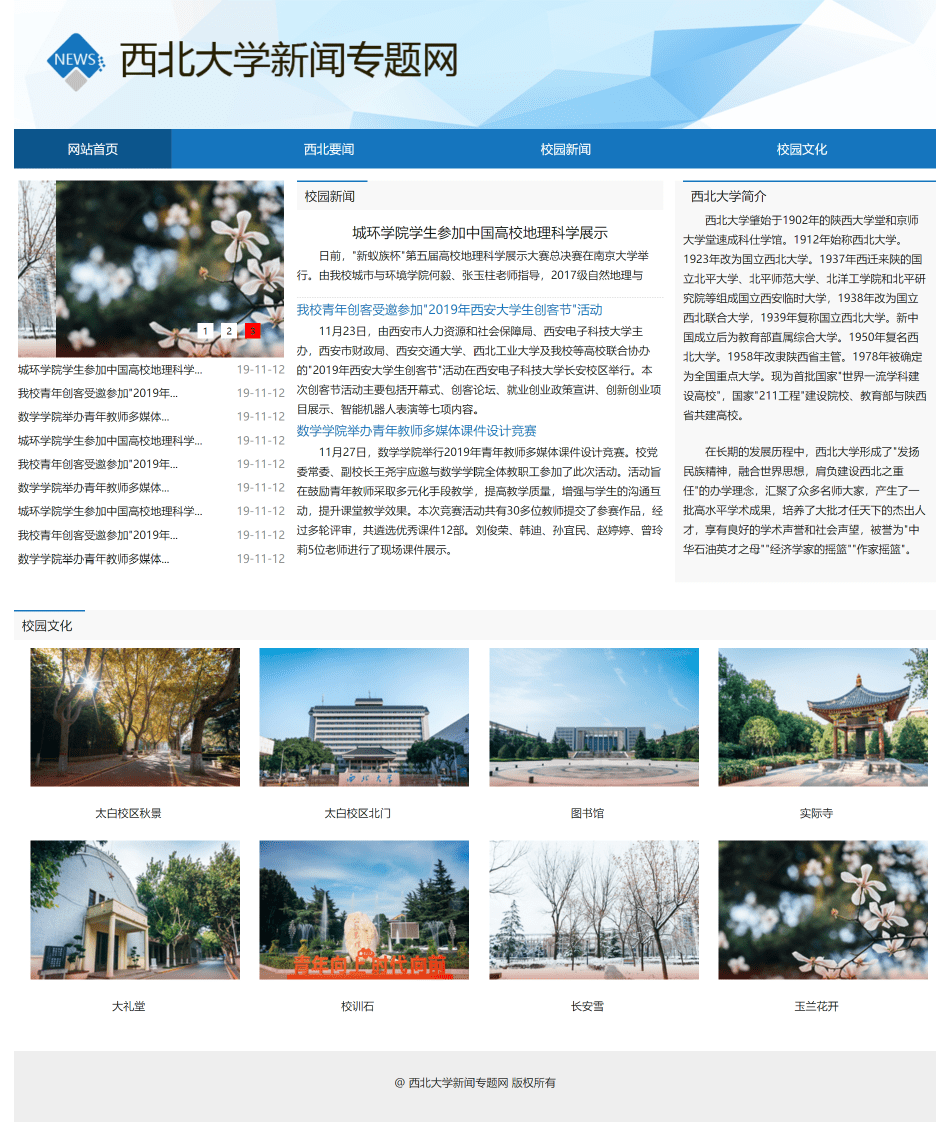
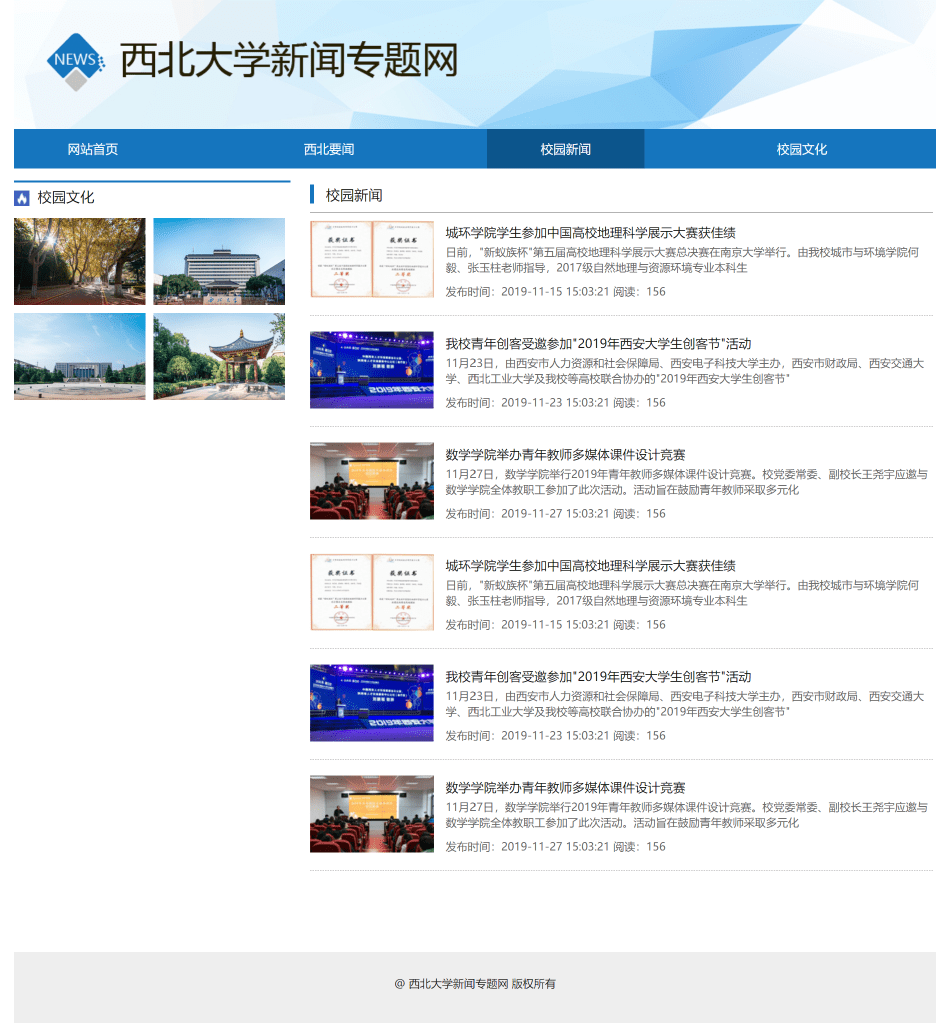
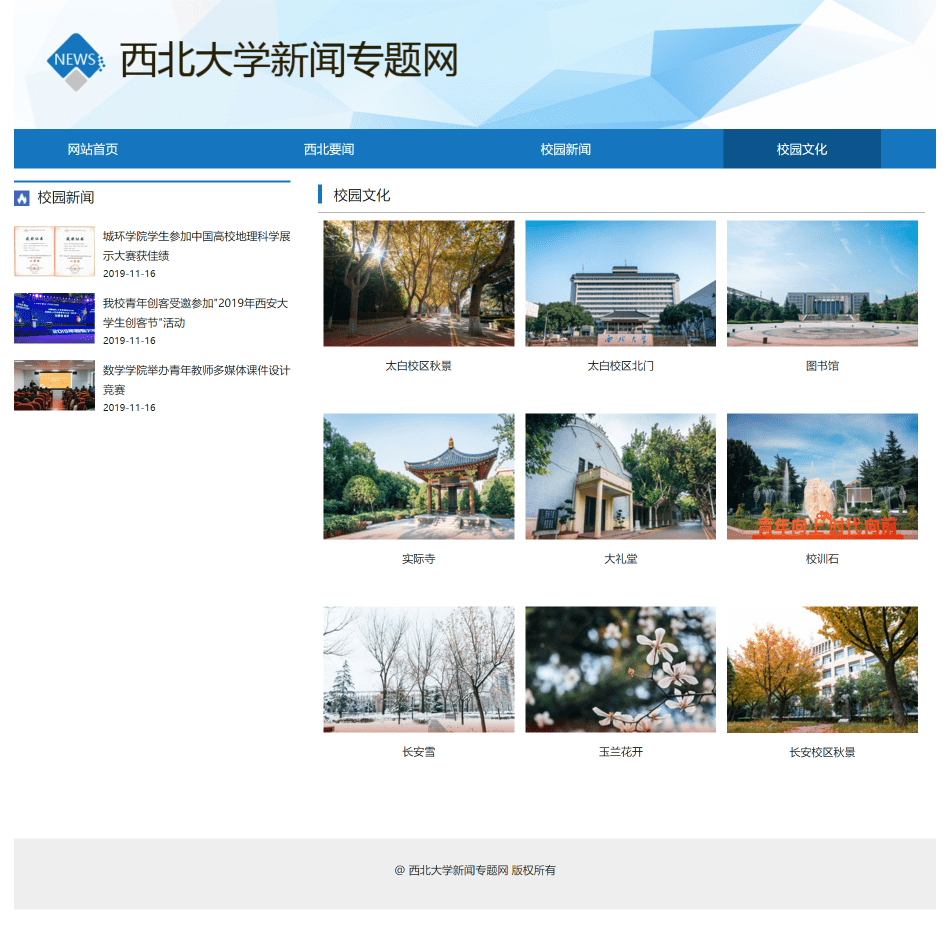
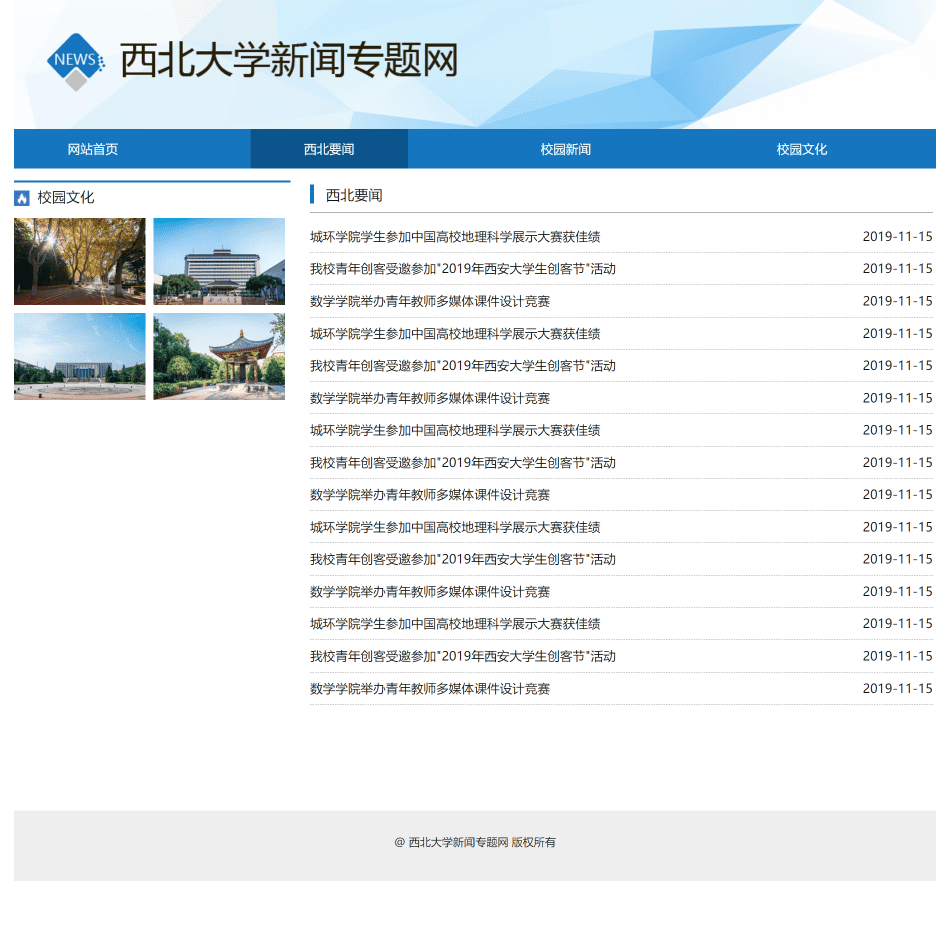
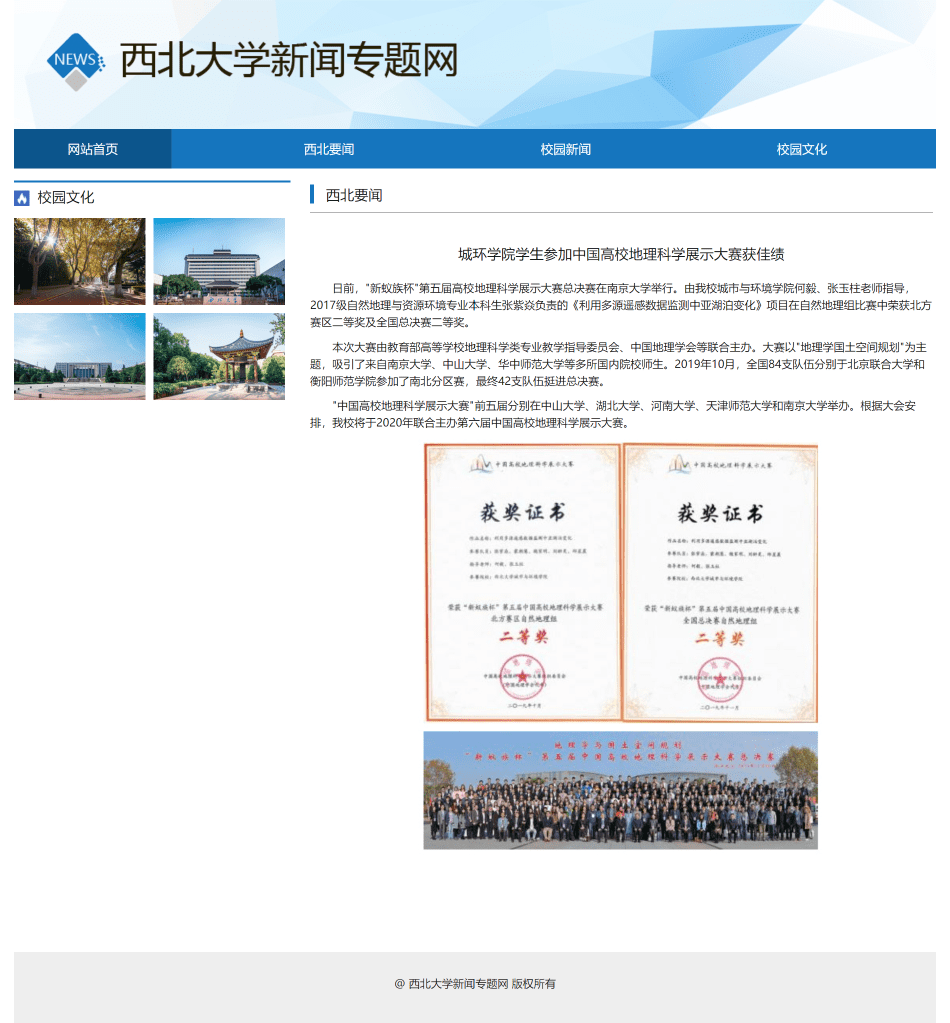
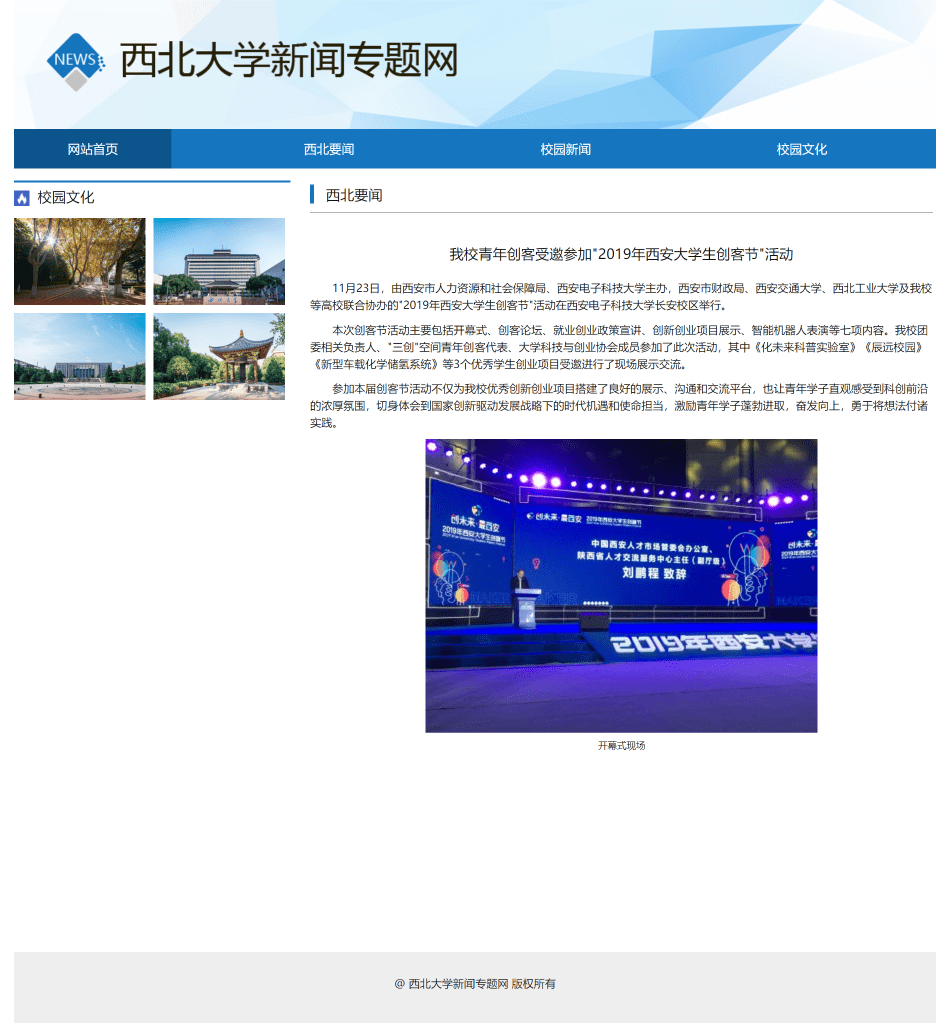
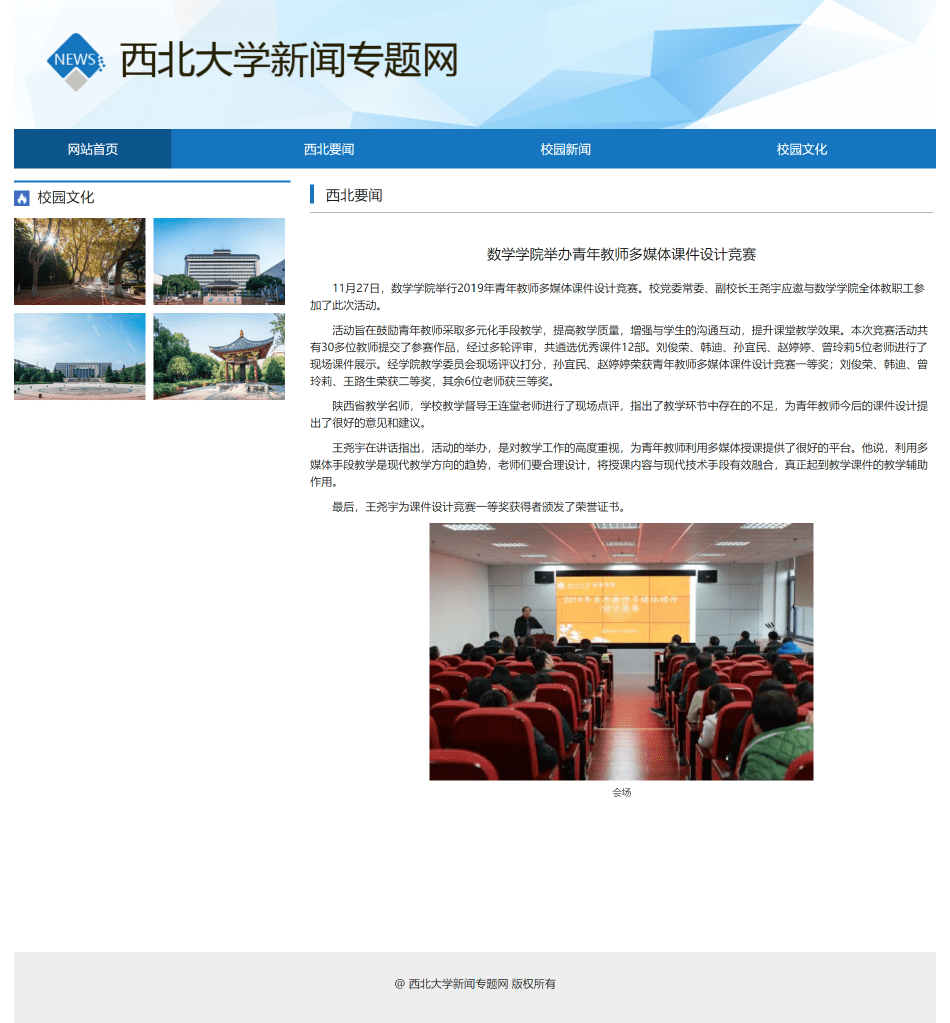
四、💒 网站代码
🧱HTML结构代码
DOCTYPE HTML>
<html>
<head>
<meta charset="utf-8">
<title>首页title>
<link href="css/style.css" rel="stylesheet" type="text/css">
head>
<body>
<div class="web">
<div class="top"><div class="logo"><img src="img/logo.png">div>div>
<div class="nav">
<ul>
<li><a class="hot" href="index.html">网站首页a>li>
<li><a href="index01.html">西北要闻a>li>
<li><a href="index02.html">校园新闻a>li>
<li class="mar0"><a href="index03.html">校园文化a>li>
ul>
div>
<div class="box1">
<div class="left">
<div class="box" id="box">
    <div class="inner">

        <ul>
            <li><a href="#"><img src="img/img09.jpg" alt="">a>li>
             <li><a href="#"><img src="img/img10.jpg" alt="">a>li>
              <li><a href="#"><img src="img/img11.jpg" alt="">a>li>


        ul>

        <ol class="bar">

        ol>


    div>
div>

<script>
    /**
     *
     * @param id  传入元素的id
     * @returns {HTMLElement | null}  返回标签对象,方便获取元素
     */
    function my$(id) {
        return document.getElementById(id);
    }

    //获取各元素,方便操作
    var box=my$("box");
    var inner=box.children[0];
    var ulObj=inner.children[0];
    var list=ulObj.children;
    var olObj=inner.children[1];
    var arr=my$("arr");
    var imgWidth=inner.offsetWidth;
    var right=my$("right");
    var pic=0;
    //根据li个数,创建小按钮
    for(var i=0;i<list.length;i++){
        var liObj=document.createElement("li");

        olObj.appendChild(liObj);
        liObj.innerText=(i+1);
        liObj.setAttribute("index",i);

        //为按钮注册mouseover事件
        liObj.onmouseover=function () {
            //先清除所有按钮的样式

            for (var j=0;j<olObj.children.length;j++){
                olObj.children[j].removeAttribute("class");
            }
            this.className="current";
            pic=this.getAttribute("index");
            animate(ulObj,-pic*imgWidth);
        }

    }


    //设置ol中第一个li有背景颜色
    olObj.children[0].className = "current";
    //克隆一个ul中第一个li,加入到ul中的最后=====克隆
    ulObj.appendChild(ulObj.children[0].cloneNode(true));

    var timeId=setInterval(onmouseclickHandle,2000);
    //左右焦点实现点击切换图片功能
    box.onmouseover=function () {
        arr.style.display="block";
        clearInterval(timeId);
    };
    box.onmouseout=function () {
        arr.style.display="none";
        timeId=setInterval(onmouseclickHandle,2000);
    };

    right.onclick=onmouseclickHandle;
    function onmouseclickHandle() {
        //如果pic的值是5,恰巧是ul中li的个数-1的值,此时页面显示第六个图片,而用户会认为这是第一个图,
        //所以,如果用户再次点击按钮,用户应该看到第二个图片
        if (pic == list.length - 1) {
            //如何从第6个图,跳转到第一个图
            pic = 0;//先设置pic=0
            ulObj.style.left = 0 + "px";//把ul的位置还原成开始的默认位置
        }
        pic++;//立刻设置pic加1,那么此时用户就会看到第二个图片了
        animate(ulObj, -pic * imgWidth);//pic从0的值加1之后,pic的值是1,然后ul移动出去一个图片
        //如果pic==5说明,此时显示第6个图(内容是第一张图片),第一个小按钮有颜色,
        if (pic == list.length - 1) {
            //第五个按钮颜色干掉
            olObj.children[olObj.children.length - 1].className = "";
            //第一个按钮颜色设置上
            olObj.children[0].className = "current";
        } else {
            //干掉所有的小按钮的背景颜色
            for (var i = 0; i < olObj.children.length; i++) {
                olObj.children[i].removeAttribute("class");
            }
            olObj.children[pic].className = "current";
        }
    }
    left.onclick=function () {
        if (pic==0){
            pic=list.length-1;
            ulObj.style.left=-pic*imgWidth+"px";
        }
        pic--;
        animate(ulObj,-pic*imgWidth);
        for (var i = 0; i < olObj.children.length; i++) {
            olObj.children[i].removeAttribute("class");
        }
        //当前的pic索引对应的按钮设置颜色
        olObj.children[pic].className = "current";
    };

    //设置任意的一个元素,移动到指定的目标位置
    function animate(element, target) {
        clearInterval(element.timeId);
        //定时器的id值存储到对象的一个属性中
        element.timeId = setInterval(function () {
            //获取元素的当前的位置,数字类型
            var current = element.offsetLeft;
            //每次移动的距离
            var step = 10;
            step = current < target ? step : -step;
            //当前移动到位置
            current += step;
            if (Math.abs(current - target) > Math.abs(step)) {
                element.style.left = current + "px";
            } else {
                //清理定时器
                clearInterval(element.timeId);
                //直接到达目标
                element.style.left = target + "px";
            }
        }, 10);
    }
script>
<ul>
<li><a href="index0101.html">城环学院学生参加中国高校地理科学...<span>19-11-12span>a>li>
<li><a href="index0102.html">我校青年创客受邀参加"2019年...<span>19-11-12span>a>li>
<li><a href="index0103.html">数学学院举办青年教师多媒体...<span>19-11-12span>a>li>
<li><a href="index0101.html">城环学院学生参加中国高校地理科学...<span>19-11-12span>a>li>
<li><a href="index0102.html">我校青年创客受邀参加"2019年...<span>19-11-12span>a>li>
<li><a href="index0103.html">数学学院举办青年教师多媒体...<span>19-11-12span>a>li>
<li><a href="index0101.html">城环学院学生参加中国高校地理科学...<span>19-11-12span>a>li>
<li><a href="index0102.html">我校青年创客受邀参加"2019年...<span>19-11-12span>a>li>
<li><a href="index0103.html">数学学院举办青年教师多媒体...<span>19-11-12span>a>li>
ul>
div>
<div class="cent">
<div class="tit"><a href="index02.html"><h1>校园新闻h1>a>div>
<div class="bx1">
<a href="index0101.html">
<h1>城环学院学生参加中国高校地理科学展示h1>
<p>日前,"新蚁族杯"第五届高校地理科学展示大赛总决赛在南京大学举行。由我校城市与环境学院何毅、张玉柱老师指导,2017级自然地理与p>
a>
div>
<div class="bx2">
<a href="index0102.html">
<h2>我校青年创客受邀参加"2019年西安大学生创客节"活动 h2>
<p>11月23日,由西安市人力资源和社会保障局、西安电子科技大学主办,西安市财政局、西安交通大学、西北工业大学及我校等高校联合协办的"2019年西安大学生创客节"活动在西安电子科技大学长安校区举行。本次创客节活动主要包括开幕式、创客论坛、就业创业政策宣讲、创新创业项目展示、智能机器人表演等七项内容。p>
a>
<a href="index0103.html">
<h2>数学学院举办青年教师多媒体课件设计竞赛 h2>
<p>11月27日,数学学院举行2019年青年教师多媒体课件设计竞赛。校党委常委、副校长王尧宇应邀与数学学院全体教职工参加了此次活动。活动旨在鼓励青年教师采取多元化手段教学,提高教学质量,增强与学生的沟通互动,提升课堂教学效果。本次竞赛活动共有30多位教师提交了参赛作品,经过多轮评审,共遴选优秀课件12部。刘俊荣、韩迪、孙宜民、赵婷婷、曾玲莉5位老师进行了现场课件展示。p>
a>
div>

div>
<div class="right">
<div class="tit2"><a href="#"><h1>西北大学简介h1>a>div>
<p>西北大学肇始于1902年的陕西大学堂和京师大学堂速成科仕学馆。1912年始称西北大学。1923年改为国立西北大学。1937年西迁来陕的国立北平大学、北平师范大学、北洋工学院和北平研究院等组成国立西安临时大学,1938年改为国立西北联合大学,1939年复称国立西北大学。新中国成立后为教育部直属综合大学。1950年复名西北大学。1958年改隶陕西省主管。1978年被确定为全国重点大学。现为首批国家"世界一流学科建设高校",国家"211工程"建设院校、教育部与陕西省共建高校。p>
<br>
<p>在长期的发展历程中,西北大学形成了"发扬民族精神,融合世界思想,肩负建设西北之重任"的办学理念,汇聚了众多名师大家,产生了一批高水平学术成果,培养了大批才任天下的杰出人才,享有良好的学术声誉和社会声望,被誉为"中华石油英才之母""经济学家的摇篮""作家摇篮"。p>
div>

div>
<div class="box2">
<div class="tit"><a href="index03.html"><h1>校园文化h1>a>div>
<ul>
<li><img src="img/img04.jpg"><p>太白校区秋景p>li>
<li><img src="img/img05.jpg"><p>太白校区北门p>li>
<li><img src="img/img06.jpg"><p>图书馆p>li>
<li><img src="img/img07.jpg"><p>实际寺p>li>
<li><img src="img/img08.jpg"><p>大礼堂p>li>
<li><img src="img/img09.jpg"><p>校训石p>li>
<li><img src="img/img10.jpg"><p>长安雪p>li>
<li><img src="img/img11.jpg"><p>玉兰花开p>li>
ul>
div>

<div class="foot">@ 西北大学新闻专题网  版权所有div>
div>
body>
html>
🏠CSS样式代码
body{ margin:0 auto; font-size:12px; font-family: "微软雅黑",arial; line-height:22px; color:#141515; }
div,p,input,ul,li,p,h1,h2,h3,h4{ height:auto; margin:0;; padding:0; vertical-align:middle ;}
li{ list-style:none;}
a{ text-decoration:none; color:#141515;}
a:hover{ color:#1575be;}
.ul{ list-style:none;}
img{ border:0; margin:0; padding:0;}
.web{width:1170px; height:auto; overflow:hidden; margin:0 auto; background:#FFF;}
.top{ height:123px; padding-top:41px; background:url(../img/bg1.jpg) no-repeat;}
.logo{ width:531px; height:83px; margin-left:41px; }
.nav{ width:1170px; height:50px; background:#1575be; margin-bottom:15px;}
.nav ul{ padding:0px; margin:0px;}
.nav ul li{ width:200px; height:50px; line-height:50px; text-align:center; float:left; margin-right:100px;}
.nav ul li a{ color:#f7fafc; display:block;width:200px; height:50px; font-size:16px;}
.nav ul li a:hover{ background:#0c558c;}
.mar0{ margin-right:0px !important;}
.hot{background:#0c558c !important;;}
.box1{ height:530px; margin-bottom:15px;}
.left{ width:339px; height:530px; float:left;  margin-right:15px; padding-left:5px;}
 .box {
	width: 338px;
	height: 225px;

        }
        .inner{
	width: 338px;
	height: 225px;
	position: relative;
	overflow: hidden;
        }
        .inner img{
   	width: 338px;
	height: 225px;
            vertical-align: top
        }
        .inner ul {
            width: 1000%;
            position: absolute;
            list-style: none;
            left:0;
            top: 0;
	    margin:0px;
	    padding:0px;
        }
        .inner li{
            float: left;

        }

        ol {
	position: absolute;
	height: 20px;
	right: 20px;
	bottom: 12px;
	text-align: center;
	padding: 5px;
        }
        ol li{
	display: block;
	width: 20px;
	height: 20px;
	line-height: 20px;
	background-color: #fff;
	margin: 5px;
	cursor: pointer;
        }
        ol .current{
            background-color: red;
        }

.left ul{ padding:0px; margin:0px;}
.left ul li{ height:30px; line-height:30px;}
.left ul li a{ font-size:14px;}
.left ul li span{ float:right; color:#8e8f8f;}
.cent{ width:465px; height:530px; float:left; margin-right:15px;}
.tit{ height:38px; background:#f8f8f8;}
.tit h1{ font-size:16px; font-weight:normal; padding-left:10px; width:80px; line-height:35px; border-top:#1575be 2px solid; }
.cent .bx1{ height:110px; border-bottom:#CCC 1px dashed;}
.cent .bx1 h1{ padding-top:10px; height:35px; line-height:35px; font-size:18px; text-align:center;font-weight:normal;}
.cent .bx2{ height:379px;}
.cent .bx2 h2{ color:#1575be; font-weight:normal; line-height:30px; font-size:16px;}
.cent  p{ line-height:25px; font-size:14px; text-indent:2em;}
.right{ width:311px; float:left; height:510px; background:#f8f8f8; padding:0px 10px; }
.right p{ line-height:25px; font-size:14px; text-indent:2em;}
.tit2{ height:38px; }
.tit2 h1{ font-size:16px; font-weight:normal; padding-left:10px; width:331px; line-height:35px; border-top:#1575be 2px solid; }
.box2{ height:560px; }
.box2 ul{ padding:0px;}
.box2 ul li{ width:269px; height:245px; float:left; margin:0px 11px;}
.box2 ul li img{ margin:10px;}
.box2 ul li p{ height:35px; line-height:35px; font-size:14px; text-align:center;}
.foot{ width:1170px; height:90px; line-height:80px; background:#eeeeee; text-align:center; font-size:14px; color:#1c1c1b;}

.yw{ width:1170px; min-height:750px; height:auto; overflow:hidden; padding-bottom:50px;}
.yleft{ width:351px; height:330px; float:left; margin-right:25px; border-top:#1575be 3px solid;}
.title{ height: 35px;
line-height: 35px;
font-size: 18px;
padding-left: 30px;
margin-bottom: 10px;
background: url(../img/bg2.jpg) no-repeat 0px 10px;}
.yleft img{ float:left; margin-bottom:10px; width:167px;}
.yleft ul{ padding:0px;}
.yleft ul li{width:167px; float:left;}
.mar10{ margin-right:10px;}
.yright{ width:790px; height:auto; overflow:hidden;float:left; }
.rtitle{ height:40px; border-bottom:#666 1px solid; line-height:35px; padding-left:20px; background:url(../img/bg3.jpg) no-repeat 0px 5px; font-size:18px; margin-bottom:10px;}
.yright ul{ padding:0px;}
.yright ul li{ line-height:40px; height:40px; border-bottom:#999 1px dashed;}
.yright ul li a{ font-size:16px;}
.yright ul li span{ float:right;}
.ynews{ width:790px; height:auto; overflow:hidden;float:left; height:930px;}
.ynews ul{padding:0px;}
.ynews ul li{ height:120px; border-bottom:#999 1px dashed; margin-bottom:20px;}
.ynews ul li img{ width:157px; height:98px; float:left; margin-right:15px;}
.ynews ul li h1{ height:30px; line-height:30px; font-weight:normal; font-size:16px;}
.ynews ul li p{ line-height:20px; font-size:14px; margin-bottom:10px; color:#666}
.ynews ul li h2{ font-weight:normal; font-size:14px;color:#666}

.nleft{ width:351px; height:330px; float:left; margin-right:25px; border-top:#1575be 3px solid;}
.nleft ul{ padding:0px}
.nleft ul li{ height:75px; padding-top:10px;}
.nleft ul li img{ float:left; margin-right:10px; width:103px;}
.nleft ul li h1{ font-weight:normal; font-size:14px; line-height:25px;}
.wnhu{ width:770px; padding:0px 10px; float:left; }
.wnhu ul{ padding:0px;}
.wnhu ul li{ width:242px; height:245px; float:left; margin:0px 7px;}
.wnhu ul li img{  width:242px;}
.wnhu ul li p{ height:35px; line-height:35px; font-size:14px; text-align:center;}
.wner {
    width: 790px;
    height: auto;
    overflow: hidden;
    float: left;
    height: 930px;
}
.wtitle{ height:45px; line-height:45px; padding-top:20px; margin-bottom:10px; font-size:18px; text-align:center;}
.wner p{ font-size:14px; margin-bottom:10px; text-indent:2em;}
.wner img{ margin:0 auto; display:block;}
.wner h3{ font-size:12px; text-align:center; line-height:30px; font-weight:normal;}
五、🎁更多源码
1.如果我的博客对你有帮助
请 “👍点赞” “✍️评论” “💙收藏”一键三连哦!2.
💗【👇🏻👇🏻👇🏻🉑关注我| 获取更多源码】带您学习各种前端插件、3D炫酷效果、图片展示、文字效果、以及整站模板 、大学生毕业HTML模板 、等!📣以上内容技术相关问题💌欢迎一起交流学习👇🏻👇🏻👇🏻
-
相关阅读:
数据采集与预处理课设——人在回路的气温数据动态处理与可视化
树形DP()
java基于springboot美食推荐管理系统附源码风格
安全实战 | 怎么用零信任防范弱密码?
js 谈谈Generator和[Symbol.iterator]
典型行业大数据应用和安全风险和解决方案
Chainlit vs Streamlit和Gradio:为什么Chainlit是开发聊天机器人不错的选择
基于Pango Design SuiteFPGA程序加载/固化——TMS320F28377D开发板
LeetCode 917 仅仅反转字母 简单
围堵或改 “倾销”?芯片价格战要来了?
- 原文地址:https://blog.csdn.net/qq_38512571/article/details/127117007