-
小程序开发的部分功能
项目前的准备
关闭自动热重载警告:详情->本地设置->关闭“启用代码自动热重载”

新建项目并梳理项目结构
配置导航栏效果
全局app.json->window
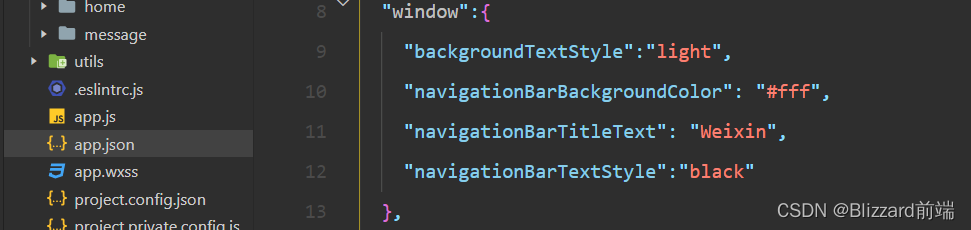
配置tabBar
在全局app.json中和window平级创建一个tabBar节点

实现轮播图效果
接口地址
①获取轮播图数据列表的接口
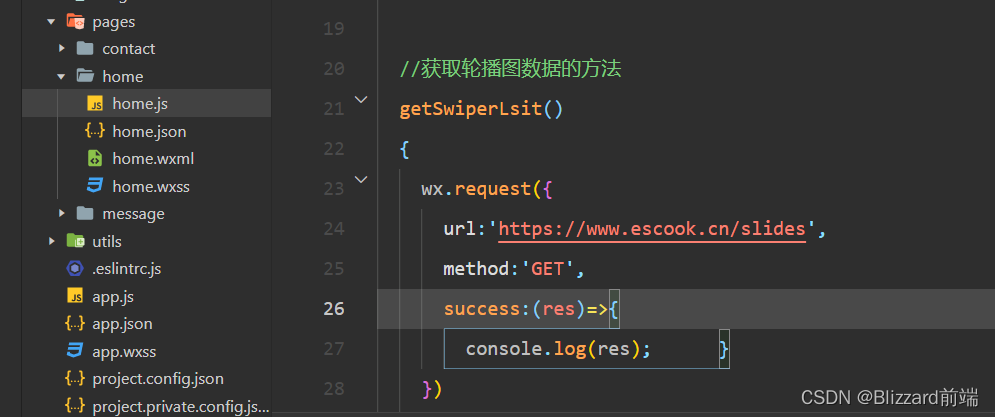
②在子页面中定义获取轮播图数据的方法
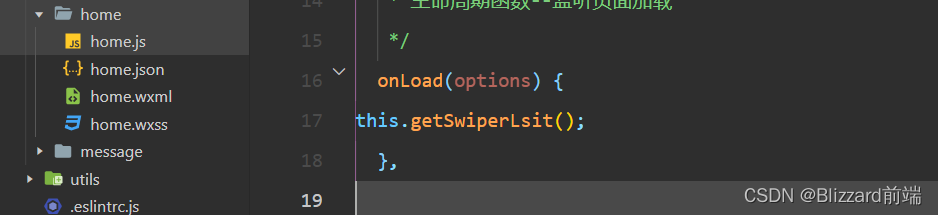
③在onload中调用这个方法-通过this实例页面一加载就调用
④通过setDate()将数据赋值data里面的数组data: { //存放轮播图数据的列表 swiperList:[] }, //获取轮播图数据的方法 getSwiperLsit() { wx.request({ url:'https://www.escook.cn/slides', method:'GET', success:(res)=>{ console.log(res); this.setData({ swiperList:res.data }) } }) },- 1
- 2
- 3
- 4
- 5
- 6
- 7
- 8
- 9
- 10
- 11
- 12
- 13
- 14
- 15
- 16
- 17
- 18
- 19
- 20
- 21
⑤渲染轮播图的效果
<swiper indicator-dots circular> <swiper-item wx:for="{{swiperList}}" wx:key="id"> <image src="{{item.image}}"> </image> </swiper-item> </swiper>- 1
- 2
- 3
- 4
- 5
- 6
上拉触底功能
步骤一-定义随机获取颜色的方法
data: { colorList:[] }, getColors(){ wx.request({ url: 'https://www.escook.cn/api/color', method:'get', success:({data:res})=>{ console.log(res) // 数据拼接 this.setData({ colorList:[...this.data.colorList,...res.data] }) } }) },- 1
- 2
- 3
- 4
- 5
- 6
- 7
- 8
- 9
- 10
- 11
- 12
- 13
- 14
- 15
- 16
- 17
- 18
步骤二-在页面加载时获得初始数据
/** * 生命周期函数--监听页面加载 */ onLoad(options) { this.getColors() },- 1
- 2
- 3
- 4
- 5
- 6
步骤三-渲染UI结构并美化页面效果
<!--pages/contact/contact.wxml--> <view wx:for="{{colorList}}" wx:key="index" class="num-item" style="background-color: rgba({{item}});">{{item}}</view>- 1
- 2
- 3
页面要足够大可以下拉刷新
步骤四-上拉触底时获取随机颜色
//页面上拉触底事件的处理函数 onReachBottom:function(){ //调用获取随机颜色的方法 this.getColors() }- 1
- 2
- 3
- 4
- 5
上拉刷新,数据一次性获取10条,由10条变成20条
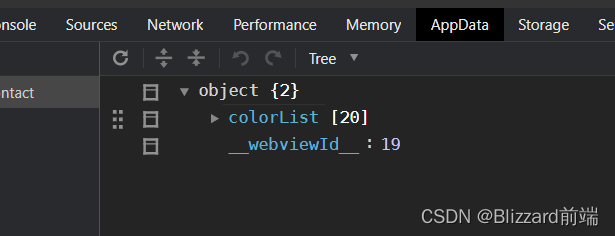
步骤五-添加loading提示效果
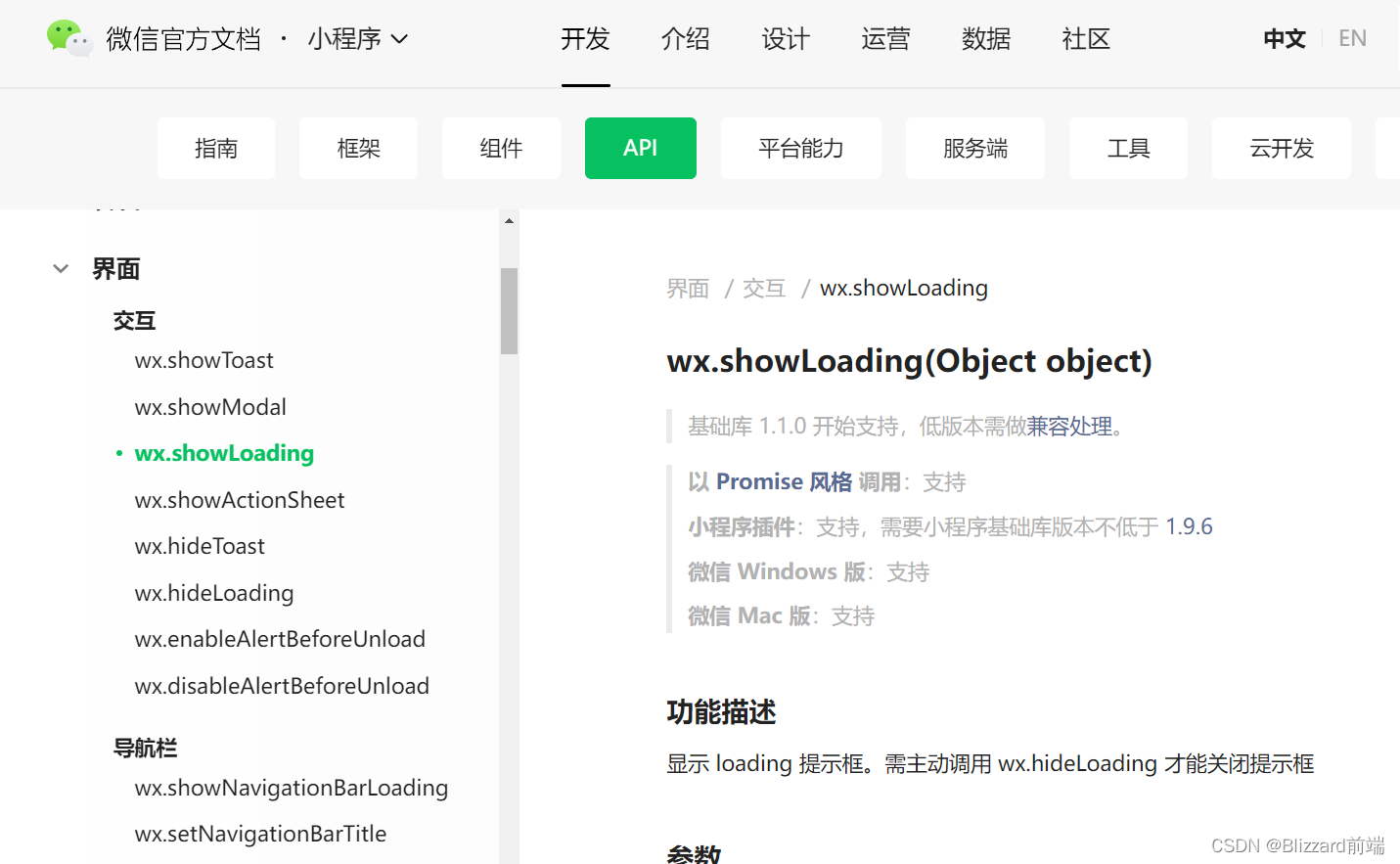
getColors(){ //展示loading效果 wx.showLoading({ title: '数据加载中。。。', }) wx.request({ url: 'https://www.escook.cn/api/color', method:'get', success:({data:res})=>{ console.log(res) // 数据拼接 this.setData({ colorList:[...this.data.colorList,...res.data] }) }, //手动关闭数据加载 complete:()=>{ wx.hideLoading() } }) },- 1
- 2
- 3
- 4
- 5
- 6
- 7
- 8
- 9
- 10
- 11
- 12
- 13
- 14
- 15
- 16
- 17
- 18
- 19
- 20
- 21
- 22
- 23
步骤六-对上拉触底进行节流处理
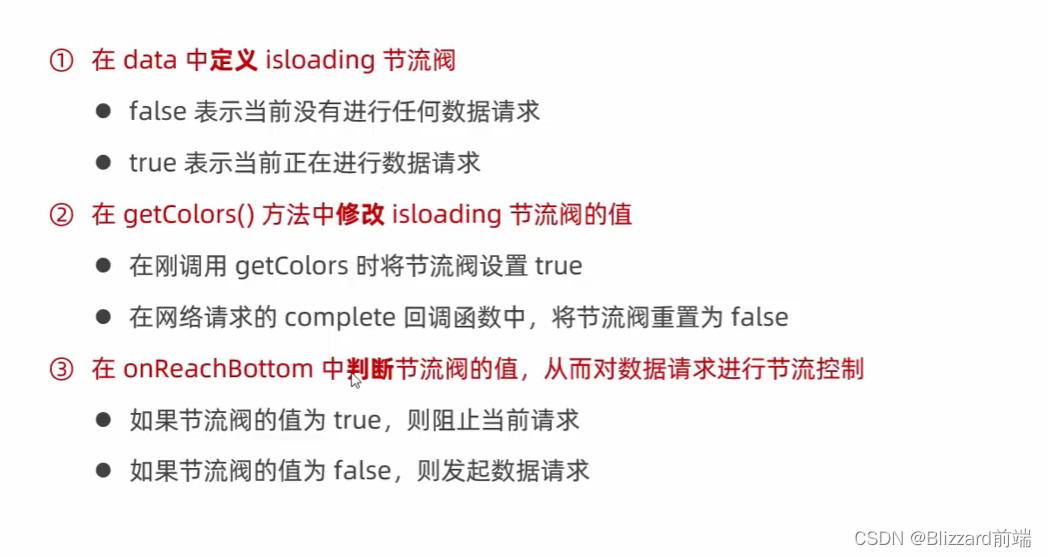
data: { colorList:[], isloading:false }, getColors(){ this.setData({ isloading:true }) //展示loading效果 wx.showLoading({ title: '数据加载中。。。', }) wx.request({ url: 'https://www.escook.cn/api/color', method:'get', success:({data:res})=>{ console.log(res) // 数据拼接 this.setData({ colorList:[...this.data.colorList,...res.data] }) }, //手动关闭数据加载 complete:()=>{ wx.hideLoading() this.setData({ isloading:false }) } }) }, onReachBottom() { if(this.data.isloading) return this.getColors() },- 1
- 2
- 3
- 4
- 5
- 6
- 7
- 8
- 9
- 10
- 11
- 12
- 13
- 14
- 15
- 16
- 17
- 18
- 19
- 20
- 21
- 22
- 23
- 24
- 25
- 26
- 27
- 28
- 29
- 30
- 31
- 32
- 33
- 34
- 35
- 36
- 37
-
相关阅读:
redis性能测试
程序猿大战Python——实现简单的图书馆系统操作
vue3学习源码笔记(小白入门系列)------KeepAlive 原理
探索GIS+物联网应用场景 MapGIS IoT实时大数据解决方案
【归并排序】| 详解归并排序核心代码之合并两个有序数组 力扣88
linux下的采用epoll网络模型的文件传输
添加路由的2种方式--router
HTML+CSS+JavaScript仿京东购物网站制作 html静态网页设计制作 dw静态网页成品模板素材网页 web前端网页设计与制作 div静态网页设计
mysql leetcode打题记录
Java 学习如逆水行舟,不进则退,100 本 java 电子书推荐
- 原文地址:https://blog.csdn.net/m0_51195865/article/details/125483097
