-
HarmonyOS ArkUI实战开发-窗口模块(Window)
窗口模块用于在同一物理屏幕上,提供多个应用界面显示、交互的机制。
- 对应用开发者而言,窗口模块提供了界面显示和交互能力。
- 对于终端用户而言,窗口模块提供了控制应用界面的方式。
- 对于操作系统而言,窗口模块提供了不同应用界面的组织管理逻辑。
OpenHarmony 将窗口分为系统窗口和应用窗口两种类型:
-
系统窗口:
系统窗口指完成系统特定功能的窗口。如音量条、壁纸、通知栏、状态栏、导航栏等。
-
应用窗口:
应用窗口区别于系统窗口,指与应用显示相关的窗口。根据显示内容的不同,应用窗口又分为应用主窗口、应用子窗口两种类型。
-
应用主窗口:
应用主窗口用于显示应用界面,会在“任务管理界面”显示。
-
应用子窗口:
应用子窗口用于显示应用内的弹窗、悬浮窗等辅助窗口,不会在“任务管理界面”显示。
-
ArkUI 开发框架在
@ohos.window模块中提供了对窗口操作相关方法,比如设置窗口全屏显示,弹出悬浮窗等,本节笔者简单介绍一下窗口模块。Window 定义介绍
declare namespace window { function create(id: string, type: WindowType): Promise; function find(id: string): Promise ; function getTopWindow(): Promise ; // Winodw 的能力 interface Window { show(): Promise ; destroy(): Promise ; moveTo(x: number, y: number): Promise ; resetSize(width: number, height: number): Promise ; getAvoidArea(type: AvoidAreaType): Promise ; setFullScreen(isFullScreen: boolean): Promise ; setLayoutFullScreen(isLayoutFullScreen: boolean): Promise ; loadContent(path: string): Promise ; isShowing(): Promise ; on(type: 'windowSizeChange' | 'systemAvoidAreaChange' | 'keyboardHeightChange', callback: Callback ): void; off(type: 'windowSizeChange' | 'systemAvoidAreaChange' | 'keyboardHeightChange', callback?: Callback ): void; setBackgroundColor(color: string): Promise ; } } export default window; - 1
- 2
- 3
- 4
- 5
- 6
- 7
- 8
- 9
- 10
- 11
- 12
- 13
- 14
- 15
- 16
- 17
- 18
- 19
- 20
- 21
- 22
@ohos.window模块提供的静态方法及Window的部分方法说明如下:- create():创建一个子窗口。
- find():查找指定
id所对应的窗口 - getTopWindow():获取当前应用内最后显示的窗口。
- show():显示当前窗口。
- destroy():销毁当前窗口。
- moveTo():移动当前窗口。
- on():监听窗口对应事件。
- off():取消监听对应窗口事件。
- setLayoutFullScreen():设置窗口布局是否为全屏布局。
- loadContent():为当前窗口加载具体页面内容。
- setBackgroundColor():设置窗口的背景色。
- setSystemBarEnable():设置导航栏、状态栏是否显示。
- setFullScreen():设置窗口是否全屏显示。
Window 使用介绍
- 引入 window 模块
import window from '@ohos.window';- 1
- 创建 Window 对象
创建一个
Window,直接调用 create() 相关方法即可,笔者创建的一个窗口类型为TYPE_APP的子窗口,代码如下:private createSubWindow() { window.create(subWindowID, window.WindowType.TYPE_APP).then((subWindow) => { if (subWindow) { this.subWindow = subWindow this.subWindow.setFocusable(false) this.subWindow.setDimBehind(0.4) this.subWindow.resetSize(750, 480) this.subWindow.moveTo(230, 1200) this.subWindow.setBackgroundColor(Color.Red.toString()) this.subWindow.setOutsideTouchable(false) this.subWindow.setTouchable(false) this.status = "create subWindow success" } else { this.status = "create subWindow failure: " + JSON.stringify(subWindow) } }).catch((error) => { this.status = "create subWindow failure: " + JSON.stringify(error) }) }- 1
- 2
- 3
- 4
- 5
- 6
- 7
- 8
- 9
- 10
- 11
- 12
- 13
- 14
- 15
- 16
- 17
- 18
- 19
-
创建 Widnow 页面
Window创建完成后,就可以用它来加载待显示的页面了,先创建一个页面并命名为sub_window.ets,然后用刚刚创建的Window对象来加载,页面代码如下:
@Entry @Component struct SubWindowComponent { build() { Column() { Text("我是子窗口") .fontSize(30) } .backgroundColor("#ccaabb") .size({width: "100%", height: "100%"}) } }- 1
- 2
- 3
- 4
- 5
- 6
- 7
- 8
- 9
- 10
📢:子窗口加载的页面需要在配置文件
config.json中的 pages 属性中添加进来,否则加载不进来,页面就显示不出来。- 加载 Window 页面
加载页面直接调用
Window的 loadContent() 方法即可,代码如下所示:private loadContent(path: string) { if (this.subWindow) { this.subWindow.loadContent(path).then(() => { this.status = "load content success" }).catch((error) => { this.status = "load content failure: " + JSON.stringify(error) }) } else { this.status = "subWindow not created" } }- 1
- 2
- 3
- 4
- 5
- 6
- 7
- 8
- 9
- 10
- 11
-
显示 Window 页面
Window加载完页面后还要调用它的 show() 方法,否则页面不显示。代码如下所示:
private showSubWindow() { if (this.subWindow) { this.subWindow.show().then(() => { this.status = "show subWindow success" }).catch((error) => { this.status = "show subWindow failure: " + JSON.stringify(error) }) } else { this.status = "subWindow not created" } }- 1
- 2
- 3
- 4
- 5
- 6
- 7
- 8
- 9
- 10
- 11
- 销毁 Window 页面
在
Window使用完毕后,应当及时销毁它,以便资源被回收,代码如下所示:private destroySubWindow() { if (this.subWindow) { this.subWindow.destroy().then(() => { this.status = "destroy subWindow success" this.subWindow = null }).catch((error) => { this.status = "destroy subWindow failure: " + JSON.stringify(error) }) } else { this.status = "subWindow already destroyed" } }- 1
- 2
- 3
- 4
- 5
- 6
- 7
- 8
- 9
- 10
- 11
- 12
Window 完整样例
使用
@ohos.window模块提供的 API 创建一个Window并显示和销毁,完整代码如下所示:import window from '@ohos.window' import router from '@ohos.router' @Entry @Component struct Index { @State status: string = ""; private subWindowID = "subWindowID" private subWindow: window.Window = null build() { Column({space: 10}) { Button("创建子窗口") .onClick(() => { this.createSubWindow() }) Button("加载内容") .onClick(() => { this.loadContent("pages/sub_window") }) Button("显示子窗口") .onClick(() => { this.showSubWindow() }) Button("销毁子窗口") .onClick(() => { this.destroySubWindow() }) Button("打开第二页") .onClick(() => { router.push({ url: "pages/second" // second 页面读者请自行添加 }) }) Text(this.status) .fontSize(24) } .width('100%') .height("100%") .backgroundColor(Color.White) .padding(10) } private destroySubWindow() { if (this.subWindow) { this.subWindow.destroy().then(() => { this.status = "destroy subWindow success" this.subWindow = null }).catch((error) => { this.status = "destroy subWindow failure: " + JSON.stringify(error) }) } else { this.status = "subWindow already destroyed" } } private showSubWindow() { if (this.subWindow) { this.subWindow.show().then(() => { this.status = "show subWindow success" }).catch((error) => { this.status = "show subWindow failure: " + JSON.stringify(error) }) } else { this.status = "subWindow not created" } } private loadContent(path: string) { if (this.subWindow) { this.subWindow.loadContent(path).then(() => { this.status = "load content success" }).catch((error) => { this.status = "load content failure: " + JSON.stringify(error) }) } else { this.status = "subWindow not created" } } private createSubWindow() { window.create(this.subWindowID, window.WindowType.TYPE_APP).then((subWindow) => { if (subWindow) { this.subWindow = subWindow this.subWindow.setFocusable(false) this.subWindow.setDimBehind(0.4) this.subWindow.resetSize(750, 480) this.subWindow.moveTo(230, 1200) this.subWindow.setBackgroundColor(Color.Red.toString()) this.subWindow.setOutsideTouchable(false) this.subWindow.setTouchable(false) this.status = "create subWindow success" } else { this.status = "create subWindow failure: " + JSON.stringify(subWindow) } }).catch((error) => { this.status = "create subWindow failure: " + JSON.stringify(error) }) } }- 1
- 2
- 3
- 4
- 5
- 6
- 7
- 8
- 9
- 10
- 11
- 12
- 13
- 14
- 15
- 16
- 17
- 18
- 19
- 20
- 21
- 22
- 23
- 24
- 25
- 26
- 27
- 28
- 29
- 30
- 31
- 32
- 33
- 34
- 35
- 36
- 37
- 38
- 39
- 40
- 41
- 42
- 43
- 44
- 45
- 46
- 47
- 48
- 49
- 50
- 51
- 52
- 53
- 54
- 55
- 56
- 57
- 58
- 59
- 60
- 61
- 62
- 63
- 64
- 65
- 66
- 67
- 68
- 69
- 70
- 71
- 72
- 73
- 74
- 75
- 76
- 77
- 78
- 79
- 80
- 81
- 82
- 83
- 84
- 85
- 86
- 87
- 88
- 89
- 90
- 91
- 92
- 93
- 94
- 95
- 96
- 97
- 98
- 99
- 100
- 101
- 102
- 103
- 104
- 105
小结
本节通过简单的样例向读者介绍了
Window的基本使用,更多其它 API 的用法,请读者自行参考官方文档。通过样例可以方便的实现 APP 内的全局弹窗,这比在 Android 系统上实现要简单的多(#.#)码牛课堂也为了积极培养鸿蒙生态人才,让大家都能学习到鸿蒙开发最新的技术,针对一些在职人员、0基础小白、应届生/计算机专业、鸿蒙爱好者等人群,整理了一套纯血版鸿蒙(HarmonyOS Next)全栈开发技术的学习路线。大家可以进行参考学习:
https://qr21.cn/FV7h05
①全方位,更合理的学习路径:
路线图包括ArkTS基础语法、鸿蒙应用APP开发、鸿蒙能力集APP开发、次开发多端部署开发、物联网开发等九大模块,六大实战项目贯穿始终,由浅入深,层层递进,深入理解鸿蒙开发原理!②多层次,更多的鸿蒙原生应用:
路线图将包含完全基于鸿蒙内核开发的应用,比如一次开发多端部署、自由流转、元服务、端云一体化等,多方位的学习内容让学生能够高效掌握鸿蒙开发,少走弯路,真正理解并应用鸿蒙的核心技术和理念。③实战化,更贴合企业需求的技术点:
学习路线图中的每一个技术点都能够紧贴企业需求,经过多次真实实践,每一个知识点、每一个项目,都是码牛课堂鸿蒙研发团队精心打磨和深度解析的成果,注重对学生的细致教学,每一步都确保学生能够真正理解和掌握。为了能让大家更好的学习鸿蒙(HarmonyOS NEXT)开发技术,这边特意整理了《鸿蒙开发学习手册》(共计890页),希望对大家有所帮助:
https://qr21.cn/FV7h05《鸿蒙开发学习手册》:
https://qr21.cn/FV7h05如何快速入门:
- 基本概念
- 构建第一个ArkTS应用
- ……

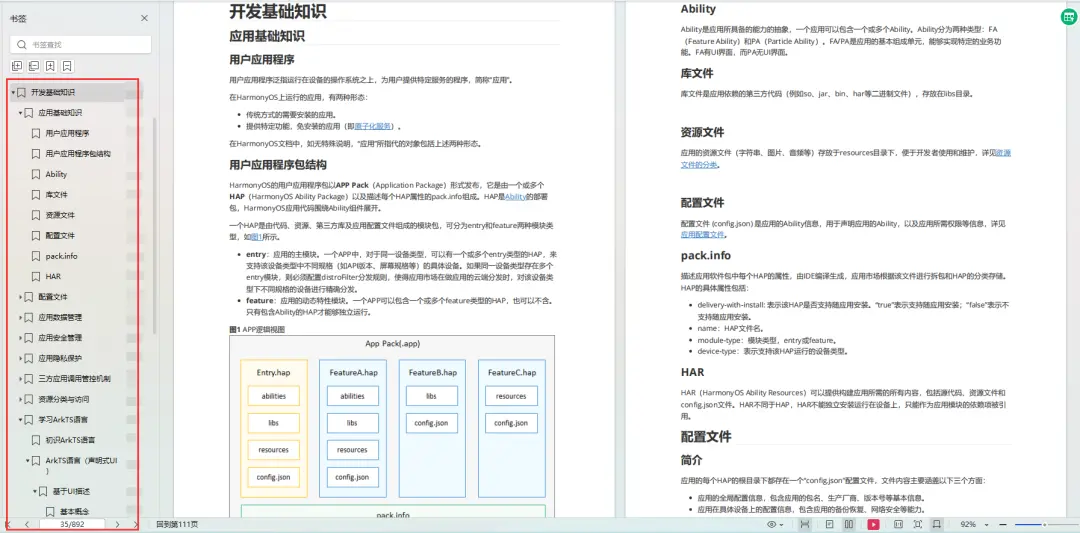
开发基础知识:
https://qr21.cn/FV7h05- 应用基础知识
- 配置文件
- 应用数据管理
- 应用安全管理
- 应用隐私保护
- 三方应用调用管控机制
- 资源分类与访问
- 学习ArkTS语言
- ……
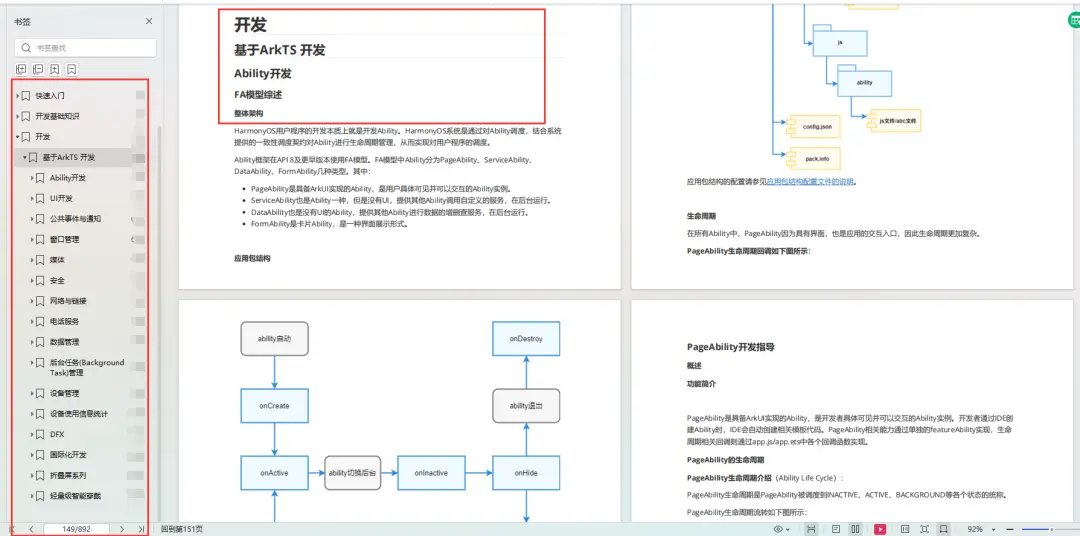
基于ArkTS 开发:
https://qr21.cn/FV7h05- Ability开发
- UI开发
- 公共事件与通知
- 窗口管理
- 媒体
- 安全
- 网络与链接
- 电话服务
- 数据管理
- 后台任务(Background Task)管理
- 设备管理
- 设备使用信息统计
- DFX
- 国际化开发
- 折叠屏系列
- ……
鸿蒙开发面试真题(含参考答案):
https://qr21.cn/FV7h05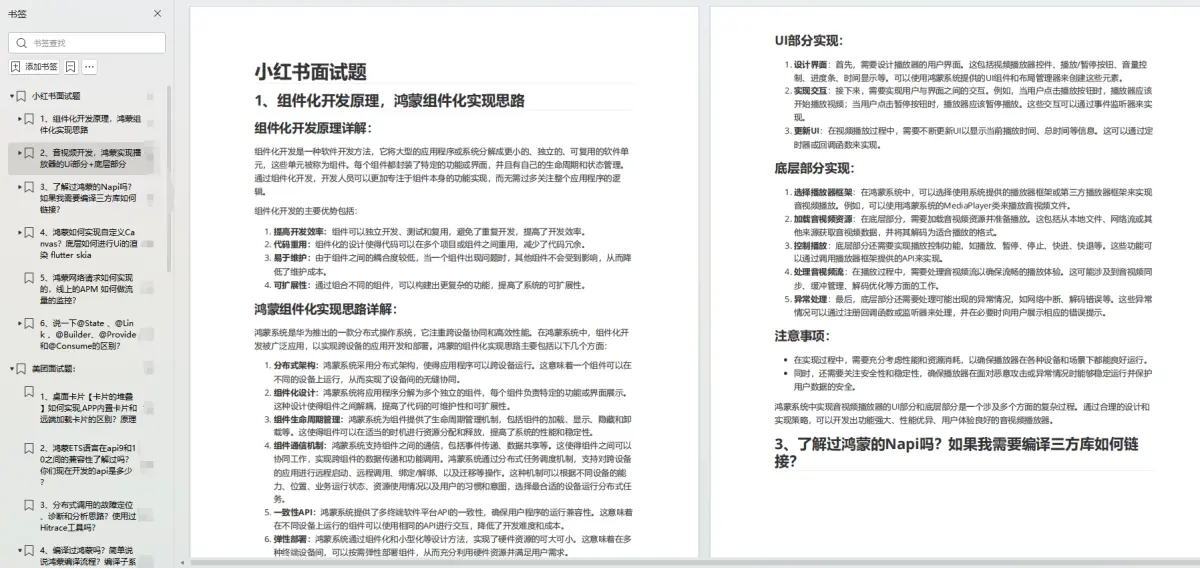
大厂鸿蒙面试题::
https://qr18.cn/F781PH鸿蒙开发面试大盘集篇(共计319页):
https://qr18.cn/F781PH1.项目开发必备面试题
2.性能优化方向
3.架构方向
4.鸿蒙开发系统底层方向
5.鸿蒙音视频开发方向
6.鸿蒙车载开发方向
7.鸿蒙南向开发方向
-
相关阅读:
从零开发短视频电商 UUID的5个版本和缩短长度
JavaScript面向对象学习构造函数、静态成员和实例成员(二)
C++学习之多继承
博客之站项目测试报告
【C++】函数模版和类模版详解
域名系统 DNS
人工智能介绍
MicroExpSTCNN and MicroExpFuseNet-基于三维时空卷积神经网络的自发面部微表情识别
【SQL】其它查询优化策略
[ CTF ] WriteUp- 2022年第三届“网鼎杯”网络安全大赛(白虎组)
- 原文地址:https://blog.csdn.net/weixin_61845324/article/details/138086098
