-
HarmonyOS NEXT应用开发—验证码布局
介绍
本示例介绍如何使用Text组件实现验证码场景,并禁用对内容的选中、复制、光标。
效果图预览

使用说明
- 单击组件可弹出输入法
- 在进行验证码输入时,无法对中间单个数字进行更改,无法选中输入内容,无光标
实现思路
- 因为要禁用复制、选中等功能,这里使用了Text组件,而不是TextInput
ForEach(this.codeIndexArray, (item: number, index: number) => { Text(this.codeText[item]) .verifyCodeUnitStyle() }, (item: number, index: number) => item.toString())- 1
- 2
- 3
- 4
- 绑定输入法,并默认显示键盘
this.inputController.attach(true, textConfig);- 1
- 订阅输入法插入、删除事件,从而获取输入内容
this.inputController.on("insertText", (text: string) => { if (this.codeText.length >= this.verifyCodeLength) { return; } this.codeText += text; }) this.inputController.on("deleteLeft", (length: number) => { this.codeText = this.codeText.substring(0, this.codeText.length - 1); })- 1
- 2
- 3
- 4
- 5
- 6
- 7
- 8
- 9
- 由于这里使用的是Text组件,而非TextInput组件,因此需要每次点击目标的组件的时候都重新绑定,并设置键盘的显示,而不能直接使用showSoftKeyboard
Flex(){ //... }.onClick(() => { this.attach(); })- 1
- 2
- 3
- 4
- 5
- 当组件的可视面积变化的时候进行绑定与解绑
.onVisibleAreaChange([0.0, 1, 0], async (isVisible: boolean, currentRatio: number) => { if (isVisible && currentRatio >= 1.0) { await this.attach(); this.listen(); } if (!isVisible && currentRatio <= 0.0) { this.dettach(); } })- 1
- 2
- 3
- 4
- 5
- 6
- 7
- 8
- 9
高性能知识点
不涉及
工程结构&模块类型
verifycode // har类型 |---constants | |---VerifyCodeConstants.ets // 常量 |---view | |---VerifyCodeView.ets // 视图层-验证码组件- 1
- 2
- 3
- 4
- 5
模块依赖
- routermodule:模块动态导入使用
- common/utils:使用日志功能
参考资料
为了能让大家更好的学习鸿蒙(HarmonyOS NEXT)开发技术,这边特意整理了《鸿蒙开发学习手册》(共计890页),希望对大家有所帮助:
https://qr21.cn/FV7h05《鸿蒙开发学习手册》:
如何快速入门:
https://qr21.cn/FV7h05- 基本概念
- 构建第一个ArkTS应用
- ……

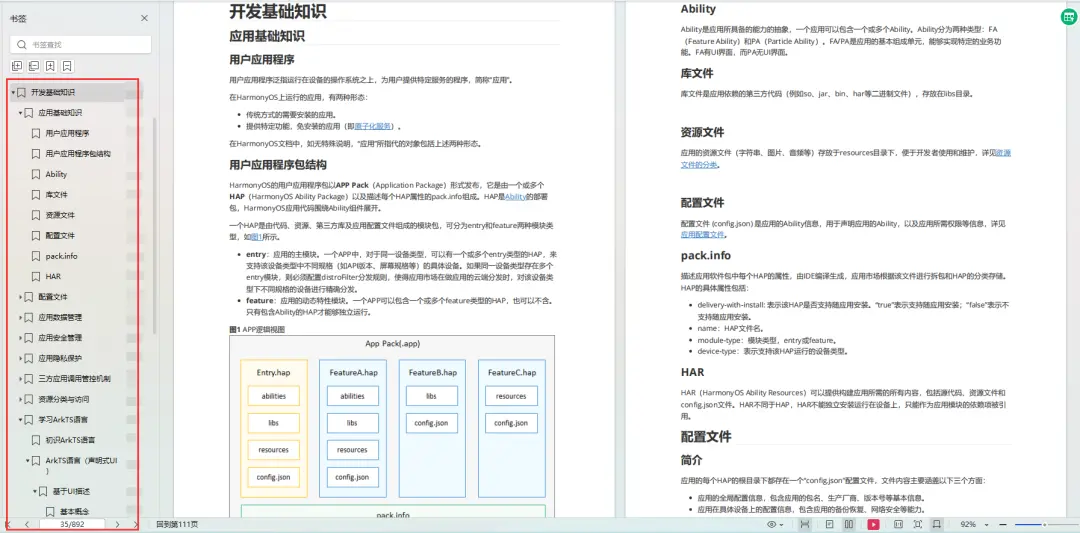
开发基础知识:
https://qr21.cn/FV7h05- 应用基础知识
- 配置文件
- 应用数据管理
- 应用安全管理
- 应用隐私保护
- 三方应用调用管控机制
- 资源分类与访问
- 学习ArkTS语言
- ……
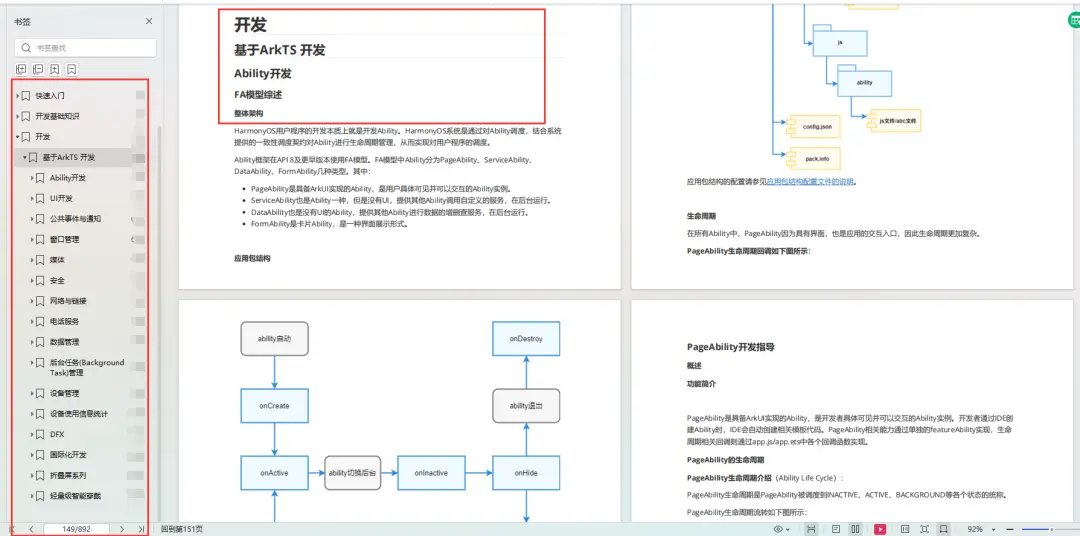
基于ArkTS 开发:
https://qr21.cn/FV7h05- Ability开发
- UI开发
- 公共事件与通知
- 窗口管理
- 媒体
- 安全
- 网络与链接
- 电话服务
- 数据管理
- 后台任务(Background Task)管理
- 设备管理
- 设备使用信息统计
- DFX
- 国际化开发
- 折叠屏系列
- ……
鸿蒙开发面试真题(含参考答案):
https://qr21.cn/FV7h05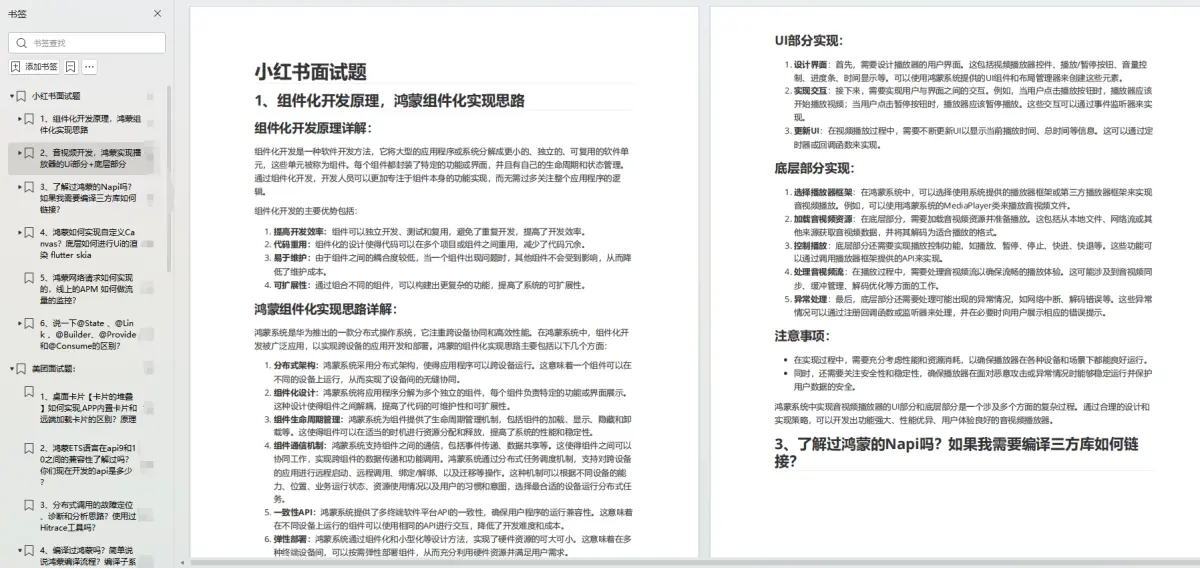
腾讯T10级高工技术,安卓全套VIP课程全网免费送:
https://qr21.cn/D2k9D5 -
相关阅读:
【设计模式】装饰器模式( Decorator Pattern)
pdf文件如何转换成word文档呢?
浅析v-model语法糖的实现原理与细节知识及如何让你开发的组件支持v-model
HTML base标签
关于反逻辑负负得正arr
三 linux 环境搭建maven
博弈论之SG函数
基于BES平台音乐信号处理之DRC算法实现
go-cqhttp系列教程-gocqhttp数据处理端-2
高效+灵活+安全=低代码的三位一体解决方案
- 原文地址:https://blog.csdn.net/weixin_61845324/article/details/136738490