-
React项目首页中用canvas实现星空
前言
hello world欢迎来到前端的新世界
😜当前文章系列专栏:前端系列文章
🐱👓博主在前端领域还有很多知识和技术需要掌握,正在不断努力填补技术短板。(如果出现错误,感谢大家指出)🌹
💖感谢大家支持!您的观看就是作者创作的动力代码
下方代码复制粘贴到ts文件中 然后下面是使用方式
export default function initLoginBg(){ var windowWidth = document.documentElement.clientWidth || document.body.clientWidth; var windowHeight = document.documentElement.clientHeight || document.body.clientHeight; // var windowWidth = window.clientWidth; // var windowHeight = window.clientHeight; var canvas = document.getElementById('canvas') as HTMLCanvasElement, ctx = canvas.getContext('2d') as CanvasRenderingContext2D, w = canvas.width = windowWidth, h = canvas.height = windowHeight, hue = 217, stars:IntStart[] = [], count = 0, maxStars = 500;//星星数量 var canvas2 = document.createElement('canvas') , ctx2 = canvas2.getContext('2d') as CanvasRenderingContext2D; canvas2.width = 100; canvas2.height = 100; var half = canvas2.width / 2, gradient2 = ctx2.createRadialGradient(half, half, 0, half, half, half); gradient2.addColorStop(0.025, '#CCC'); gradient2.addColorStop(0.1, 'hsl(' + hue + ', 61%, 33%)'); gradient2.addColorStop(0.25, 'hsl(' + hue + ', 64%, 6%)'); gradient2.addColorStop(1, 'transparent'); ctx2.fillStyle = gradient2; ctx2.beginPath(); ctx2.arc(half, half, half, 0, Math.PI * 2); ctx2.fill(); // End cache function random(min:number, max=0) { if (arguments.length < 2) { max = min; min = 0; } if (min > max) { var hold = max; max = min; min = hold; } return Math.floor(Math.random() * (max - min + 1)) + min; } function maxOrbit(x:number, y:number) { var max = Math.max(x, y), diameter = Math.round(Math.sqrt(max * max + max * max)); return diameter / 2; //星星移动范围,值越大范围越小, } interface IntStart{ orbitRadius:number; radius:number; orbitX:number; orbitY:number timePassed:number; speed:number; alpha:number; draw:()=>void; } var Star = function(this: IntStart) { this.orbitRadius = random(maxOrbit(w, h)); this.radius = random(60, this.orbitRadius) / 18; //星星大小 this.orbitX = w / 2; this.orbitY = h / 2; this.timePassed = random(0, maxStars); this.speed = random(this.orbitRadius) / 500000; //星星移动速度 this.alpha = random(2, 10) / 10; count++; stars[count] = this; } Star.prototype.draw = function() { var x = Math.sin(this.timePassed) * this.orbitRadius + this.orbitX, y = Math.cos(this.timePassed) * this.orbitRadius + this.orbitY, twinkle = random(10); if (twinkle === 1 && this.alpha > 0) { this.alpha -= 0.05; } else if (twinkle === 2 && this.alpha < 1) { this.alpha += 0.05; } ctx.globalAlpha = this.alpha; ctx.drawImage(canvas2, x - this.radius / 2, y - this.radius / 2, this.radius, this.radius); this.timePassed += this.speed; } for (var i = 0; i < maxStars; i++) { new Star.prototype.constructor(); } function animation() { ctx.globalCompositeOperation = 'source-over'; ctx.globalAlpha = 0.5; //尾巴 ctx.fillStyle = 'hsla(' + hue + ', 64%, 6%, 2)'; ctx.fillRect(0, 0, w, h) ctx.globalCompositeOperation = 'lighter'; for (var i = 1, l = stars.length; i < l; i++) { stars[i].draw(); }; window.requestAnimationFrame(animation); } animation(); }- 1
- 2
- 3
- 4
- 5
- 6
- 7
- 8
- 9
- 10
- 11
- 12
- 13
- 14
- 15
- 16
- 17
- 18
- 19
- 20
- 21
- 22
- 23
- 24
- 25
- 26
- 27
- 28
- 29
- 30
- 31
- 32
- 33
- 34
- 35
- 36
- 37
- 38
- 39
- 40
- 41
- 42
- 43
- 44
- 45
- 46
- 47
- 48
- 49
- 50
- 51
- 52
- 53
- 54
- 55
- 56
- 57
- 58
- 59
- 60
- 61
- 62
- 63
- 64
- 65
- 66
- 67
- 68
- 69
- 70
- 71
- 72
- 73
- 74
- 75
- 76
- 77
- 78
- 79
- 80
- 81
- 82
- 83
- 84
- 85
- 86
- 87
- 88
- 89
- 90
- 91
- 92
- 93
- 94
- 95
- 96
- 97
- 98
- 99
- 100
- 101
- 102
- 103
- 104
- 105
- 106
- 107
- 108
- 109
- 110
- 111
- 112
- 113
- 114
- 115
- 116
- 117
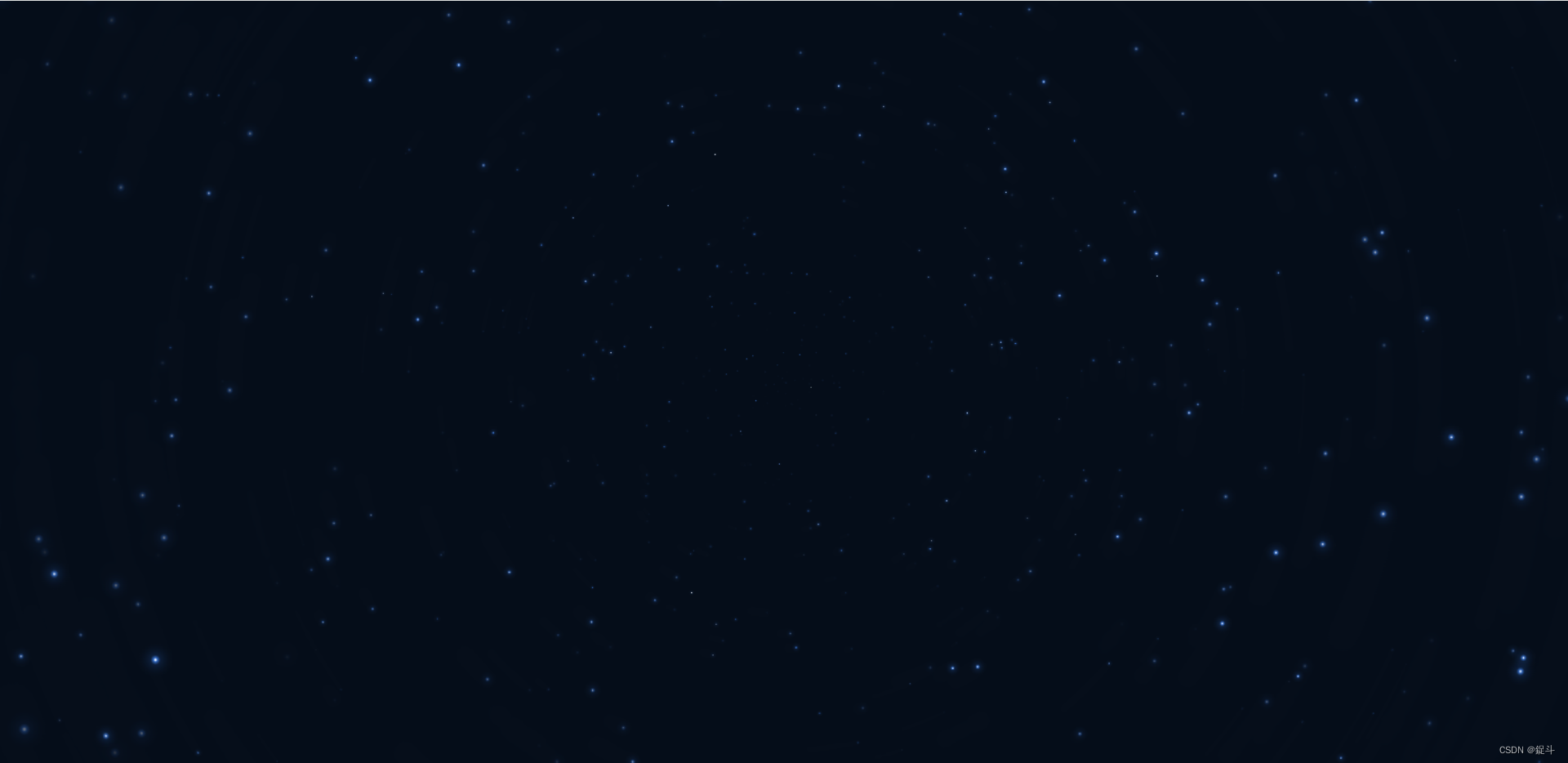
有动态效果的哦
使用
// 引入文件 import initLoginBg from "./init.ts"; import {useEffect} from "react"; const View = ()=>{ // 加载完这个组件之后,加载背景 useEffect(() => { initLoginBg() window.onresize = function () { initLoginBg() } }, []) return ( <div> <canvas id="canvas" style={{display: "block"}}></canvas> </div> ) }- 1
- 2
- 3
- 4
- 5
- 6
- 7
- 8
- 9
- 10
- 11
- 12
- 13
- 14
- 15
- 16
- 17
后言
创作不易,要是本文章对广大读者有那么一点点帮助 不妨三连支持一下,您的鼓励就是博主创作的动力
-
相关阅读:
PPT导出PDF时保持图像高清的方法
java 常用包
Maven 私服Nexus的搭建教程windows(搭配android maven插件使用)
关于RabbitMQ的一些面试题
JNA的内存对齐方式,简单案例介绍
CH342芯片应用—硬件设计指南
Elasticsearch文档操作
LED灯的基本控制
IP-GUARD如何迁移服务器?需要怎么操作?
MQTT协议基础学习
- 原文地址:https://blog.csdn.net/weixin_68537796/article/details/134471746