-
百度OCR识别图片文本字符串——物联网上位机软件
一、开发背景
根据项目需求,我们需要完成LED显示屏实时显示歌词的效果。最优的方法是调用歌曲播放器的API获取歌词,但是由于这个开发资格不是很好申请,因此我们采用其他方案,即通过OCR识别获取歌词,并投射到LED显示屏上。本项目使用IDEA开发。
本文将跳过对歌词的截图以及后续将文本投射到LED显示屏的代码,下文将主要介绍如何调用百度OCR文字识别的API接口,并将识别的文本打印出来。
二、具体实现
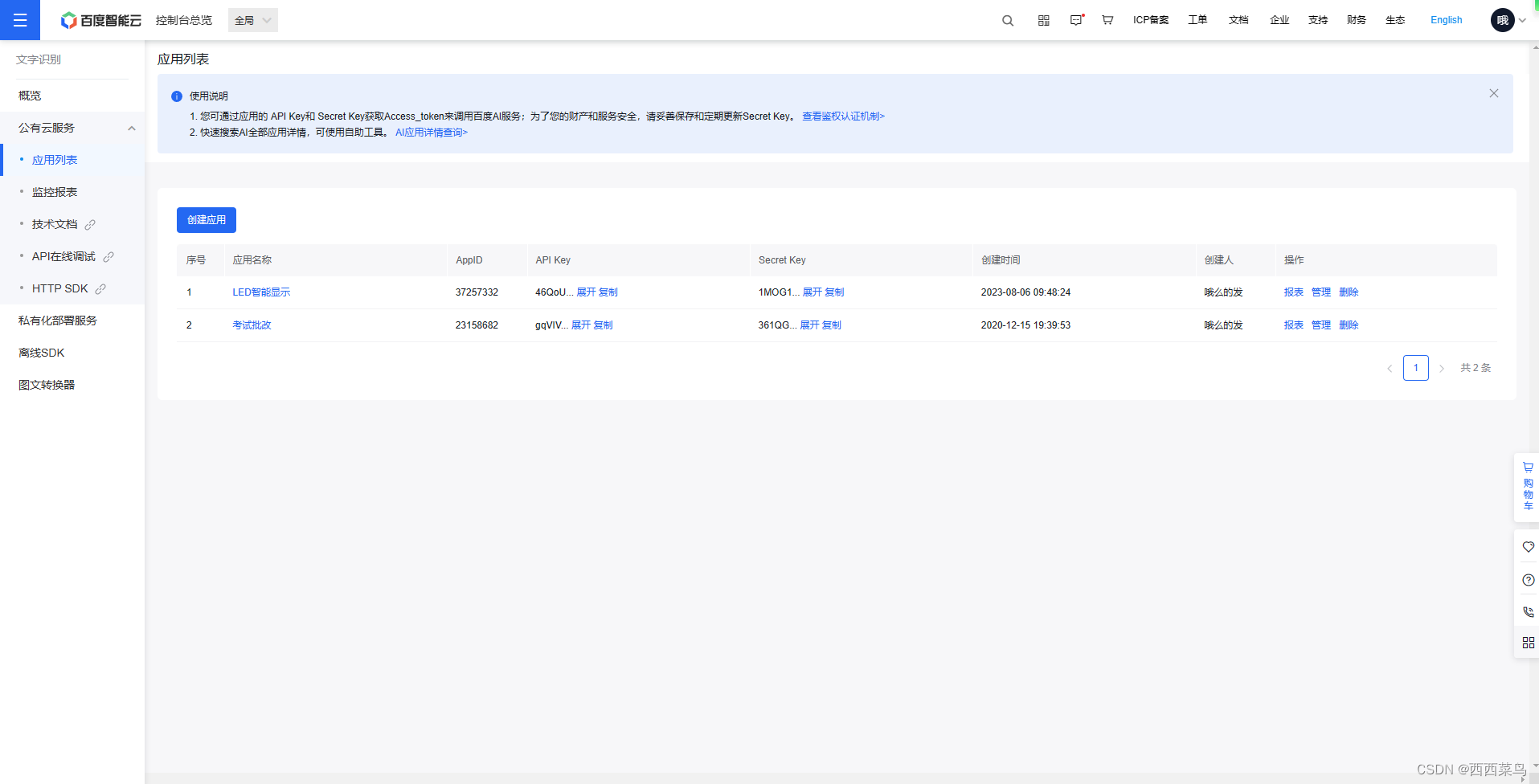
首先,登录百度开发者中心,进行实名认证后,创建应用程序。
API开发文档:通用文字识别(标准版)
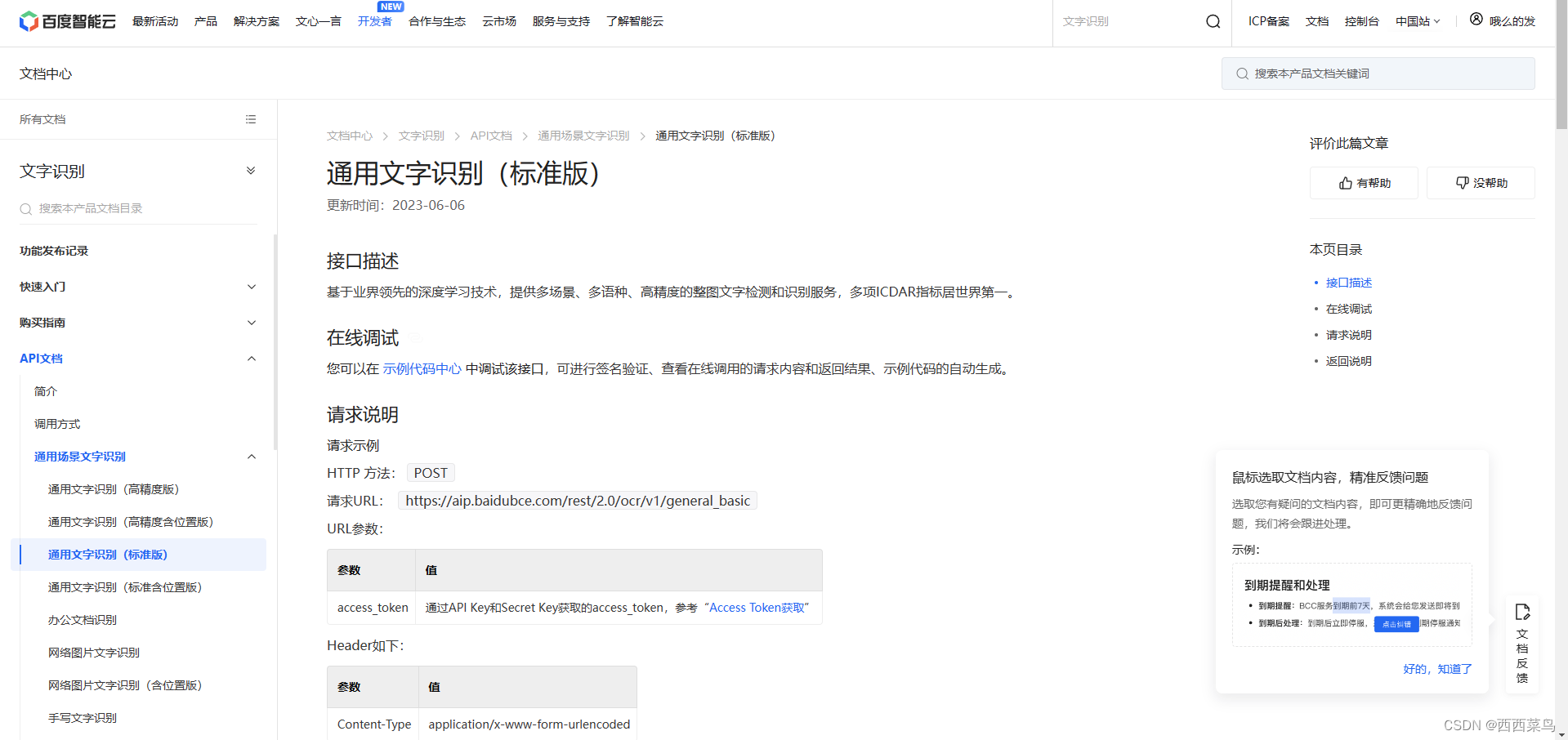
根据开发文档,首先我们需要从本地读取图片,并进行Base64编码与URLencode.
- // 读取图片文件为字节数组
- File file = new File("D:\\Led_Display\\screenshot.png");
- byte[] imageBytes = new byte[0];
- try {
- imageBytes = Files.readAllBytes(file.toPath());
- } catch (IOException e) {
- throw new RuntimeException(e);
- }
- // 将字节数组转换为base64编码的字符串
- String base64String = Base64.getEncoder().encodeToString(imageBytes);
- // 将base64编码的字符串进行urlencode
- encodedString=null;//清空
- try {
- encodedString = URLEncoder.encode(base64String, "UTF-8");
- } catch (UnsupportedEncodingException e) {
- throw new RuntimeException(e);
- }
- // 打印结果
- System.out.println("Base64编码后图片:"+encodedString);
在JAVA中,我们需要先创建一个HttpClient对象和HttpRequest对象,这将用于封装和发送请求,并在request对象中带入上面编码的图片信息。
- request = HttpRequest.newBuilder()
- // 设置请求的URL,其中access_token是通过API Key和Secret Key获取的
- .uri(URI.create("https://aip.baidubce.com/rest/2.0/ocr/v1/general_basic?access_token=???"))
- // 设置请求的Header,Content-Type为application/x-www-form-urlencoded
- .header("Content-Type", "application/x-www-form-urlencoded")
- // 设置请求的Body,image参数为encodedString
- .POST(HttpRequest.BodyPublishers.ofString("image=" + encodedString))
- .build();
发送请求,并获取HttpResponse对象,此处我们需要捕捉异常。
- // 发送HttpPost对象,并获取HttpResponse对象
- HttpResponse
response = null; - try {
- response = httpClient.send(request, HttpResponse.BodyHandlers.ofString());
- } catch (IOException e) {
- throw new RuntimeException(e);
- } catch (InterruptedException e) {
- throw new RuntimeException(e);
- }
根据开发文档,获取返回状态码等信息,并提取出我们需要的信息打印输出。
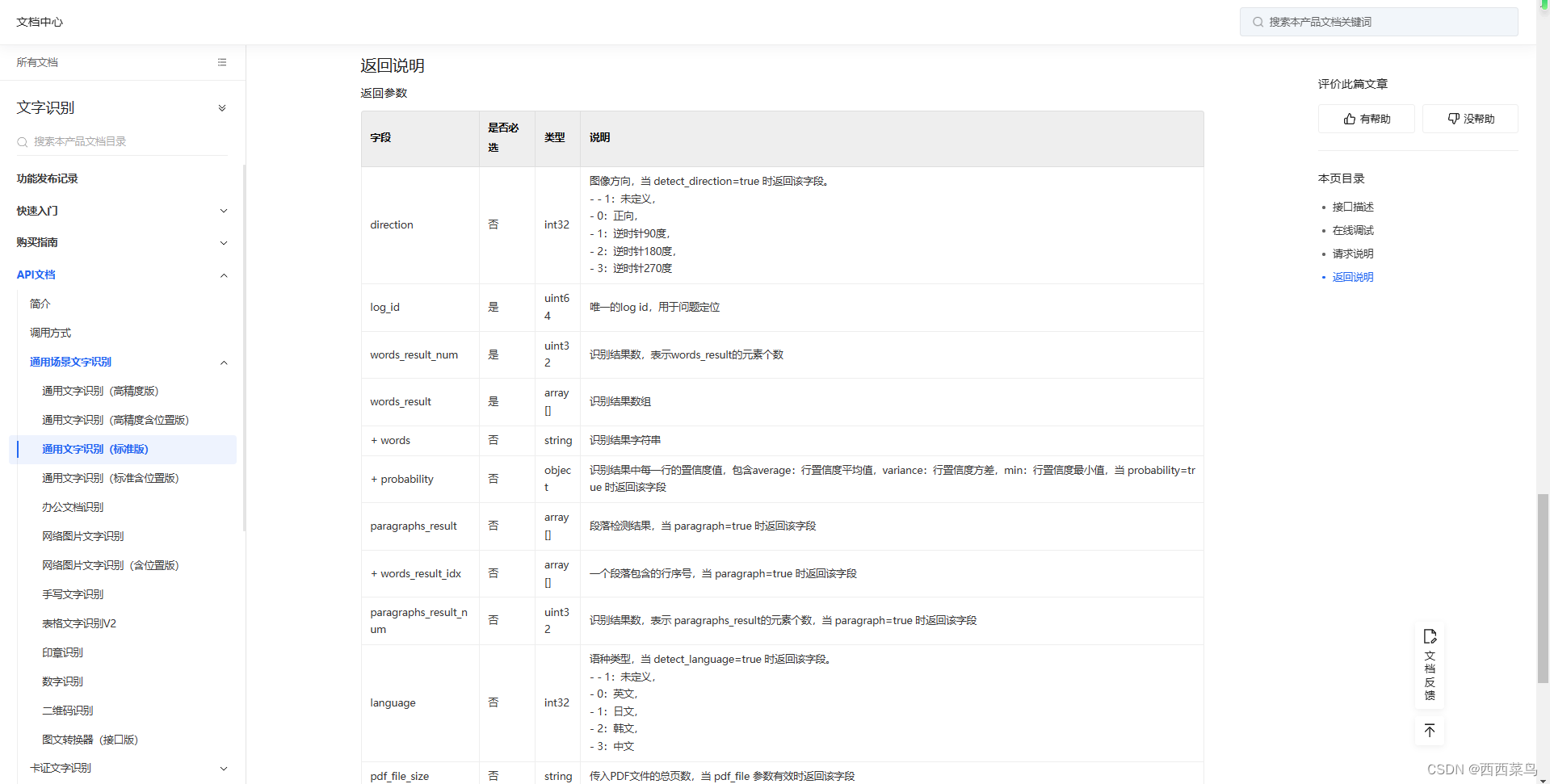
- // 获取响应状态码
- int statusCode = response.statusCode();
- // 获取响应体内容
- String body = response.body();
- // 打印结果
- System.out.println("请求状态编码: " + statusCode);
- System.out.println("响应Body: " + body);
- if(statusCode!=200)
- return "";
- else
- {
- JsonParser jsonParser=new JsonParser();
- JsonObject jsonObject= (JsonObject) jsonParser.parse(body);
- JsonArray words_result = jsonObject.getAsJsonArray("words_result");
- if(words_result.size()>=1) {
- JsonObject json = (JsonObject) jsonParser.parse(words_result.get(0).toString());
- System.out.println("解析到的文本为:" + json.get("words").toString());
- System.out.println("OCR功能测试正常");
- return json.get("words").toString();
- }
- else {
- System.out.println("OCR未识别到任何文本");
- return "";
- }
- }
三、运行测试
打开音乐播放器,查看运行效果。

不难看到,我们已经成功识别了相关文本,下一步只需要调用LED显示屏的开发文档将文字发送到显示屏即可。
注意,上述代码中的APIToken应该动态获取,本文未提及,具体可查看:鉴权认证机制
-
相关阅读:
1998年考研真题英语二(204)阅读理解翻译
MBR16200FCT-ASEMI大功率肖特基二极管MBR16200FCT
40多行实现一个非常简单的shell
抖音聊天对话模板,制作一条一条冒出来的聊天对话短视频
3D视觉应用案例:引导板件定位抓取
HTML中的<!DOCTYPE html>和JavaScript中的strict mode
OV2640图像出现细小条纹问题
如何解决MidJourney错过付费后被暂停
Hugging News #0918: Hub 加入分类整理功能、科普文本生成中的流式传输
写代码中碰到的错误
- 原文地址:https://blog.csdn.net/qq_39724355/article/details/133849488