一,下载安装
源码下载
jeecg-uniapp: JEECG BOOT APP 移动解决方案,采用uniapp框架,一份代码多终端适配,同时支持APP、小程序、H5!实现了与JeecgBoot平台完美对接的移动解决方案!目前已经实现登录、用户信息、通讯录、公告、移动首页、九宫格等基础功能。 (gitee.com) https://gitee.com/jeecg/jeecg-uniapp?_from=gitee_search
运行指令 拉去代码后运行指令 也可以参考上边的安装文档
git clone https://gitee.com/jeecg/ant-design-vue-jeecg
切换到ant-design-vue-jeecg文件夹下
二,修改端口
端口 报错

(1)要是没有env 需要创建一个替换成后端接口

(2)因为他封装了 先找到http请求位置 一级一级找 然后进行接口修改 都改完运行即可
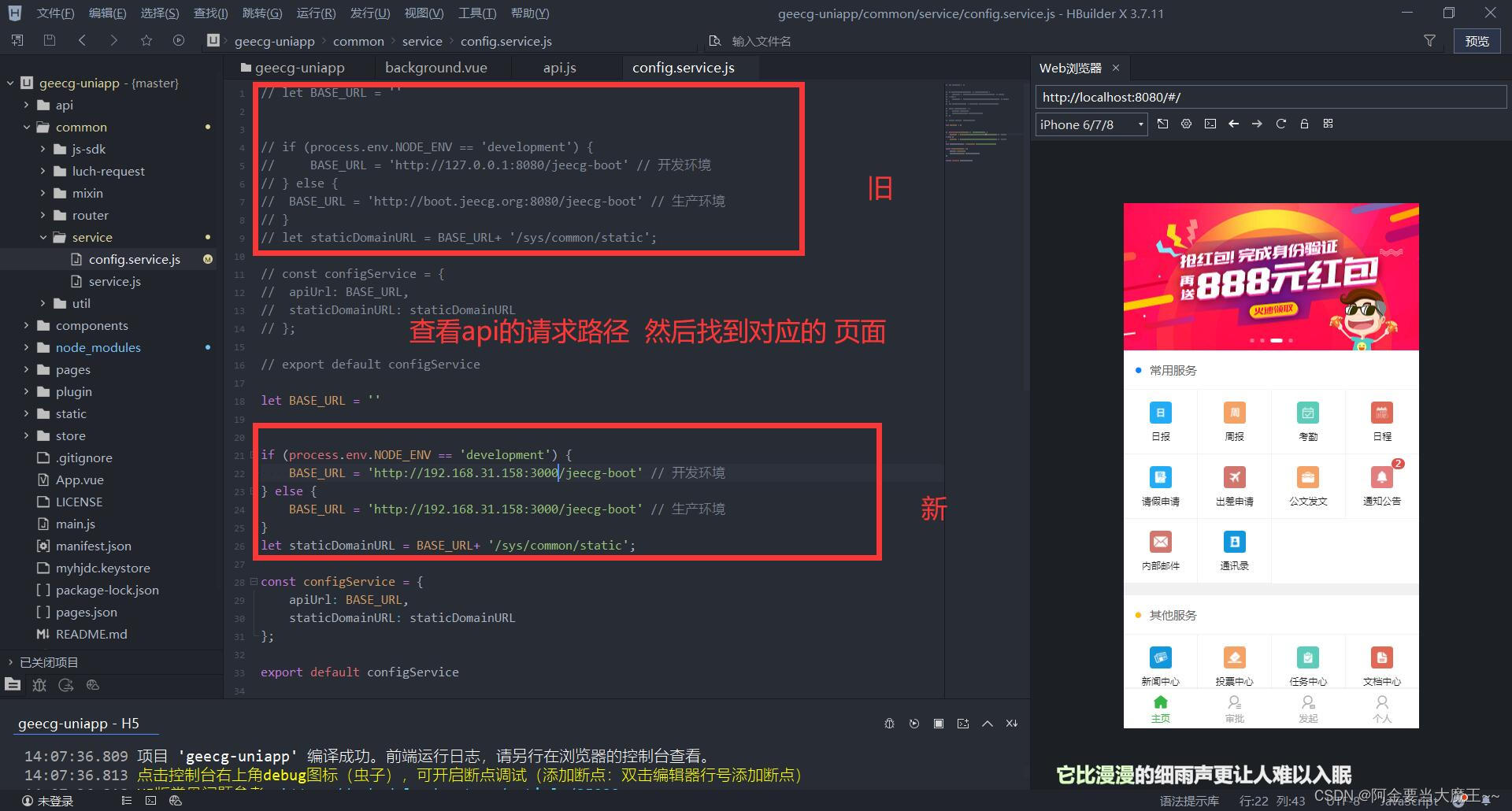
VUE_APP_API_BASE_URL=http://localhost:8080/jeecg-boot

三,修改tabBar
1.方法一
(1)在geecg-uniapp中 底部导航是在index封装的所以我们需要先进行注销

(2)我们打开pages.json 添加底部导航
"iconPath": "/static/shouye.png",
"selectedIconPath": "/static/shouye_1.png",
"pagePath": "pages/home/home",
"iconPath": "/static/tongxunlu_1.png",
"selectedIconPath": "/static/tongxunlu.png",
"pagePath": "pages/annotation/annotationList",
"iconPath": "/static/31wode.png",
"selectedIconPath": "/static/my.png",
"pagePath": "pages/user/people",
2.方法二
(1) 或者在index里边直接进行修改 先创建页面,路由都配置好 然后在index引入
index.vue页面
<home :cur="PageCur" v-if="PageCur=='home'" :key="commponent1Key"></home>
<people v-if="PageCur=='people'" :key="commponent2Key"></people>
<profile :cur="PageCur" v-if="PageCur=='profile'" :key="commponent3Key"></profile>
<view class="cu-bar tabbar bg-white shadow foot">
<view :class="PageCur=='home'?'action text-green':'action text-gray'" @click="NavChange" data-cur="home">
<view class='cuIcon-homefill'></view>主页
<view :class="PageCur=='profile'?'action text-green':'action text-gray'" @click="NavChange" data-cur="profile">
<view class='cuIcon-profile'></view>发起
<view :class="PageCur=='people'?'action text-green':'action text-gray'" @click="NavChange" data-cur="people">
<view class='cuIcon-people'></view>个人
import profile from '../common/profile.vue'
this.PageCur = e.currentTarget.dataset.cur
profile.vue 页面
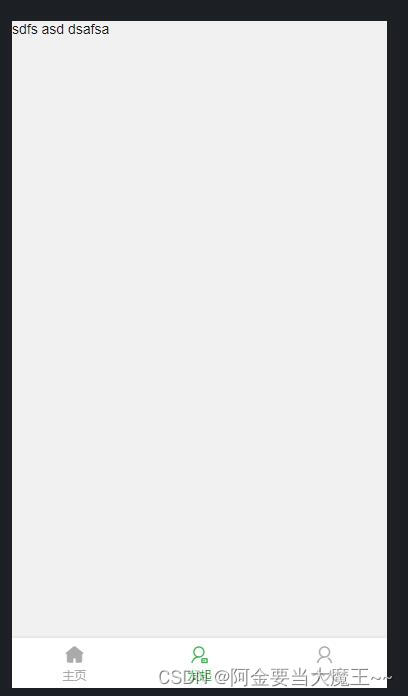
展示
四,修改展示数据
(1)我们以home的常用服务 为例 我们修改 usList 数据

(2)查找对应路径
