-
Centos7安装php-fpm
目录
备注:尽量使用初始纯净环境
第一步:查看系统IP地址和网卡名称
IP地址分配模式是DHCP,网卡名称是ens33
由于DHCP自动分配IP地址和其他相关配置给计算机或其他网络设,因此在配置过程中可能导致IP地址改变,从而引起配置失败

第二步:更改网络配置模式
由于DHCP在分配地址时会随机分配,可能导致IP地址改变,因此将DHCP模式更改为static静态模式
[root@localhost centos]# vim /etc/sysconfig/network-scripts/ifcfg-ens33

第三步、重启network
[root@localhost centos]# service network restart

ping联通测试

查看iptablies ,将第十行,十一行删除
[root@centos centos]# service sshd restart
Redirecting to /bin/systemctl restart sshd.service[root@localhost centos]# iptables -nvxL INPUT

[root@localhost centos]# iptables -D INPUT 10

连续删两次第十行即可,懂得都懂
第四步:关闭config
[root@localhost centos]# vim /etc/selinux/config

前四步做完后最好重启以下虚拟机
第五步:创建nginx 文件夹
[root@localhost centos]# mkdir nginx
查看目录下的文件
此时nginx文件夹是root普通用户权限
进入nginx文件夹
[root@localhost centos]# cd nginx/
第六步:下载
Nginx的安装包[root@localhost nginx]# wget https://nginx.org/download/nginx-1.23.1.tar.gz

第七步:解压
Nginx的压缩包:[root@localhost nginx]# tar -xvzf nginx-1.23.1.tar.gz

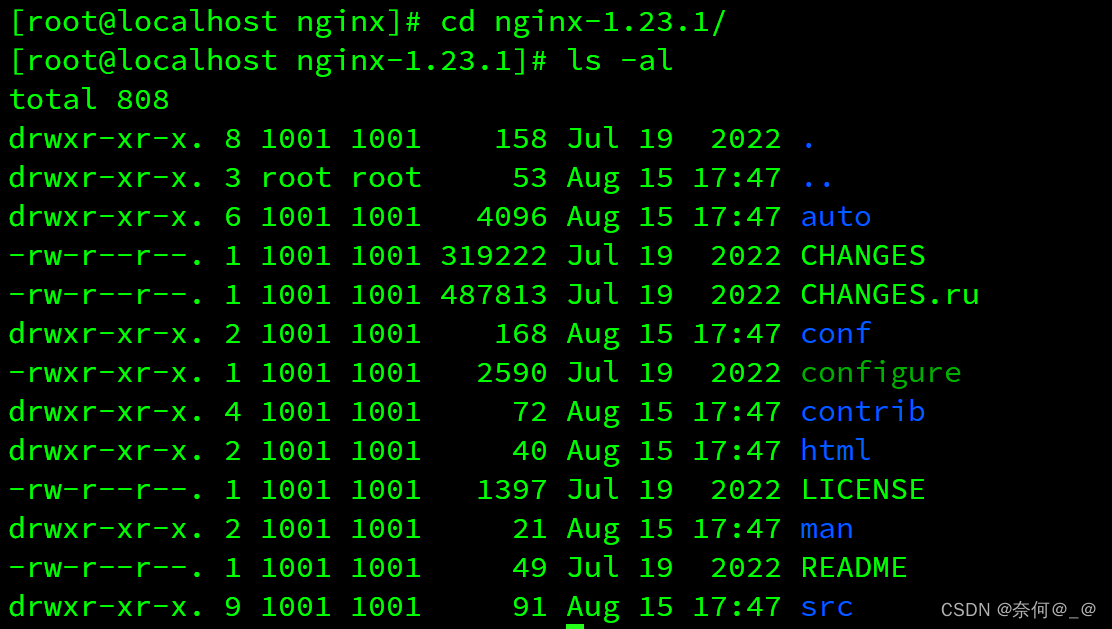
查看nginx文件夹目录

进入nginx-1.23.1文件夹
[root@localhost nginx]# cd nginx-1.23.1/
第八步:下载并安装Nginx所需的依赖库和包:
[root@localhost]# yum install --downloadonly --downloaddir=/soft/nginx/ gcc-c++
[root@localhost]# yum install --downloadonly --downloaddir=/soft/nginx/ pcre pcre-devel4
[root@localhost]# yum install --downloadonly --downloaddir=/soft/nginx/ zlib zlib-devel
[root@localhost]# yum install --downloadonly --downloaddir=/soft/nginx/ openssl openssl-devel也可以通过
yum命令一键下载(推荐上面哪种方式):[root@localhost]# yum -y install gcc zlib zlib-devel pcre-devel openssl openssl-devel

执行完成后,然后
ls查看目录文件,会看一大堆依赖:[root@localhost centos]# cd /soft/nginx
[root@localhost nginx]# ls
紧接着通过
rpm命令依次将依赖包一个个构建,或者通过如下指令一键安装所有依赖包:[root@localhost]# rpm -ivh --nodeps *.rpm
此时niginx目录已建成


第九步:配置Nginx脚本
[root@localhost]# cd nginx-1.23.1
[root@localhost nginx-1.23.1]# ./configure --prefix=/soft/nginx --with-http_stub_status_module --with-http_ssl_module --with-http_sub_module预编译:

第十步:编译并安装Nginx
编译:
[root@localhost nginx-1.23.1]# make

再次执行下载
[root@localhost nginx-1.23.1]# make install
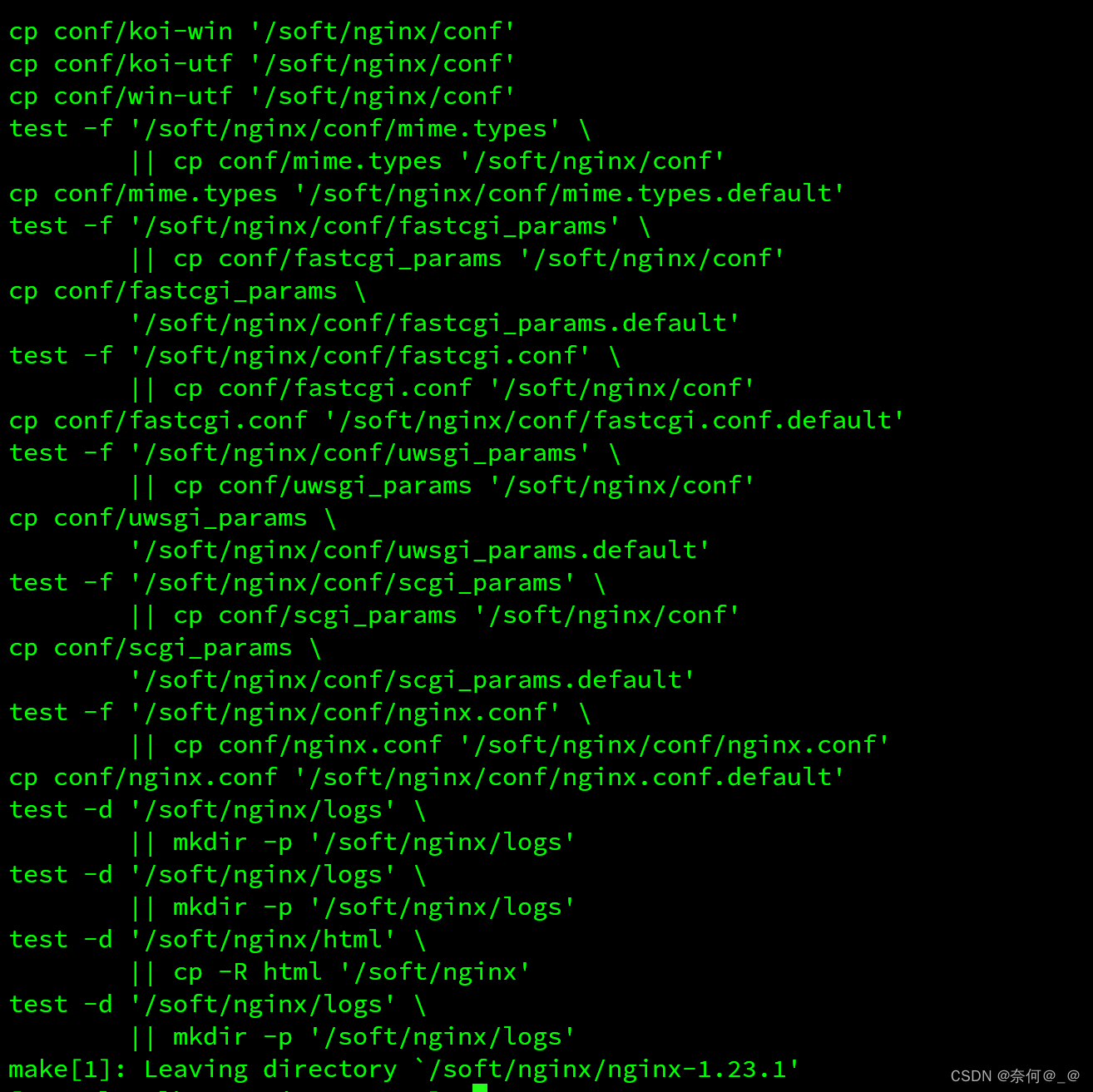
至此,nginx安装成功:
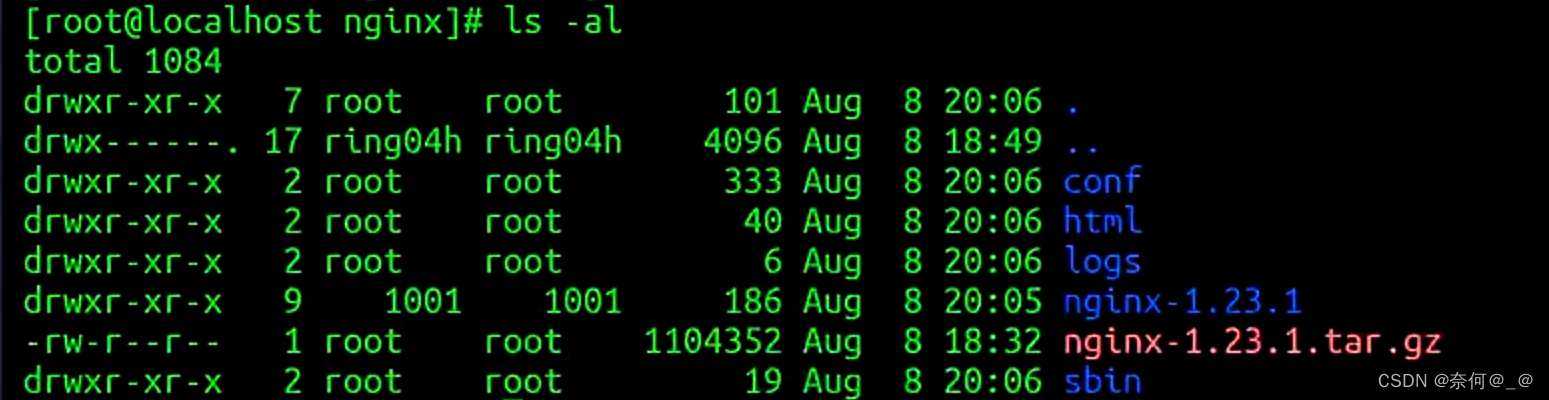
第十一步:安装php和php-fpm
1、安装php源
[root@localhost nginx]# yum install epel-release

2、安装rpm包
[root@localhost nginx]# rpm -ivh http://rpms.famillecollet.com/enterprise/remi-release-7.rpm

3、下载php各类依赖+工具
[root@localhost nginx]# yum --enablerepo=remi install php56-php php56-php-devl php56-php-fpm php56-php-gd php56-php-xm1 php56-php-sockets php56-php-session php56-php-snmp php56-php-mysq1


查看php56是否下载完成
[root@localhost nginx]# yum search php56


查询php-ipm安装路径

进入conf配置文件:
[root@localhost nginx]# cd conf/
[root@localhost conf]# vim nginx.conf更改文件
location ~ \.php$ {
root html;
fastcgi_pass 127.0.0.1:9000;
fastcgi_index index.php;
fastcgi_param SCRIPT_FILENAME /document_root$fastcgi_script_name;
include fastcgi_params;
}
将用户修改成apache:

查看php-fpm文件:
[root@localhost conf]# cd /opt/remi/php56/root/etc/php-fpm.d/
[root@localhost php-fpm.d]# vim www.conf0
此时apache用户创建成功:
[root@localhost php-fpm.d]# cat /etc/passwd | grep apache

查看nginx权限:
[root@localhost php-fpm.d]# cd /soft/nginx
[root@localhost nginx]# cd sbin/
[root@localhost sbin]# ./nginx
[root@localhost sbin]# ps -ef | grep nginx
目录权限html:root

[root@localhost nginx]# curl http://localhost

-
相关阅读:
清华学姐三年的测试成长经历,到最后的喜提高薪offer
使用微信开发者工具模拟微信小程序定位
网站风格变黑白的方法,用css或javascript方法将网站改为灰色
JUC第二十八讲:JUC工具类: Semaphore详解
实测 ubuntu 20.04 编译LIO-SAM问题与解决办法
【毕设项目】 基于stm32的四轴飞行器设计 - 物联网 嵌入式 单片机
大三第四周学习笔记
【Python零基础入门笔记 | 12】程序员为什么自嘲面向Bug编程?
STM32F334timer6-7
通过 Splashtop Enterprise 实现更高的效率
- 原文地址:https://blog.csdn.net/weixin_51525416/article/details/132512201