-
SAP 电商云 Spartacus UI Configurable Product 的页面设置
关键字
CPQ,Product Configuration,Product Configure,Product Variant
变体是在某些方面彼此不同但基于相同基本模型的产品。 变体的一个示例是 T 恤的颜色和尺寸。 在 Spartacus 中启用变体功能,并在 SAP Commerce Cloud 中配置产品后,客户可以在店面中选择具有他们选择的变体(或多个变体)的产品。
启用 variant 的代码:
ConfigModule.withConfig(<CmsConfig>{ cmsComponents: { ProductVariantSelectorComponent: { component: ProductVariantSelectorComponent, guards: [ProductVariantGuard], }, }, }),- 1
- 2
- 3
- 4
- 5
- 6
- 7
- 8
具有变体的产品需要在 /page 响应中包含 ProductVariantSelectorComponent CMS 组件,并且需要在页面上呈现它们。
搜索
home theater: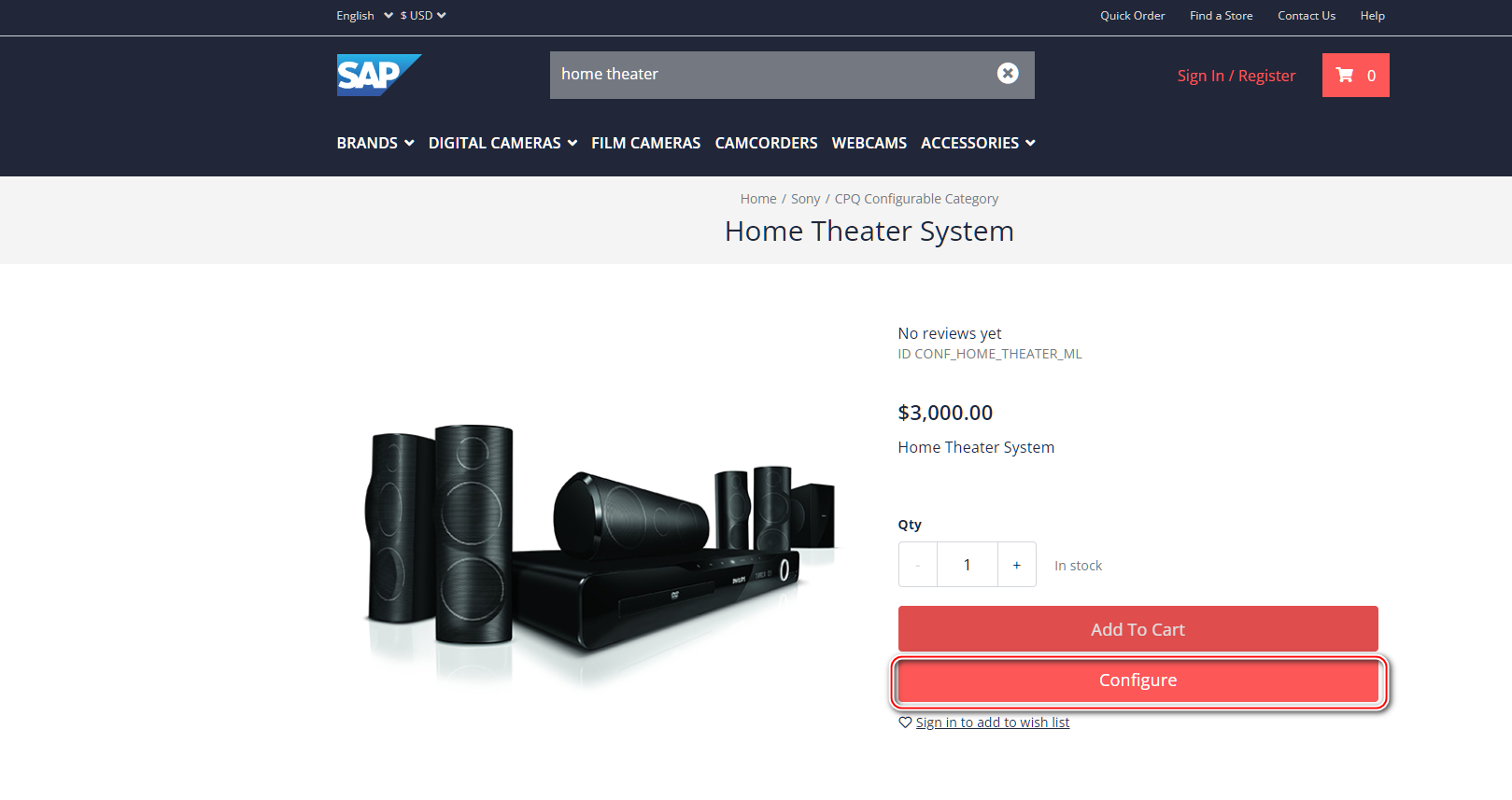
url:
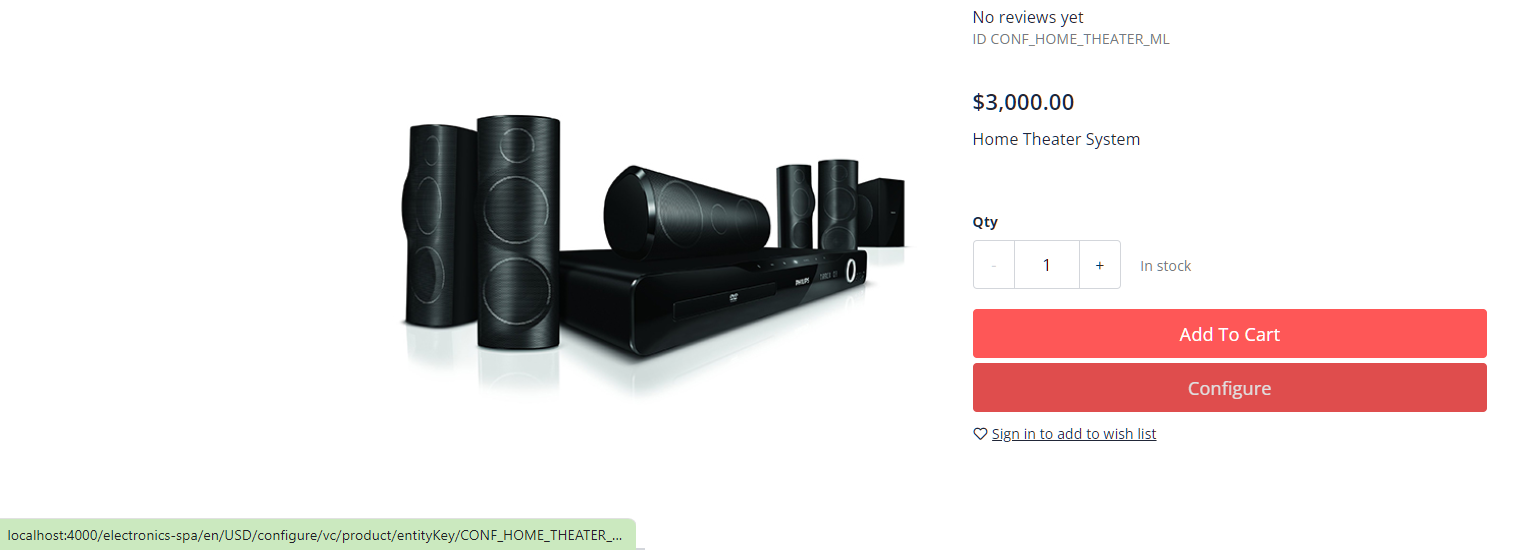
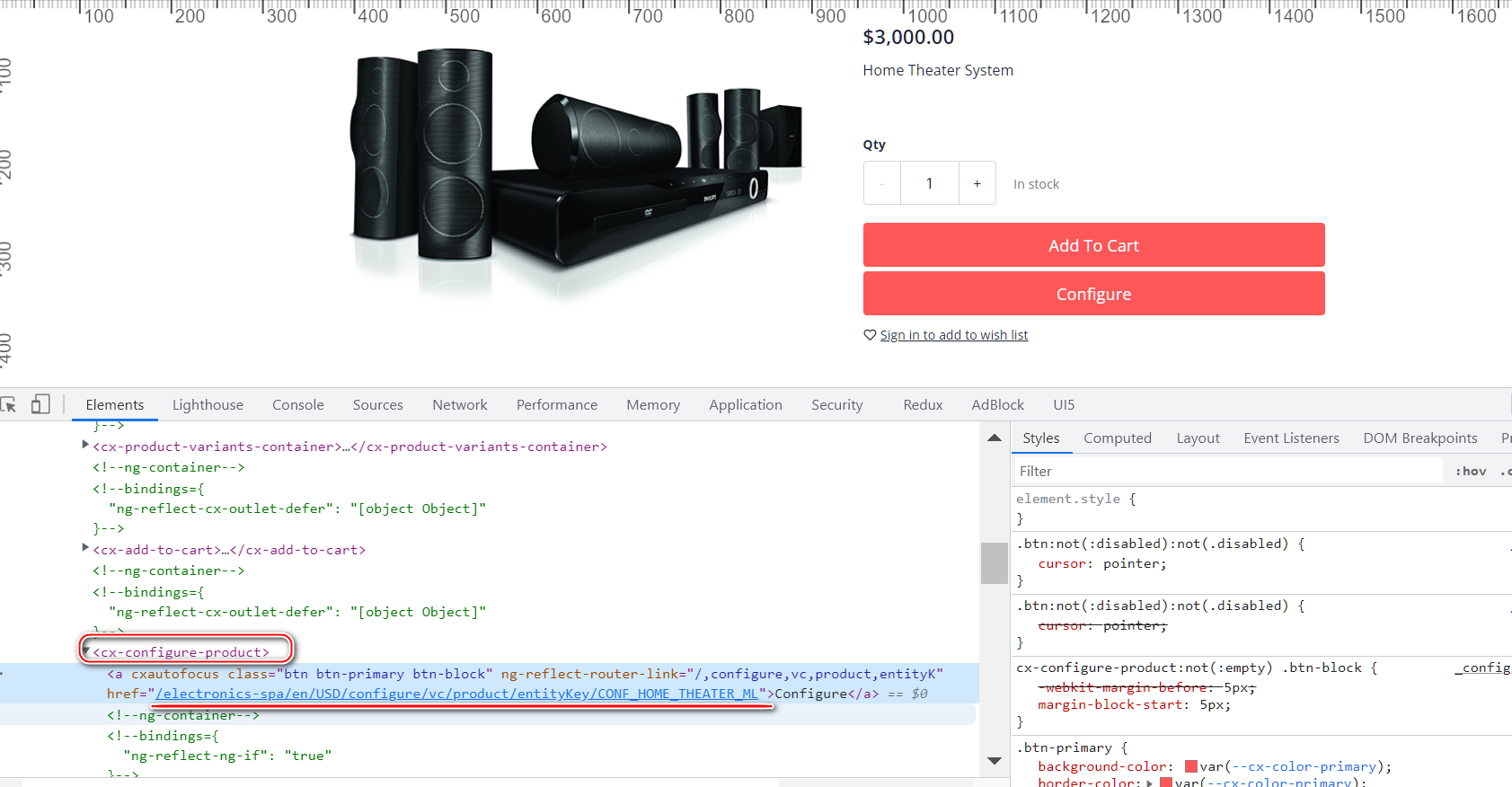
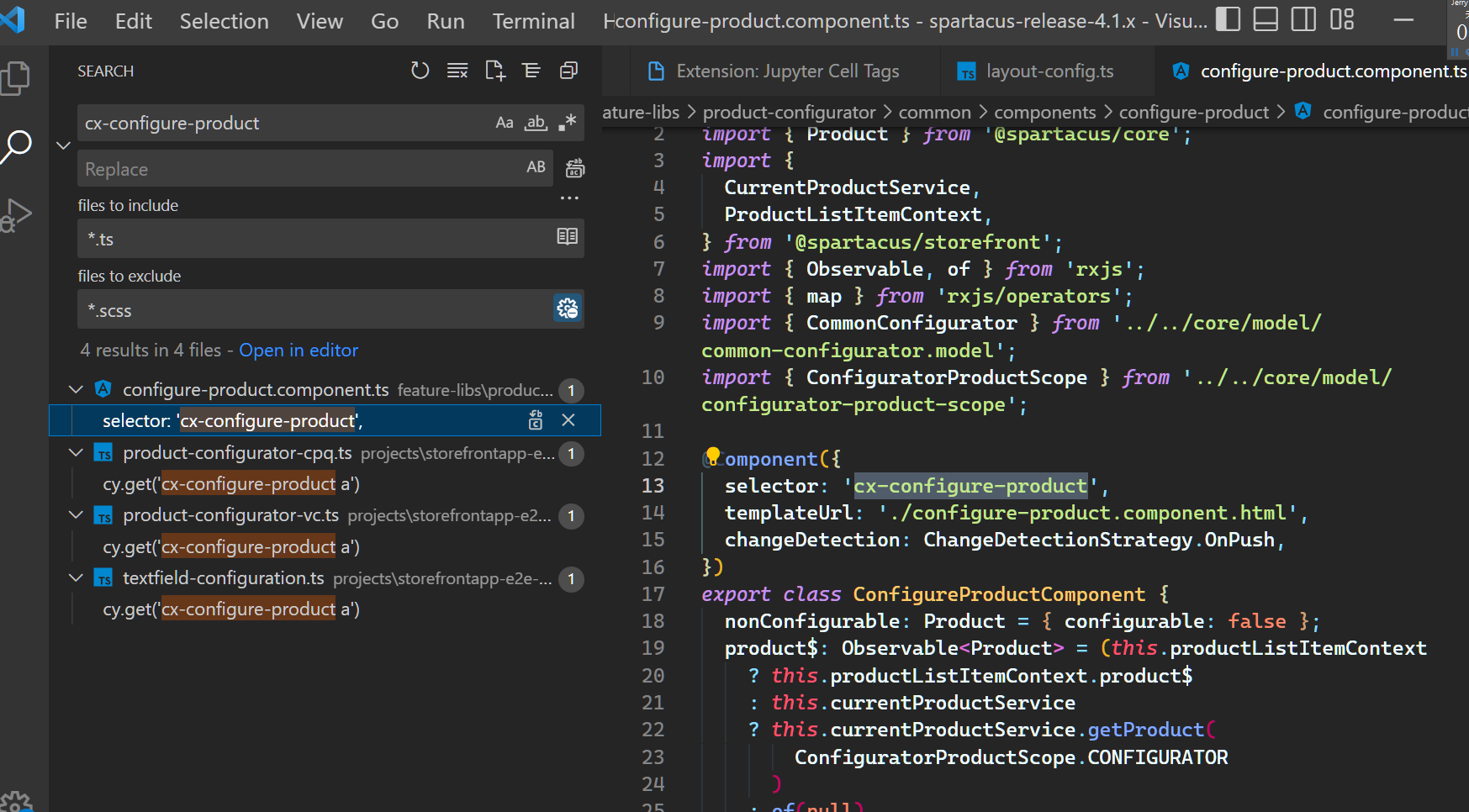
custom Angular Component:cx-configure-product‘
url:
http://localhost:4000/electronics-spa/en/USD/configure/vc/product/entityKey/CONF_HOME_THEATER_MLhttp://localhost:4000/electronics-spa/en/USD/configure/vc/product/entityKey/CONF_HOME_THEATER_ML
打开之后是这样:
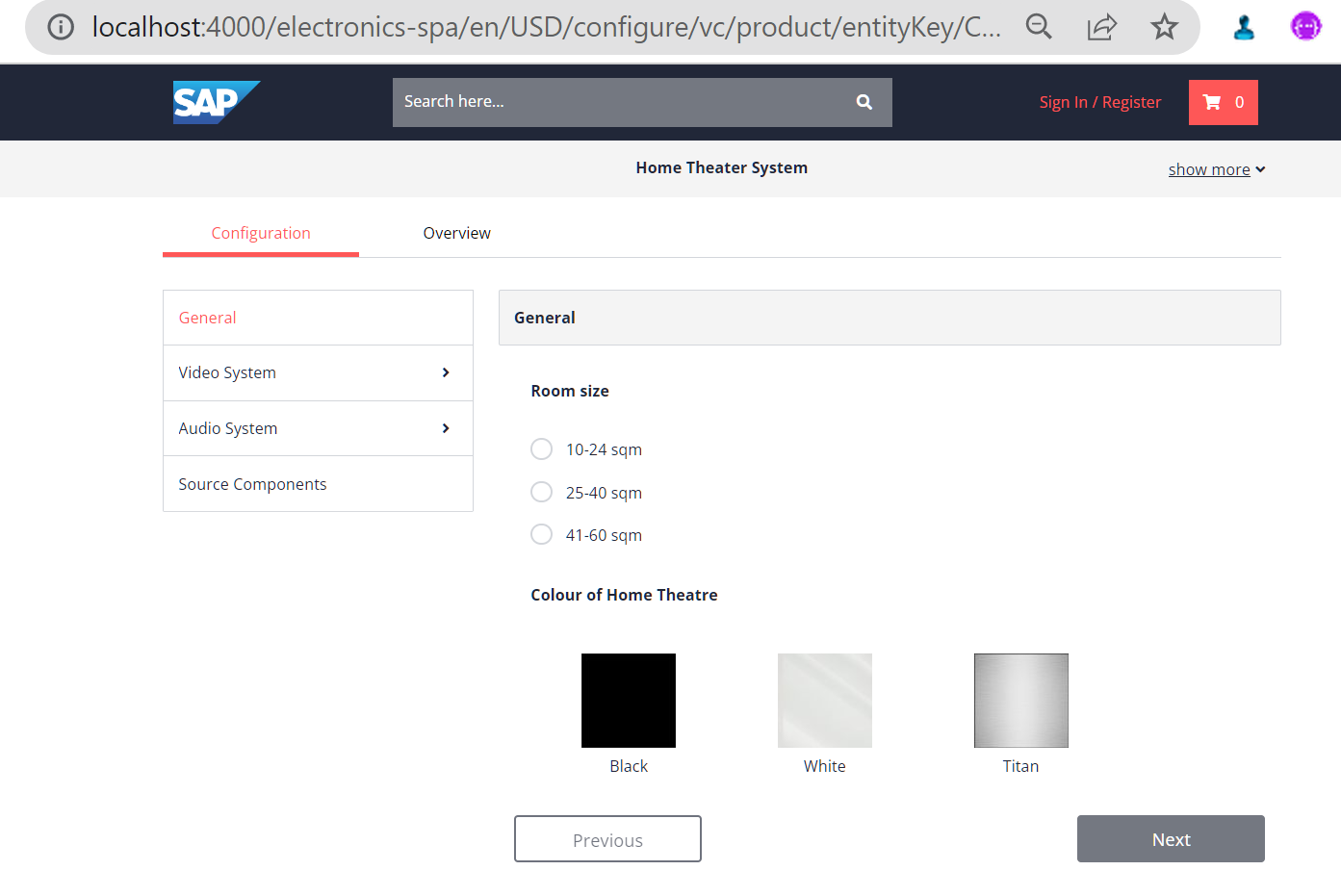
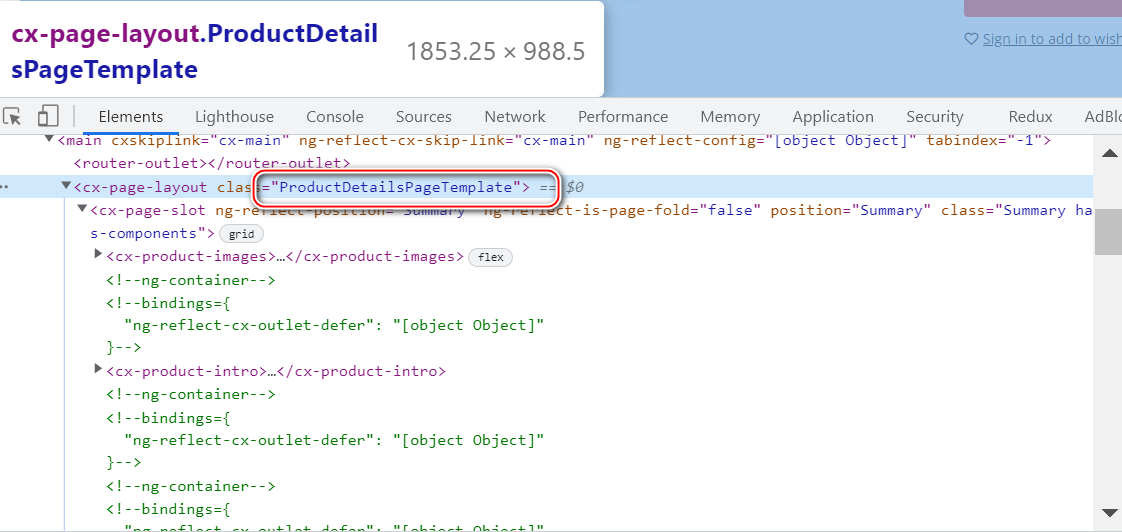
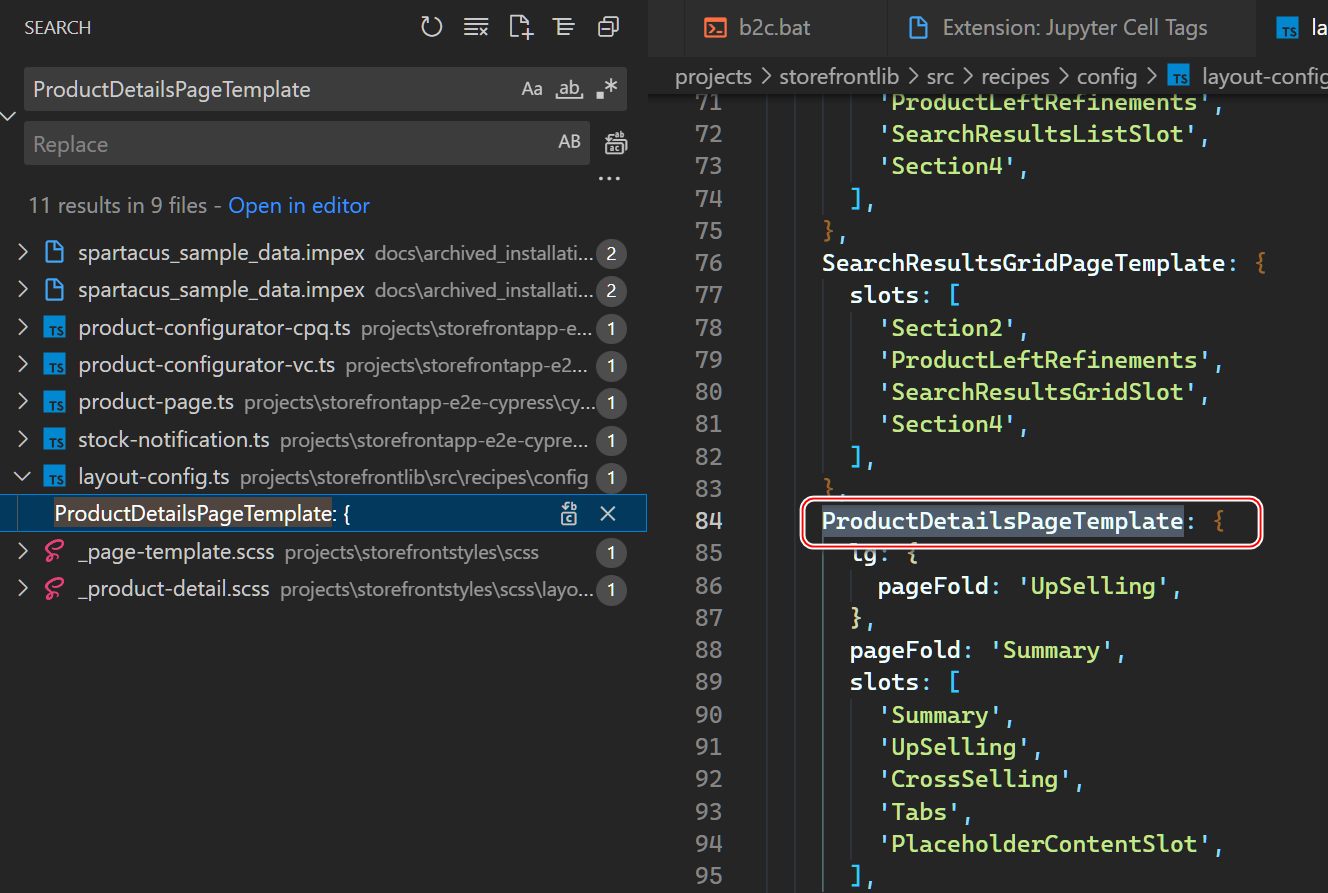
在这个 template 里面:ProductDetailsPageTemplate
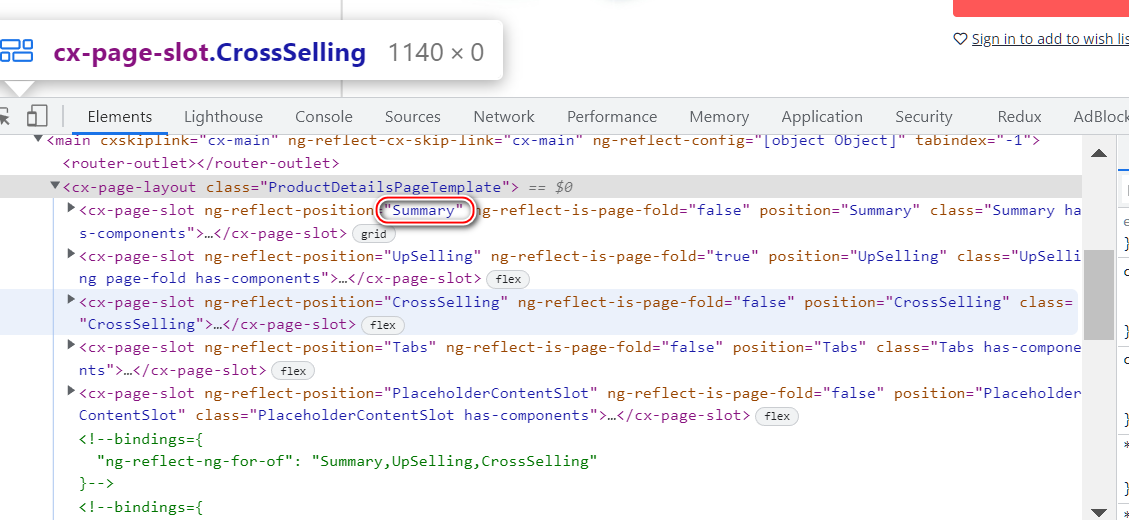
运行时的 Summary content slot:
summary 里的 Component:
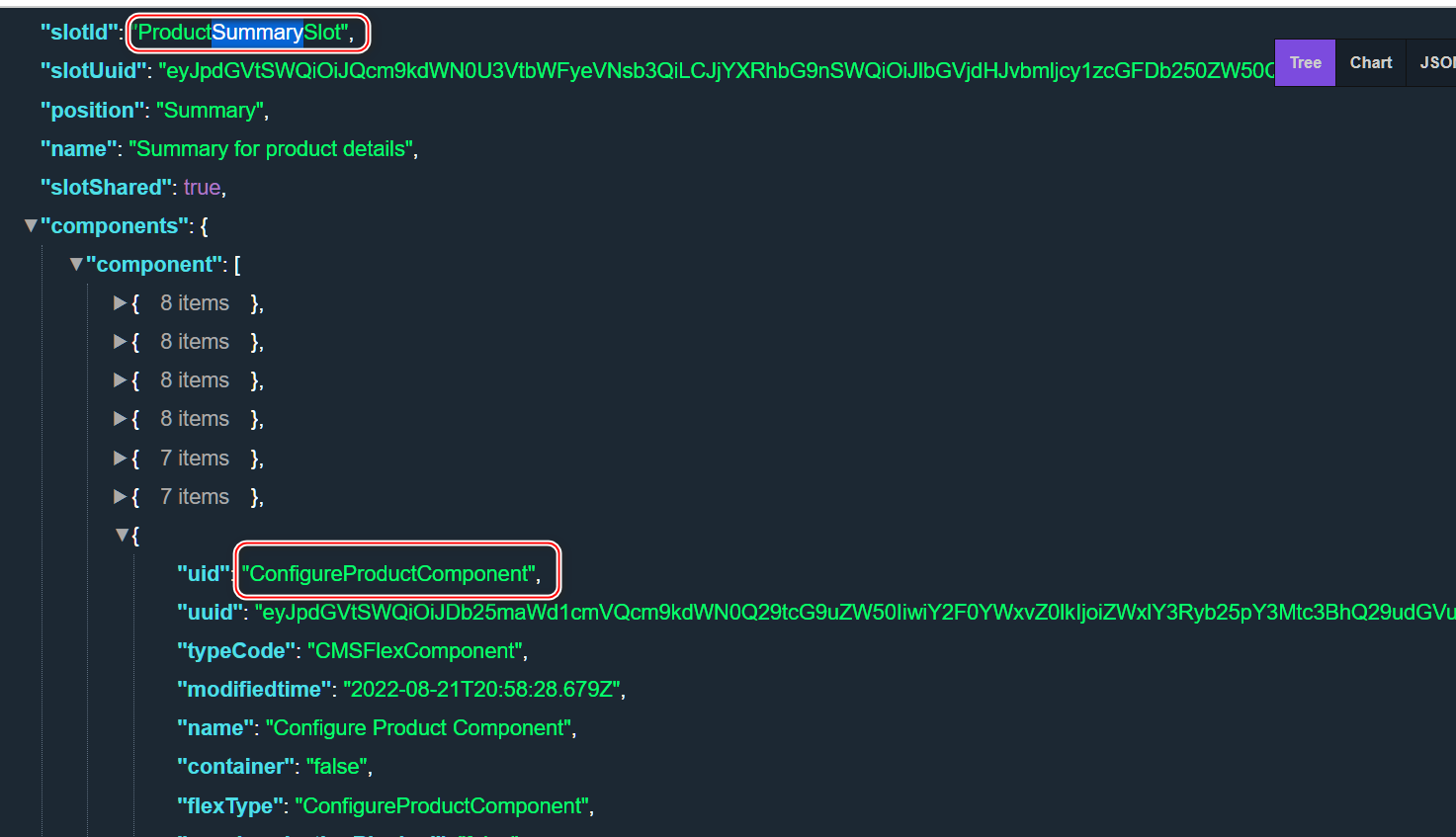
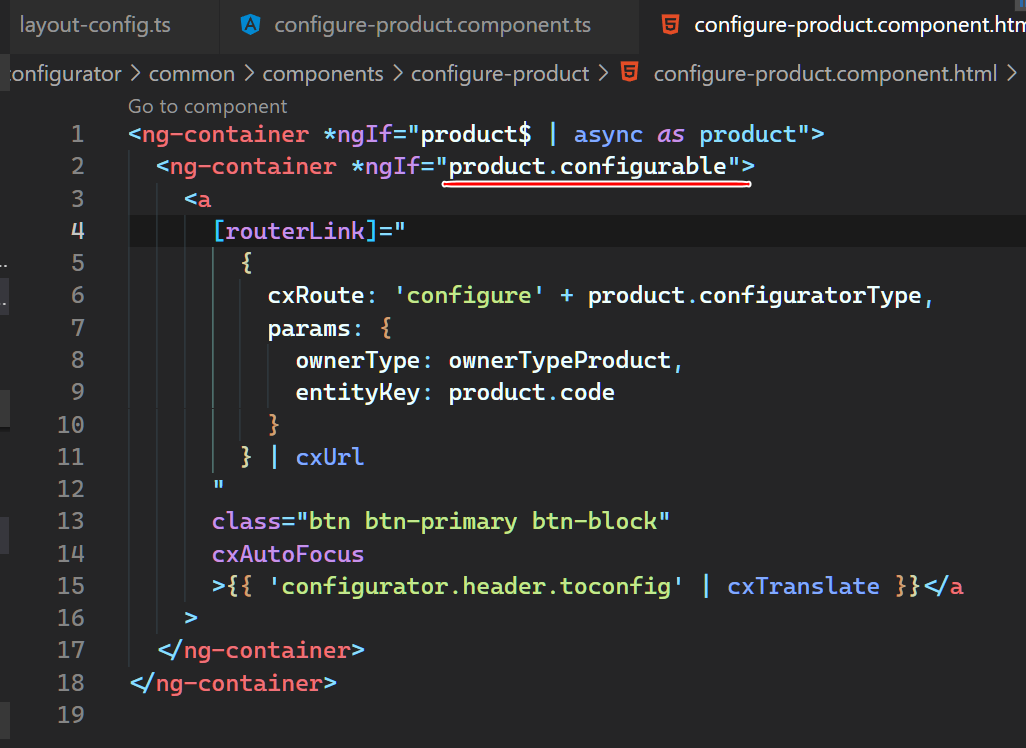
仅当 configurable 为 true 才显示:
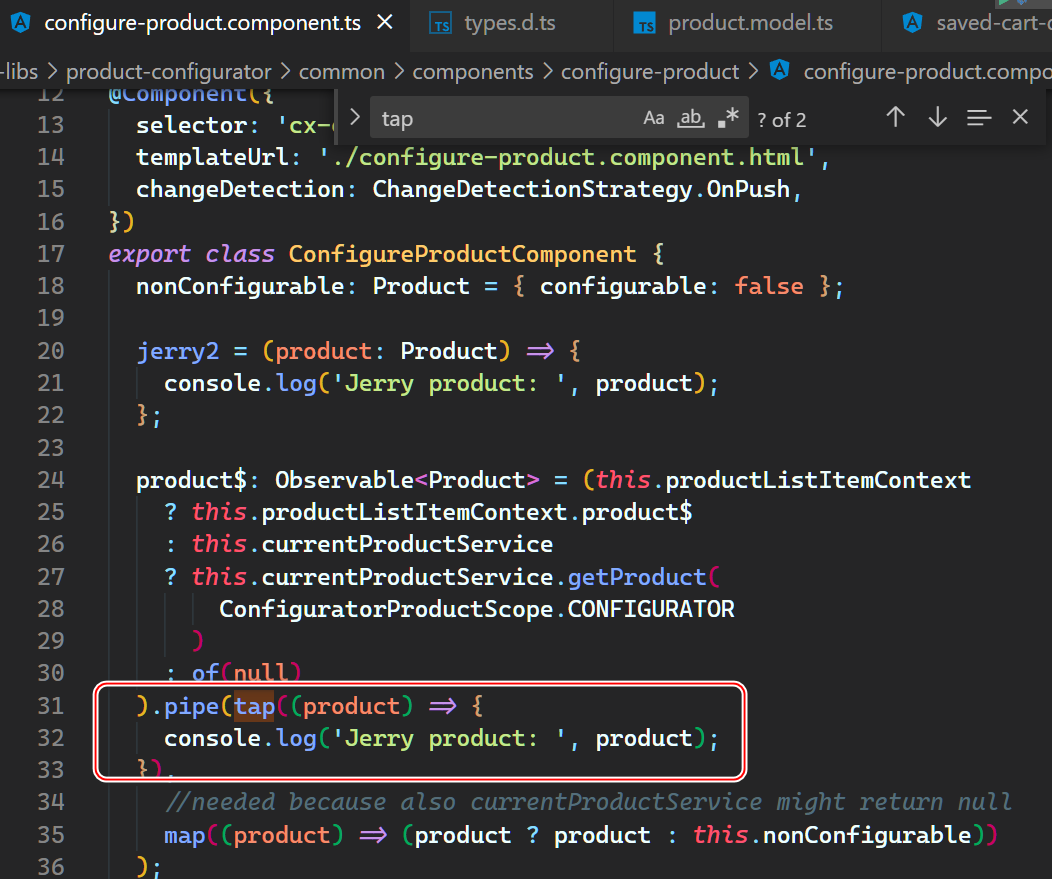
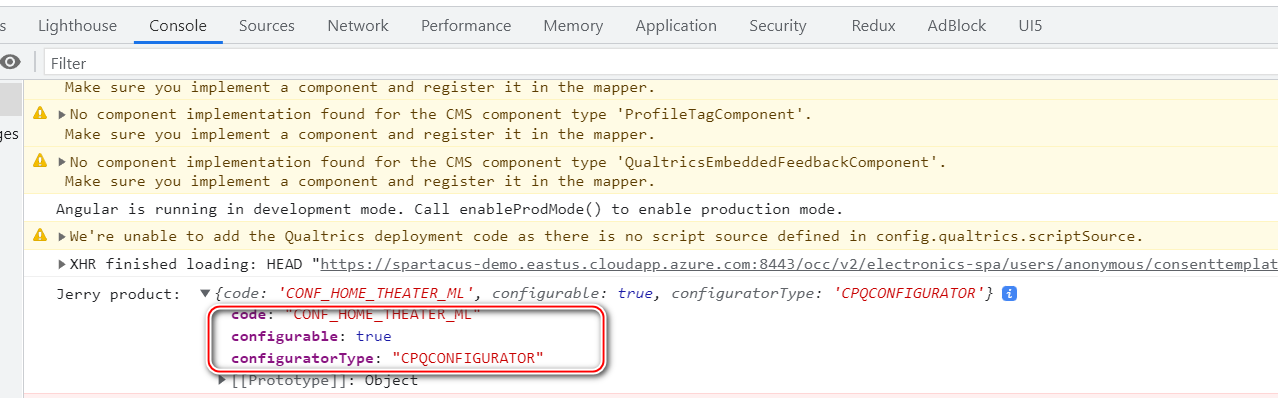
打印出来:
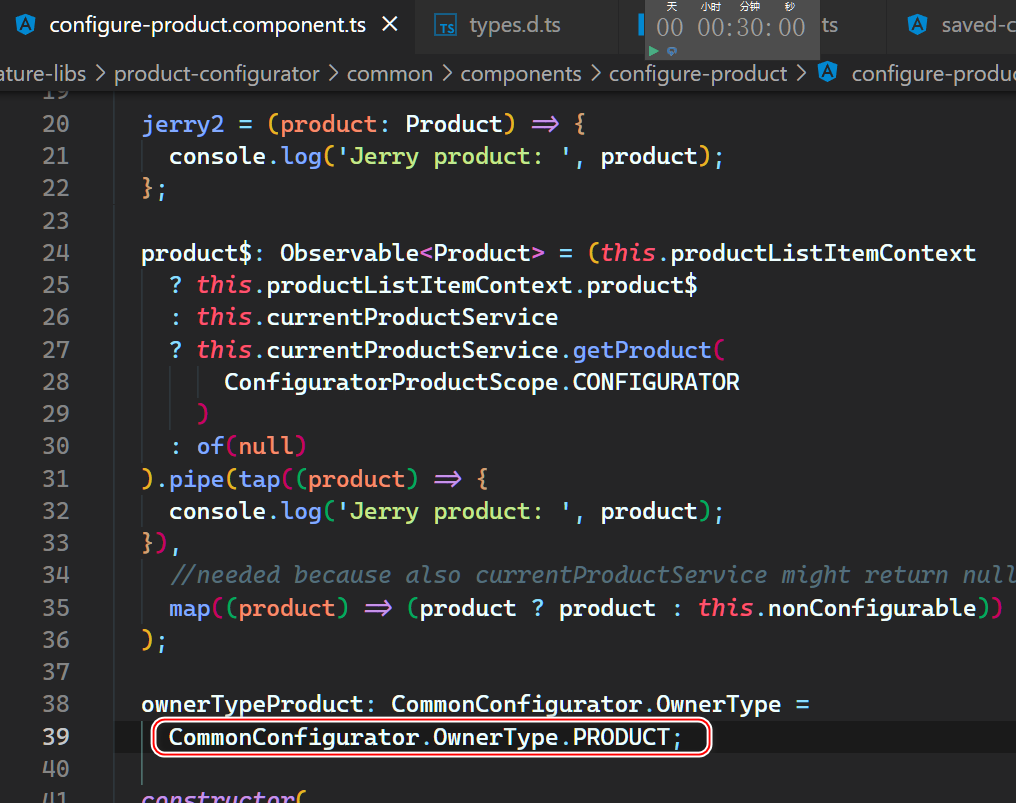
owner type 硬编码成 product:
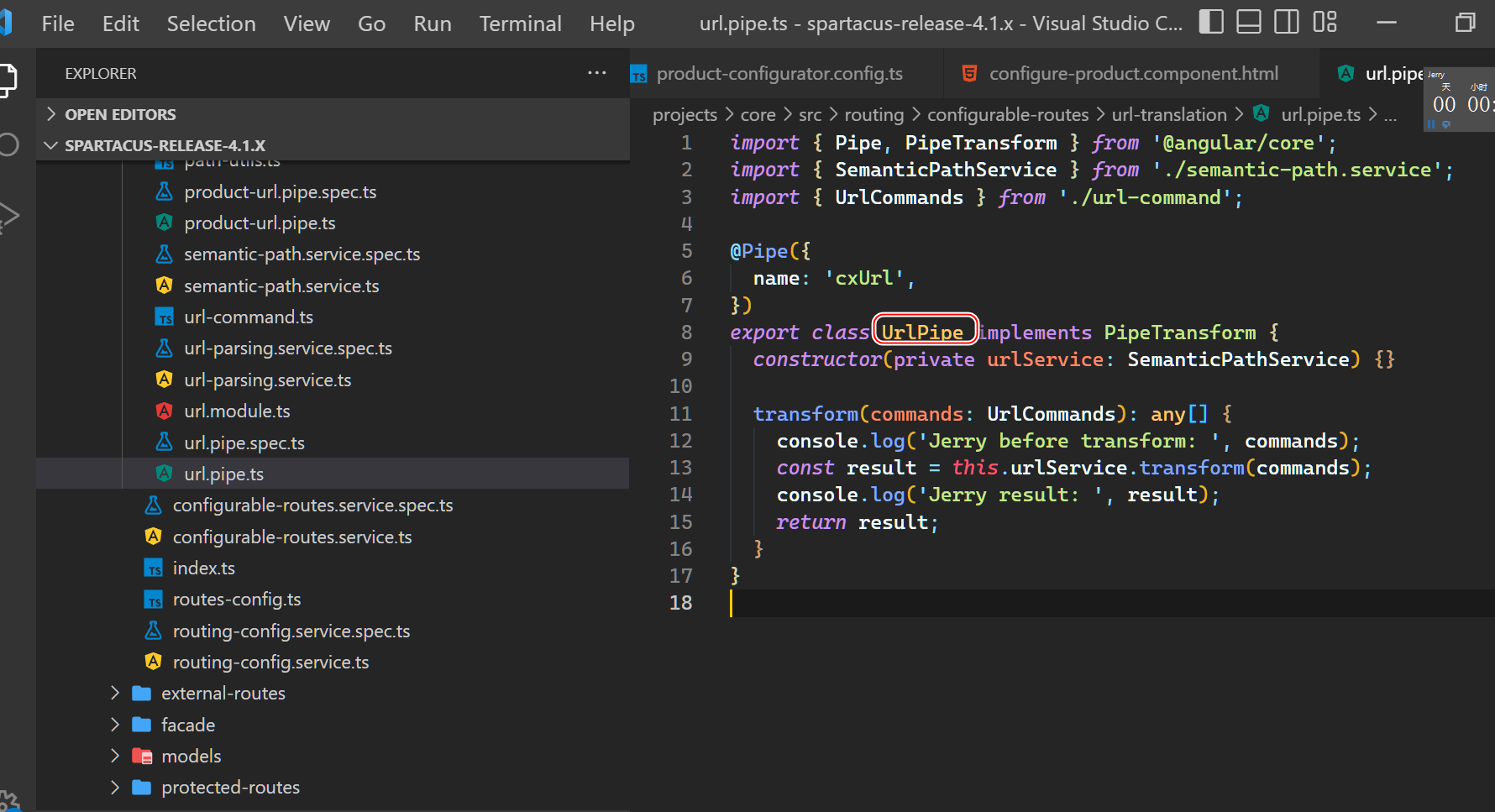
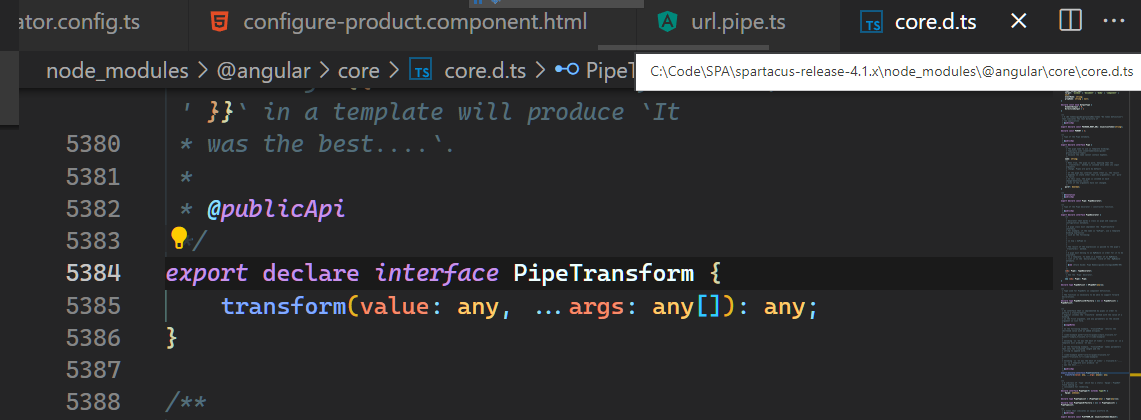
这是标准的接口:
http://localhost:4000/electronics-spa/en/USD/configure/vc/product/entityKey/CONF_HOME_THEATER_ML
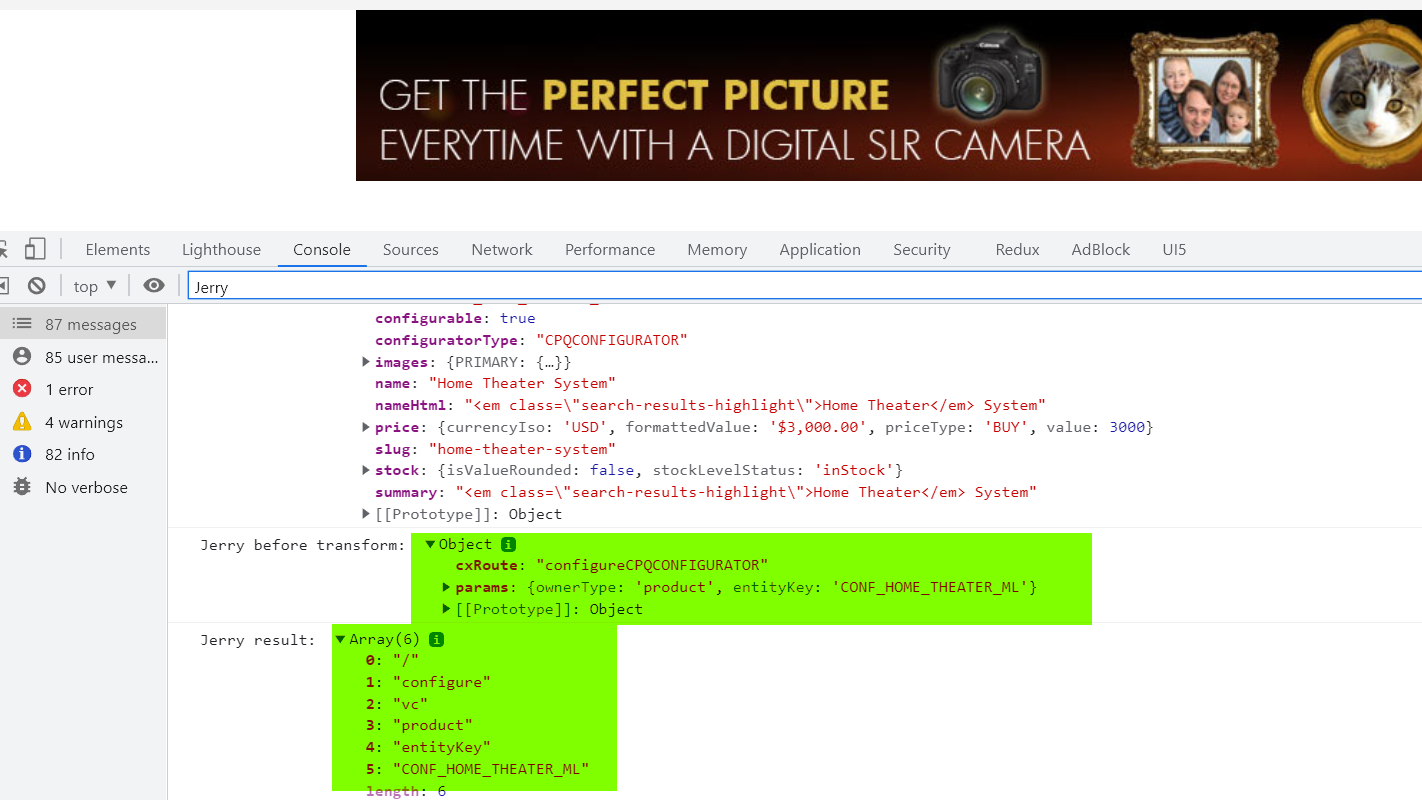
运行时打印出来的 pipe 的输入和输出数据:

上面的是已经进到 configuration 明细页面后打印出来的。不对,重新找。
这个才是正确的:
把程序修改一下:

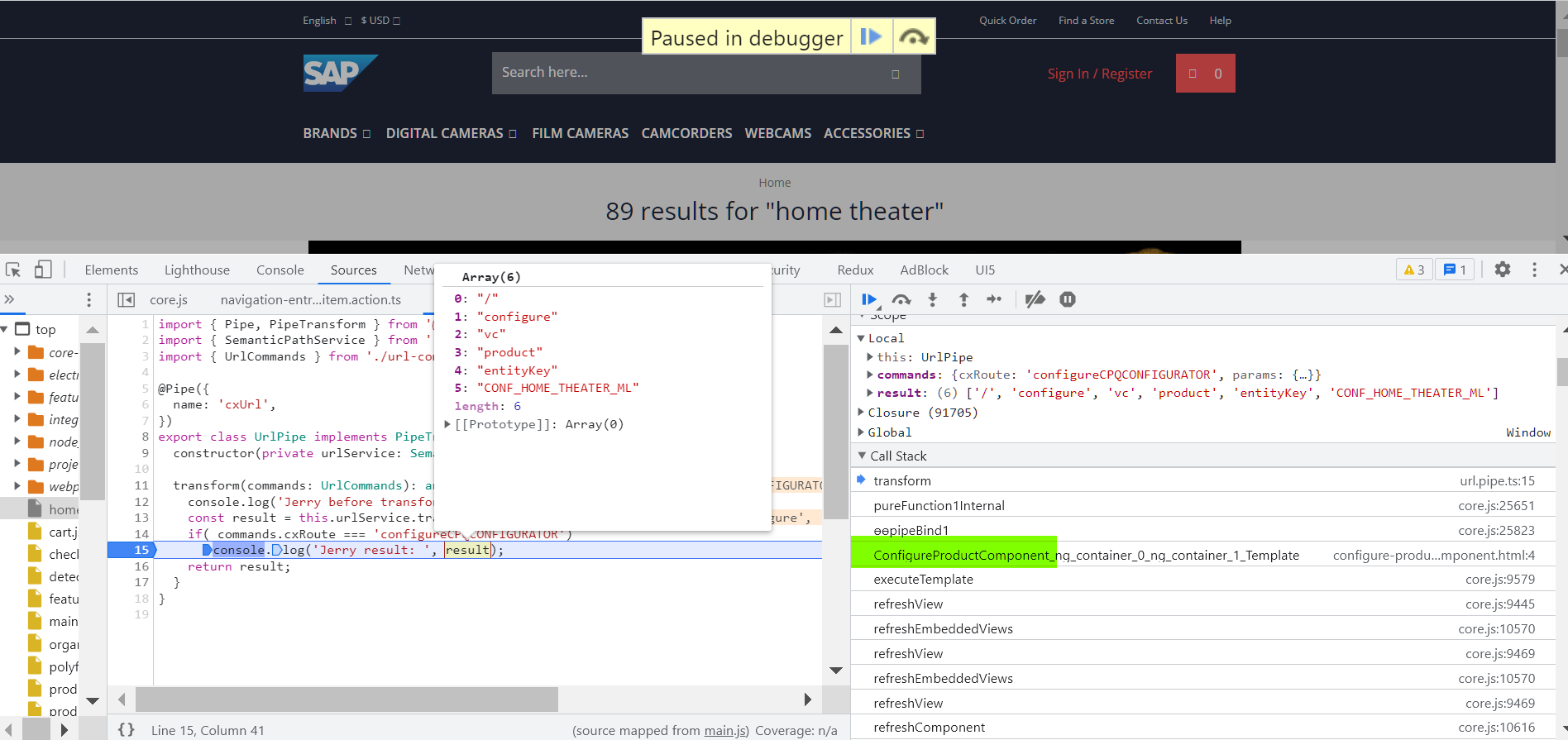
判断是否是 route 配置:

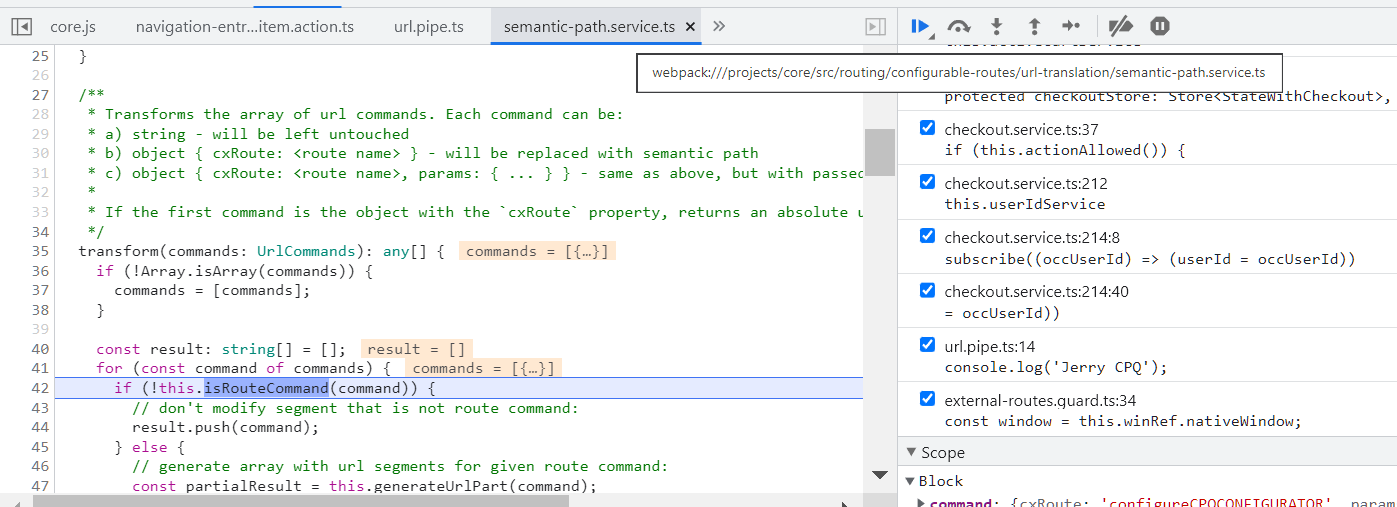
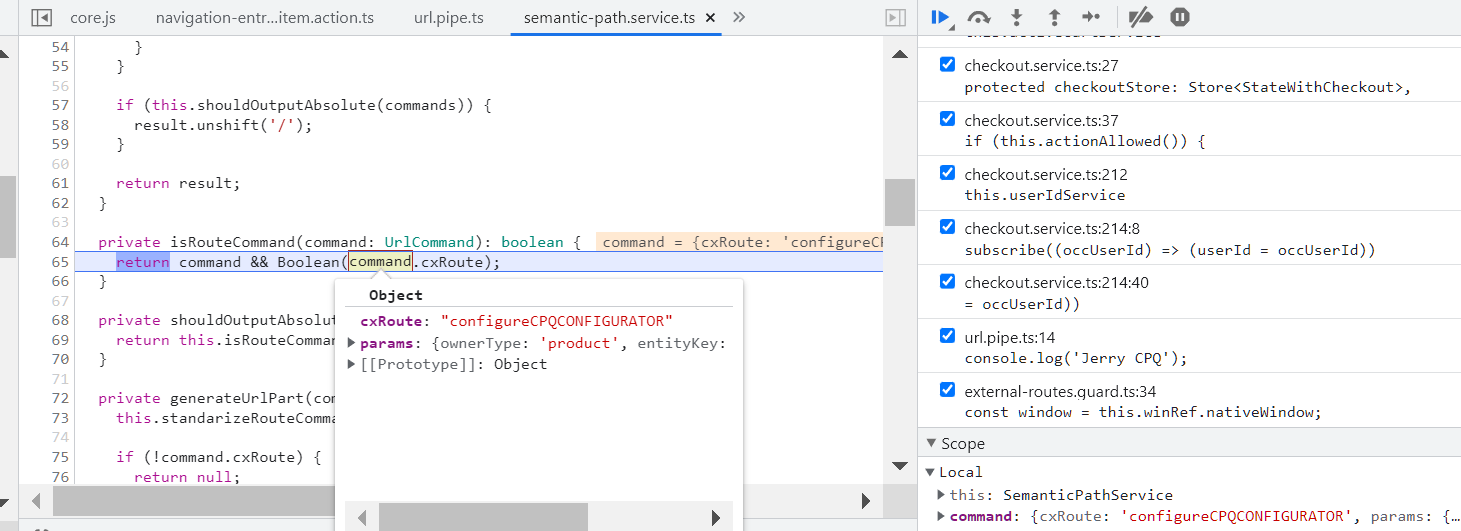
只要 command 对象有 cxRoute,就被认为是 route command:
根据 route 名称从 route configure 里拿到配置:
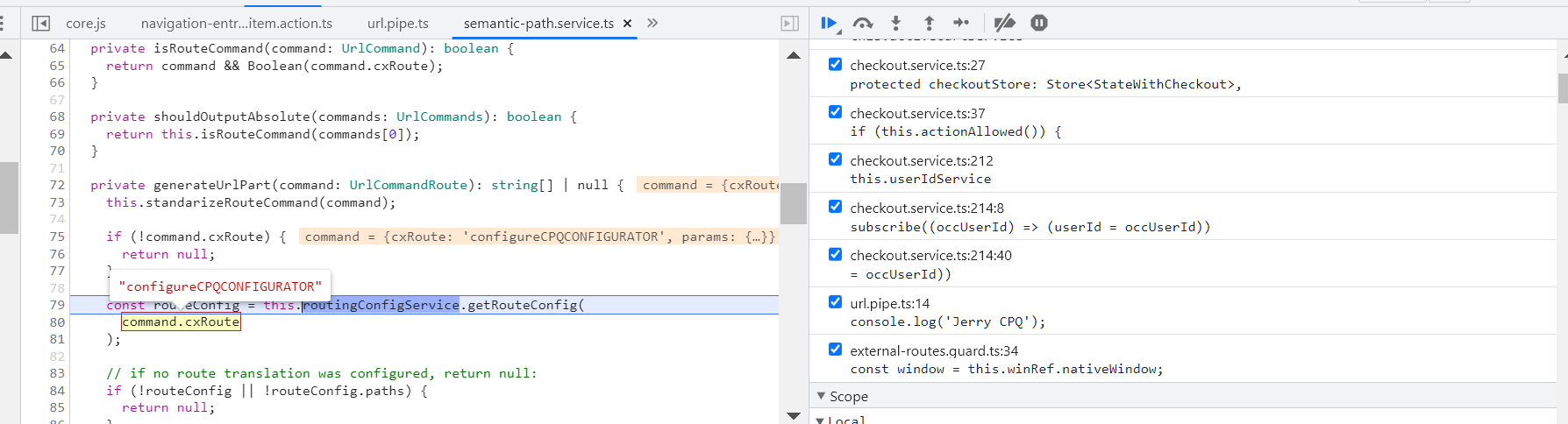
getRouteConfig(routeName: string): RouteConfig { const routeConfig = this.config?.routing?.routes; const result = routeConfig && routeConfig[routeName]; if (!routeConfig || result === undefined) { this.warn(`No path was configured for the named route '${routeName}'!`); } return result; }- 1
- 2
- 3
- 4
- 5
- 6
- 7
- 8
- 9
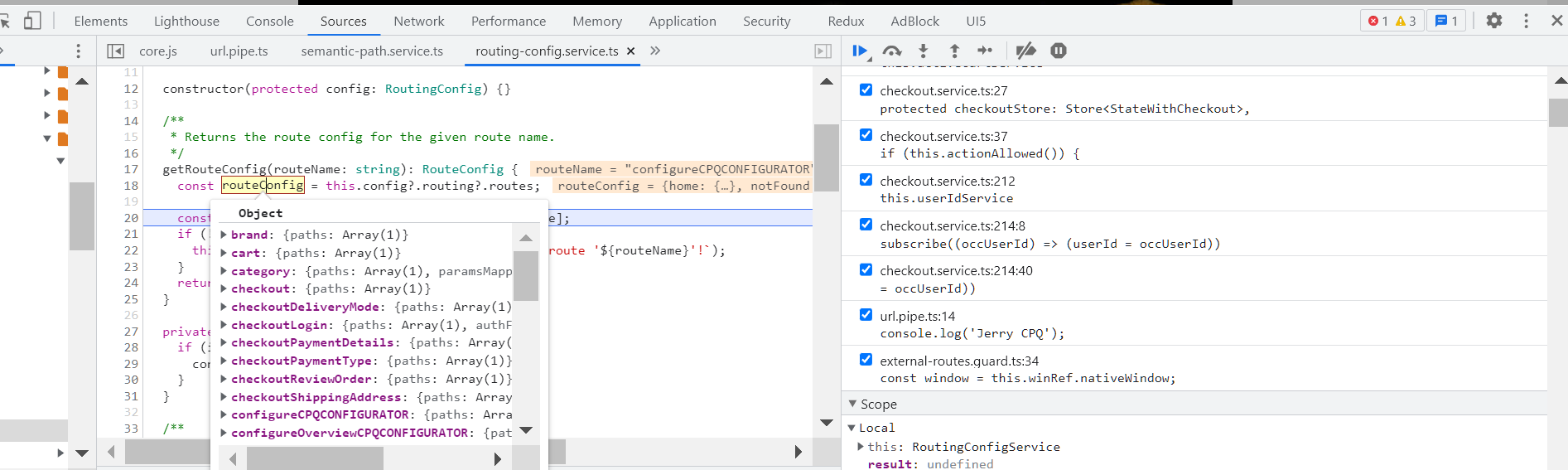

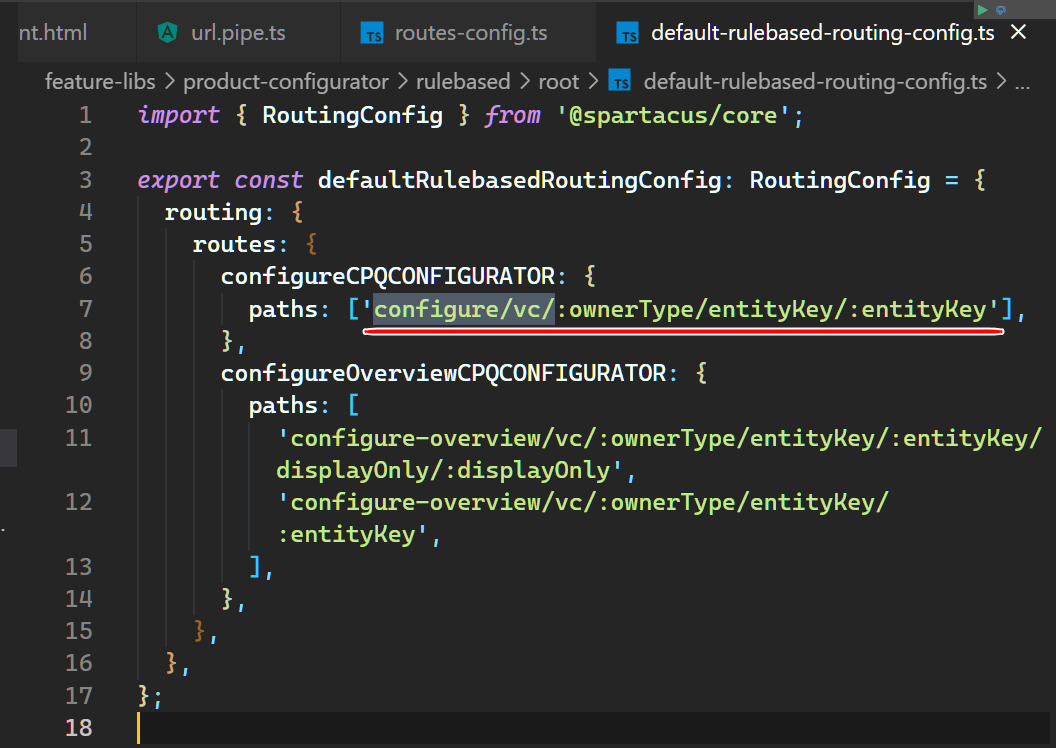
path: configure/vc/:ownerType/entityKey/:entityKey
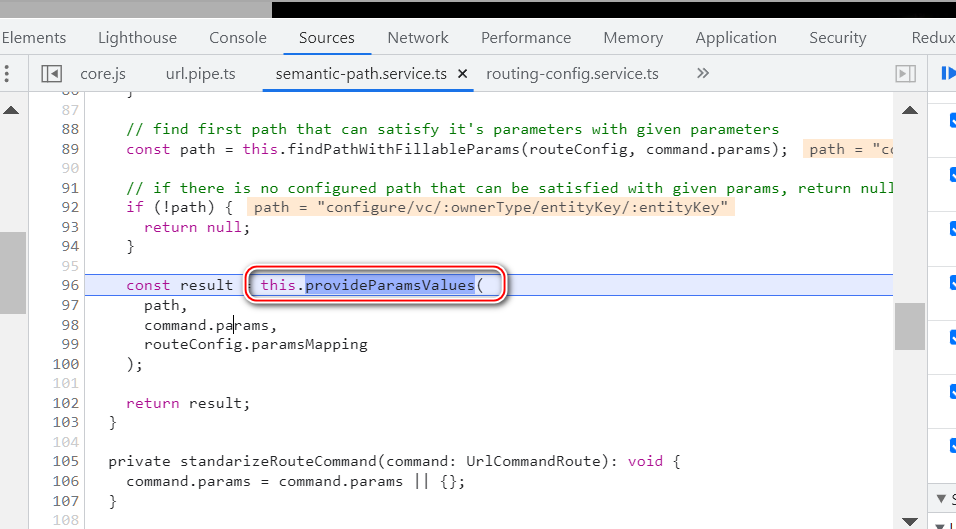
把 path 里的变量 place holder 用实际值进行替换:
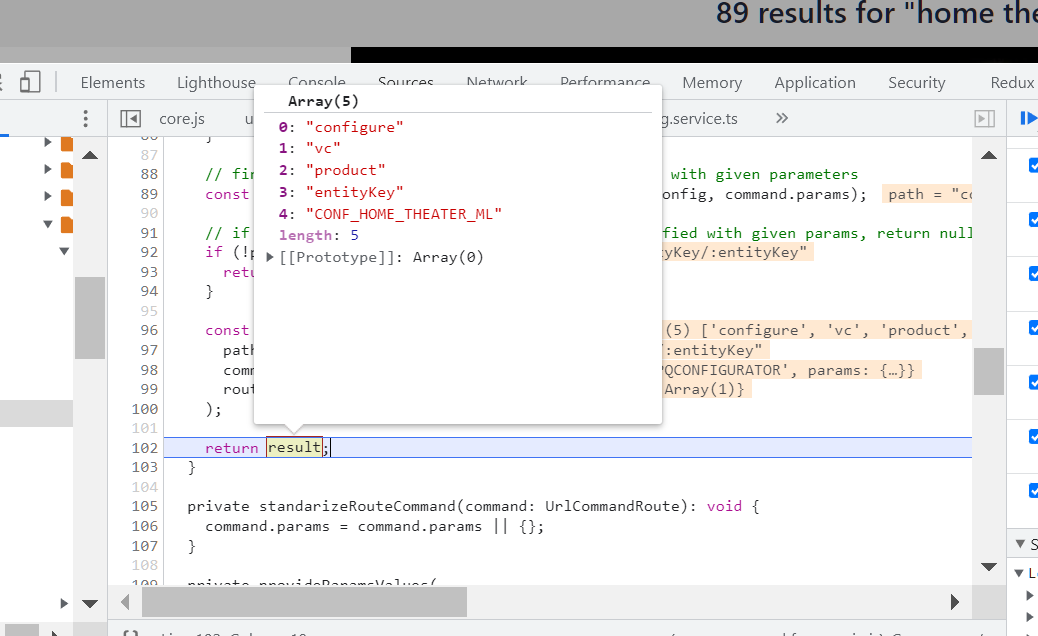
最后结果:
添加到购物车之后:
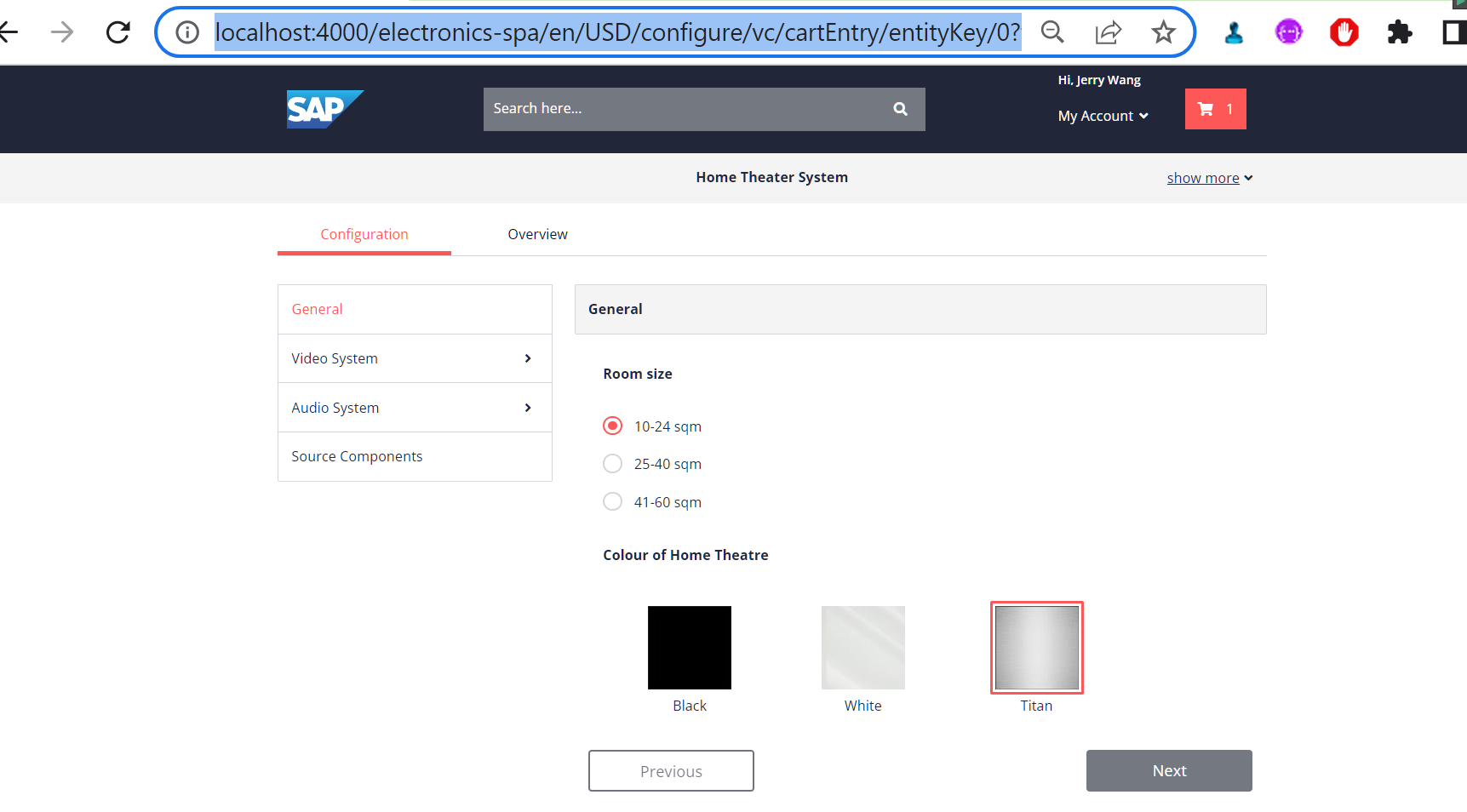
URL 如下:
http://localhost:4000/electronics-spa/en/USD/configure/vc/cartEntry/entityKey/0?forceReload=true&resolveIssues=false -
相关阅读:
Qt 基于海康相机的视频绘图
CGO 初步认知和基本数据类型转换
Linux SHELL脚本编程
Java idea编译器工程out目录修改
vue2原理初探-数据代理和数据劫持
【C++】vector 的常用接口
2022最新IDEA配置Maven及Tomcat--详细、简单,适合初学者
Spring的依赖注入
Word控件Spire.Doc 【段落处理】教程(九):在 C# 中将 HTML 字符串代码附加到 .doc 时设置文本对齐方式
数说故事与暨南大学达成“大数据+AI+传媒”全面战略合作
- 原文地址:https://blog.csdn.net/i042416/article/details/128111203